Operation
Edition BE210202
03.2022
Rondostar 5000
Operating manual
81
5.4 Programs
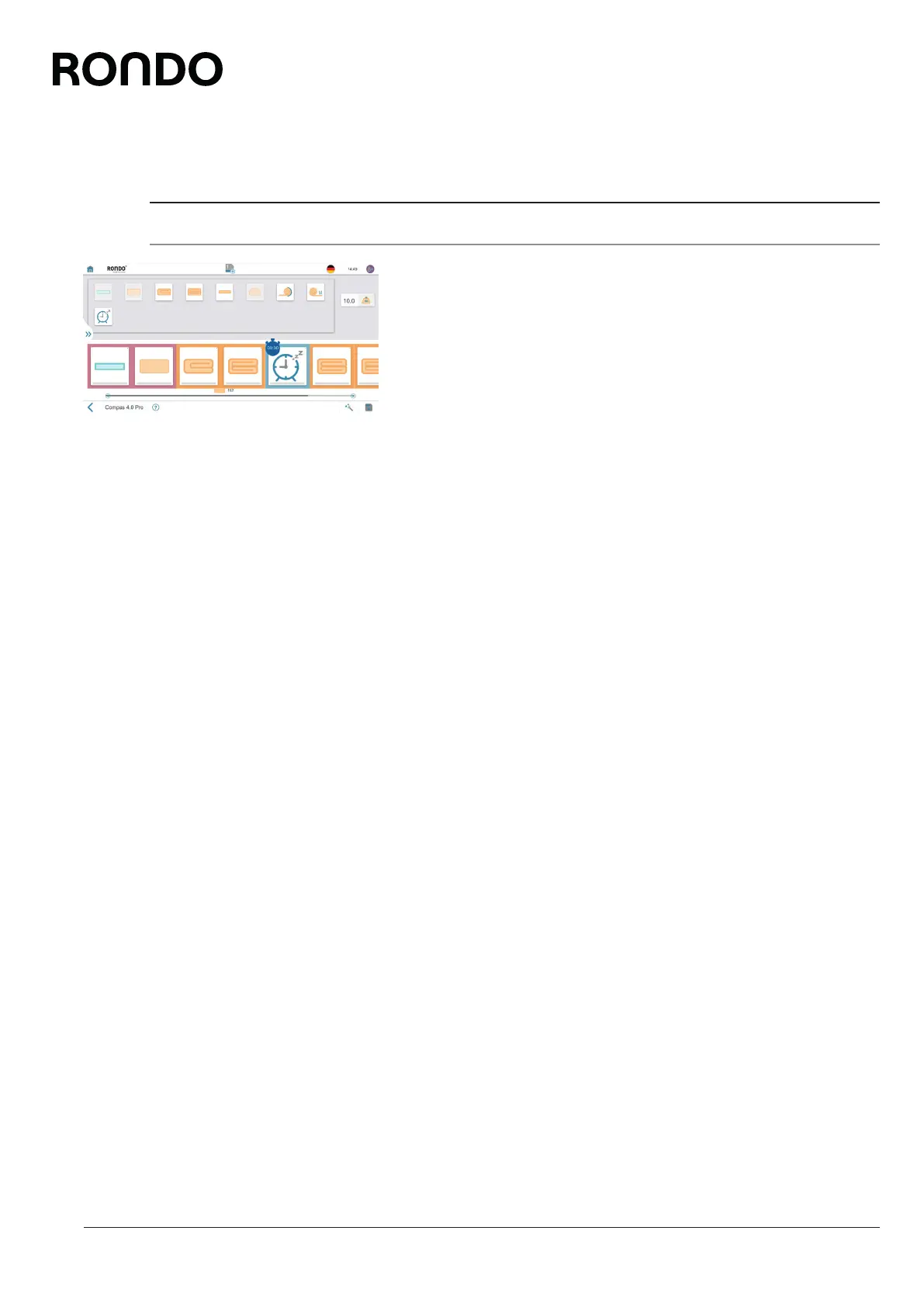
5.4.1 Create new program: Swipe-programming [foreman or higher]
For swipe-programming…
• you need advanced process know-how.
• you compile the program steps freely in the desired order and in
sequences.
1. Open side tab.
2. Open program list.
3. Tap plus icon.
4. Enter dough weight.
5. Compile program by dragging & dropping the program steps.
6. Tap the program step and make the settings.
(initial roller gap, final roller gap, width monitoring, roller reduction
curve, speed, speed ratios, automatic flour duster, etc.) (also see
5.7 Process know-how)
7. Tap the save icon.
8. Select the program name, program number, program colour and
the program image, if desired.
9. Tap the save icon.
► The program is saved.
► The program appears in the program list.
Alternatively you can use the program wizard.



 To Next Page