Operation
Edition BE210202
03.2022
Rondostar 5000
Operating manual
82
5.4.2 Create new program: Program wizard [foreman or higher]
The program wizard…
• makes it easier to create the program. You select a product group.
The program wizard guides you through the necessary settings.
• compiles the necessary program steps and sequences based on
your settings.
1. Open side tab.
2. Open program list.
3. Tap plus icon.
4. Enter dough weight.
5. Tap the magic wand icon.
6. Select product group.
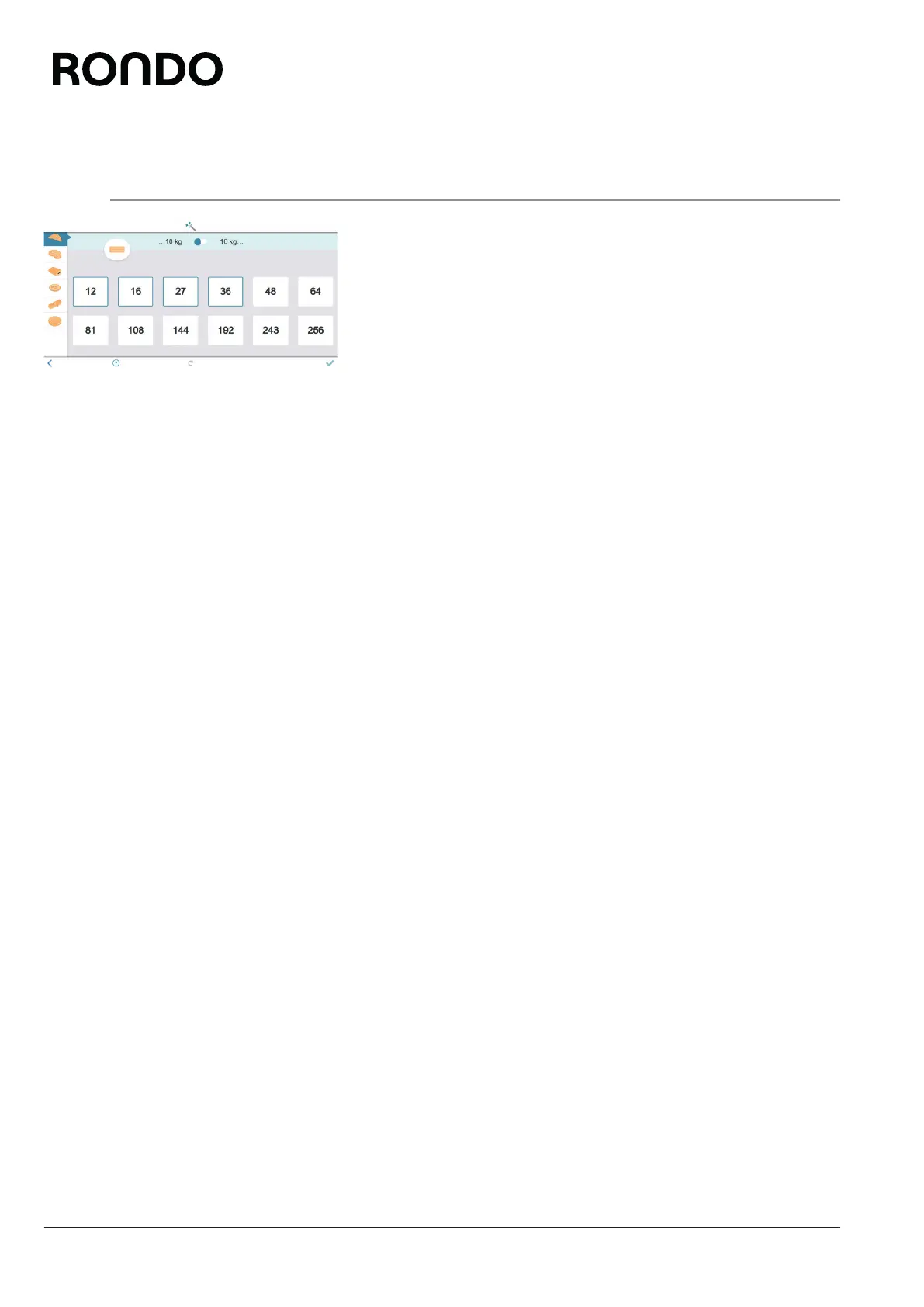
7. Detail dough weight.
8. Select number of fat layers where applicable.
9. Tap the quality mark icon.
10. Perform settings for final sheeting and the end functions.
11. Tap the quality mark icon.
12. Tap the save icon.
13. Select the program name, program number, program colour and
the program image, if desired.
14. Tap the save icon.
► The program is saved.
► The program appears in the program list.



 To Next Page