Operation
Edition BE210202
03.2022
Rondostar 5000
Operating manual
83
5.4.3 Copy program [foreman or higher]
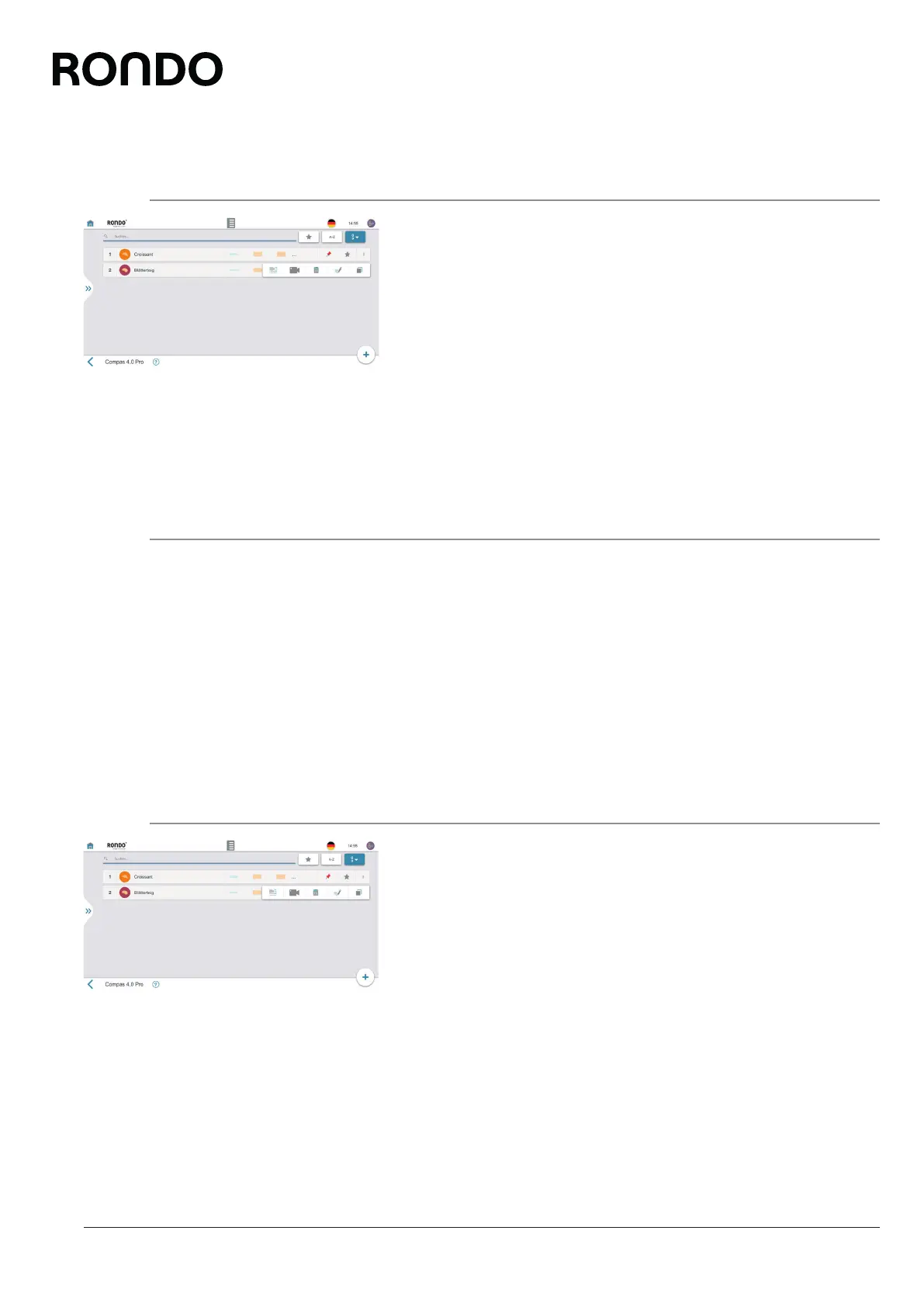
1. Open side tab.
2. Open program list.
3. Tap the three point icon.
4. Tap the copy icon.
► The save dialogue opens.
5. Enter the program name, program number, program colour and
the program image, if desired.
6. Tap the save icon.
► The program is saved.
► The program appears in the program list.
5.4.4 Permanently change program [foreman or higher]
1. Open side tab.
2. Open program list.
3. Open program.
4. Make changes.
5. Tap the save icon.
6. Follow further instructions where applicable.
► The program is permanently changed.
5.4.5 Delete program [foreman or higher]
1. Open side tab.
2. Open program list.
3. Tap the three point icon.
4. Tap the recycle bin icon.
► The delete dialogue opens.
5. Follow further instructions where applicable.
► The program is deleted.



 To Next Page