Putting into operation
Edition BE210202
03.2022
Rondostar 5000
Operating manual
76
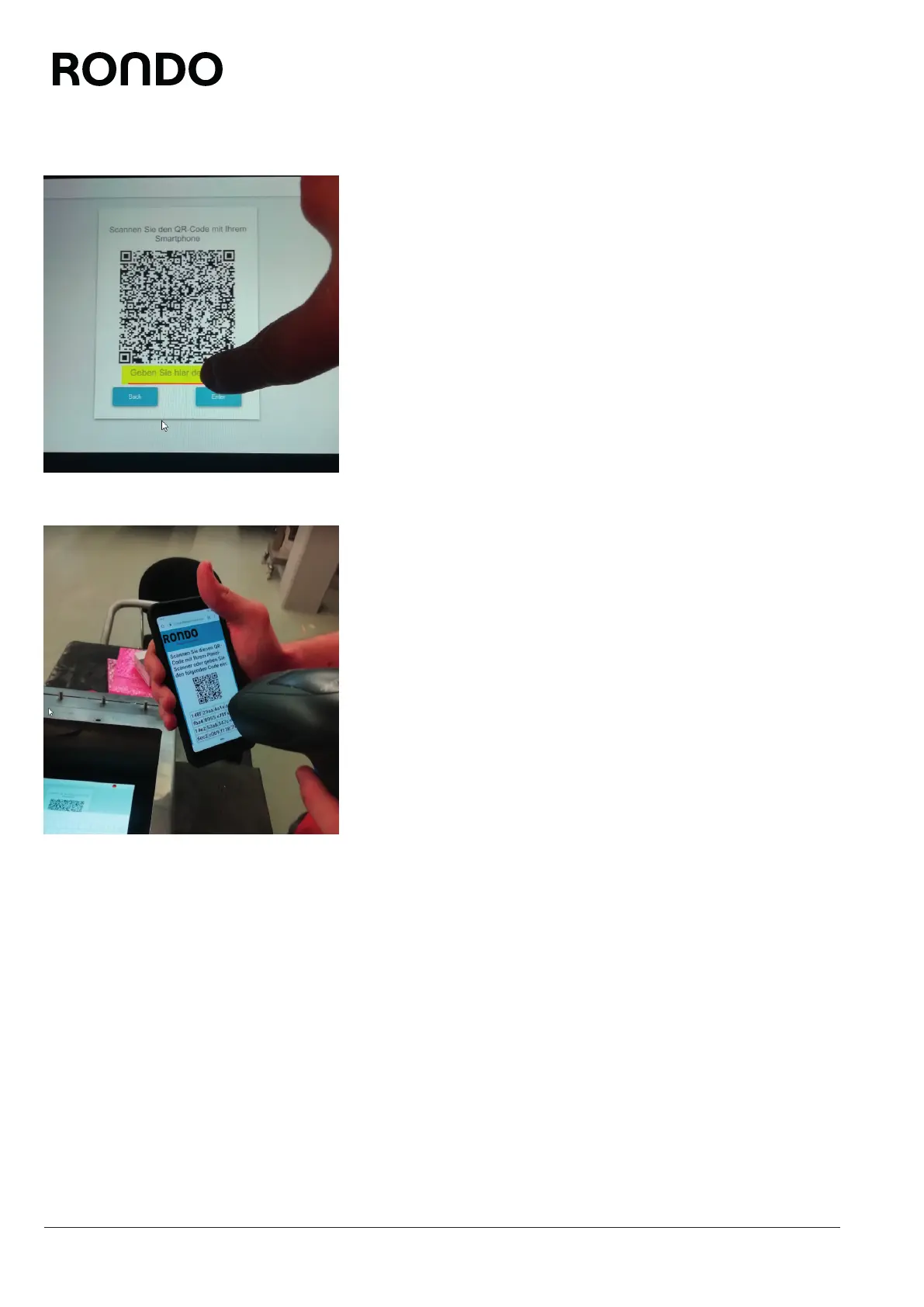
4. Tap the input field.
5. Either tap in the 64-digit code manually without spaces, or use the
scanner to scan in the small QR code on the mobile device. To do
this, plug the scanner into the USB interface. Scan in the QR
code.
► The 64-digit code is entered in the input field.
6. Tap Enter.
► The start process is displayed on the touch screen.
► The main screen is displayed.
► The registration process is complete.



 To Next Page