User Manual Roth EnergyLogic Touchline/Wireless
Troubleshooting
P100011294 E 101
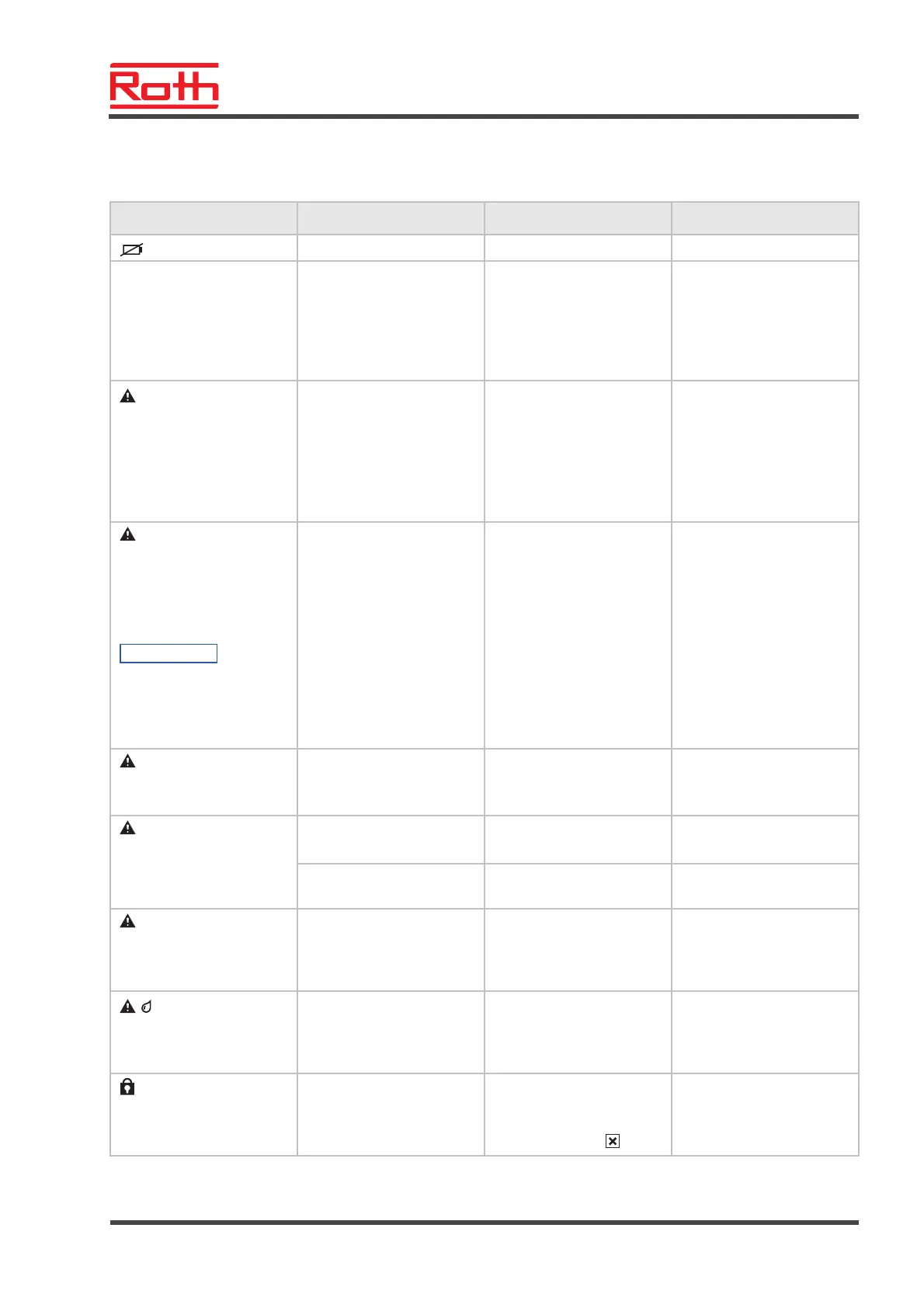
11.2 Wireless room thermostat with display
Problem Possible cause Remedy To be executed by
Battery almost empty. Replace batteries. User
bAtt
Battery critically low. Radio
connection between wire-
less room thermostat and
wireless connection mod-
ule is no longer guaran-
teed.
Replace batteries immedi-
ately.
See also page 32, open
wireless room thermostat.
User
The assigned channel has
been deactivated.
The fuse in the wireless
connection module has
tripped.
Also see page 100,
chapter 11.1.
See page 100, chap-
ter 11.1.
Electrician
Err1/Err2
No radio signal between
the wireless room thermo-
stat and the wireless con-
nection module for at least
30 minutes.
NOTE
Err1: Wireless room
thermostat
Err2: Wireless temperature
sensor
Power failure at the wire-
less connection module
Restore power supply.
Also see page 102,
chapter 11.2.1.
Electrician
Err3
Changed parameters can-
not be saved
Power failure wireless
connection module
Restore power supply. Electrician
Err4
IR-Sensor defect
Battery too weak Replace batteries User
IR-Sensor broken Replace wireless room
thermostat with IR-sensor.
Professional
Err8
Synchronisation with wire-
less connection module
Synchronisation with con-
troller failed
Open wireless room ther-
mostat, remove battery,
insert battery after 30 s
according to instructions.
User
Dew-point exceeded. Check supply water tem-
perature of cooling unit. If
possible increase supply
water temperature.
Professional
Short-time display
Another wireless room
thermostat is in the user or
service menu.
Set one of the wireless
room thermostats into
sleeping mode by pressing
the sensor button
.
Professional
Table 22: Troubleshooting wireless room thermostat with display



 To Next Page