User Manual Roth EnergyLogic Touchline/Wireless
Commissioning and operation
52 P100011294 E
7.1.1 Address one wireless room thermostat to one radio channel
Example
One wireless room thermostat shall be addressed to radio channel CH 1.
► Press push button CH 1 of the wireless connection module.
► The corresponding LED CH 1 blinks.
► For wireless room thermostats with display: Press the sensor buttons
and
of the wireless room thermostat for 5 seconds simultaneously.
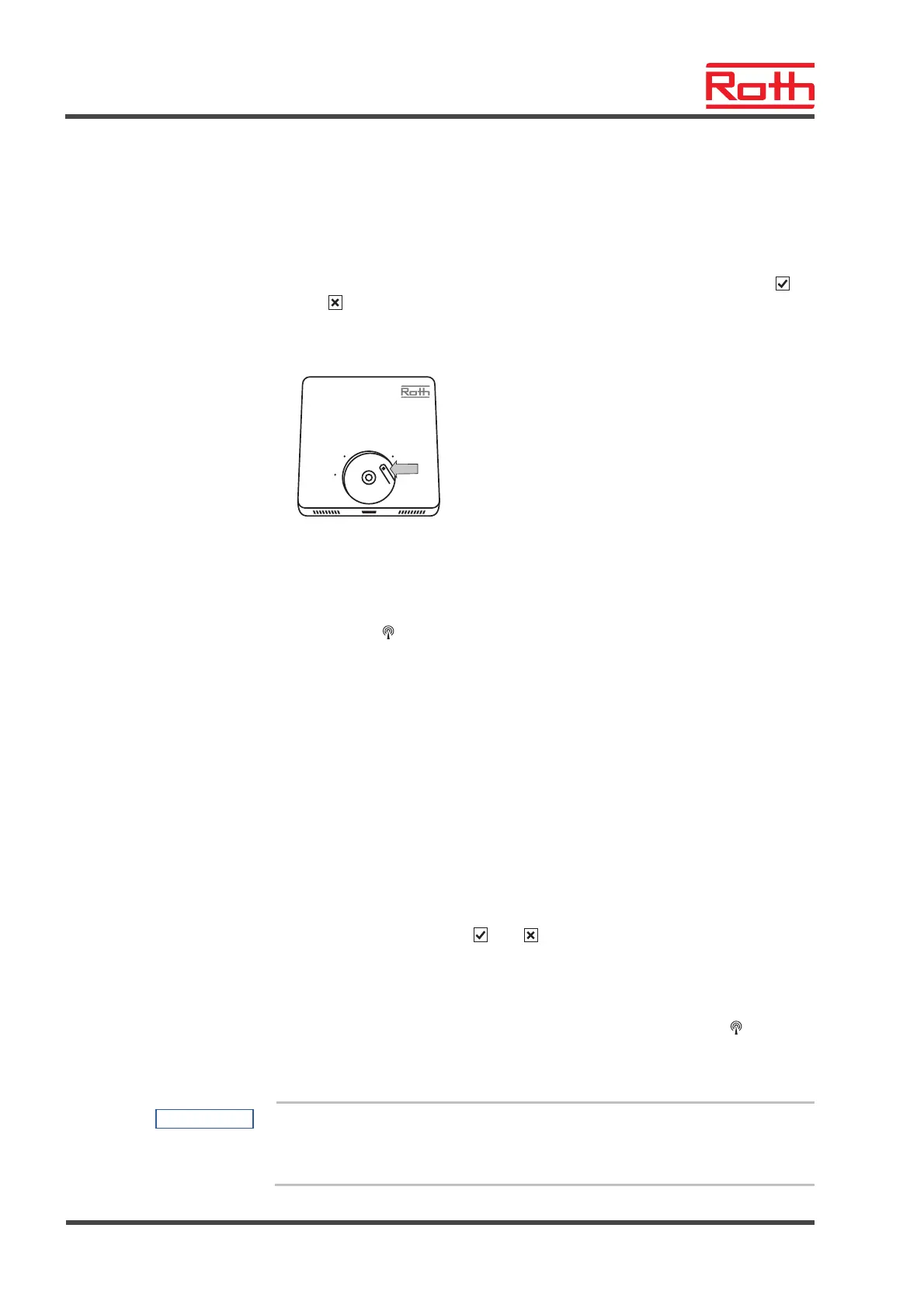
► For wireless room thermostats without display: Push the button below the
rotary knob for 10 seconds.
5
20
30
► LED CH 1 of the wireless connection module lights.
► After 5 seconds LED CH 1 goes off. If a demand is present, then LED CH 1
would continue to light.
► The display of the wireless room thermostat is activated (operation mode)
The symbol
will be shown and the setpoint is blinking. The setpoint can
be changed.
One wireless room thermostat is addressed to radio channel CH 1.
7.1.2 Address one wireless room thermostats to several radio channels
Example
Radio channel CH 1 and CH 2 shall be addressed to one wireless room
thermostat.
► Press push button CH 1 of the wireless connection module.
► The corresponding LED CH 1 blinks.
► Press push button CH 2 of the wireless connection module.
► The corresponding LED CH 2 blinks.
► Press the sensor buttons
and of the wireless room thermostat for
5 seconds simultaneously.
► LED CH 1 and CH 2 of the wireless connection module light.
► After 5 seconds LEDs CH 1 and CH 2 go off.
► The display of the wireless room thermostat shows the symbol
.
Radio channel CH 1 and CH 2 are addressed to one wireless room thermo-
stat.
NOTE
The radio channels can be selected and addressed in any sequence.



 To Next Page