User Manual Roth EnergyLogic Touchline/Wireless
Commissioning and operation
P100011294 E 71
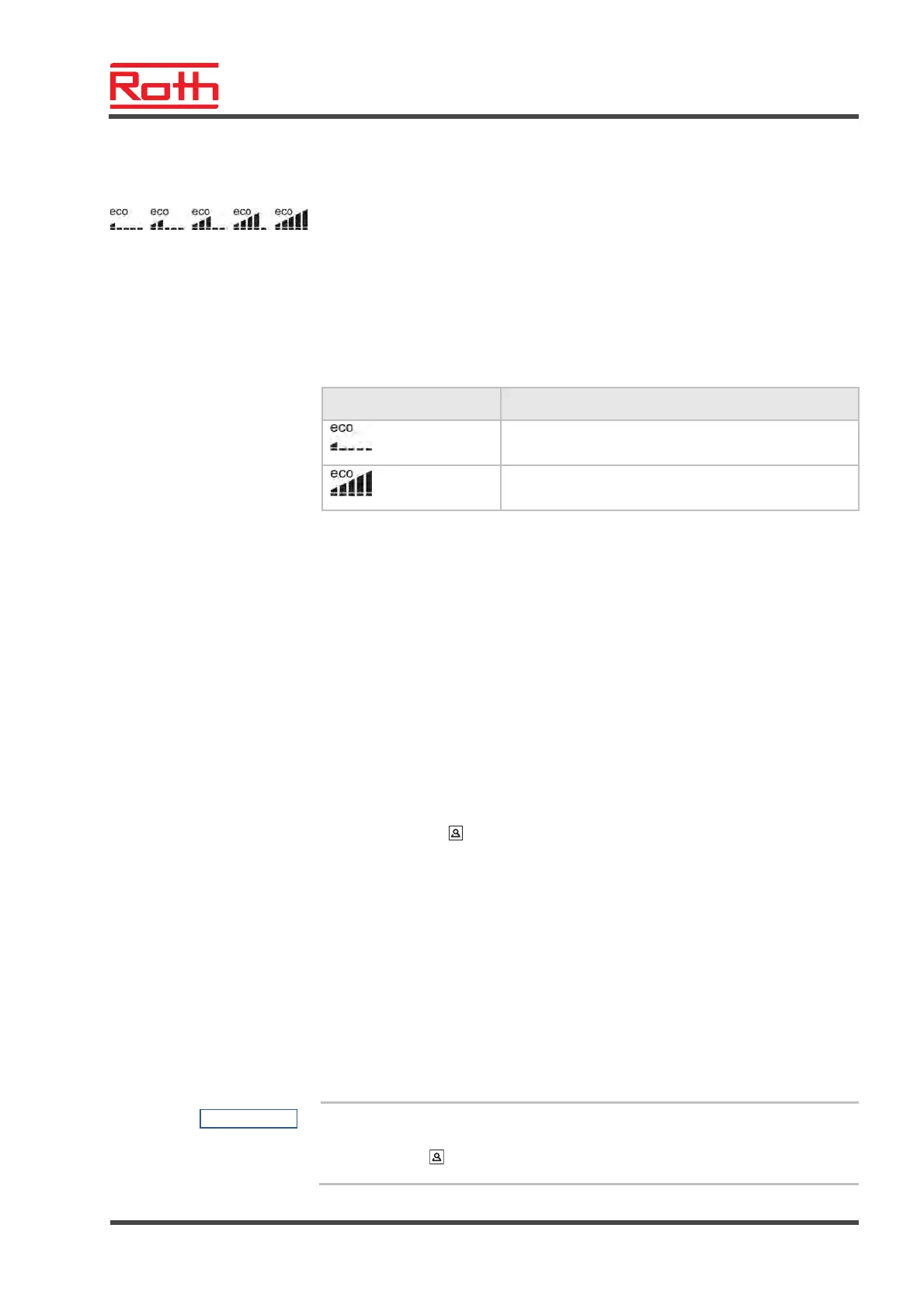
7.7 "eco"-Indicator
The "eco"-indicator displays the relative energy consumption of the plant. The
"eco"- indicator has five levels.
The "eco"-level is depending on the following factors:
● Setpoint
● Actual room temperature
● Mode of operation
● At heating and cooling plants: settings of the dead-zone.
Symbol Description
"eco"-level 1: low relative energy consumption, high
energy efficiency
"eco"-level 5: high relative energy consumption, low
energy efficiency
Table 14: "eco"- indicator
Energy efficiency
The energy efficiency can be increased by the following measures:
► Reduce the setpoint of the room temperature and if applicable the mini-
mum floor temperature.
► Use the time program and adapt this program to the end-user's daily
schedule.
► For plants with heating and cooling: increase the dead-zone between
heating and cooling.
7.8 Parameterising function button
Function button
The sensor button
can be assigned with a function.
Parameterise function
Set this function via the parameter P-10. See parameter description P-10,
page 80.
The following functions are available:
● Option "P-9H": Priorities or function "Heating or cooling" for the set duration
(h) (party function).
● Option "H-C": Direct switching heating/cooling and display of room temper-
ature. See following section "procedure for direct switching of heat-
ing/cooling".
● Further option: Direct display of the floor temperature (for wireless room
thermostat with IR only).
NOTE
If the option "H-C" or "Display of floor temperature" has been chosen in the
parameter P-10, you can still choose the party function by pushing the
sensor button
for 5 seconds.



 To Next Page