User Manual Roth EnergyLogic Touchline/Wireless
Commissioning and operation
64 P100011294 E
7.5 Set time and date
At commissioning
For proper functioning of the plant it is necessary to set the time and date of
each wireless connection module.
During addressing of the first wireless room thermostat to a wireless connec-
tion module, the setting of the time and date is automatically prompted. If this
procedure is skipped, then it will be repeated when the next wireless room
thermostat is assigned.
► The value for the hour blinks.
► Press sensor button
or , to set the actual value for the hours.
► Press sensor button
to confirm. The value for the minutes blinks.
► Set minutes, year, month and day as described for the hours.
► When time and date have been set press sensor button
. The display
shows the operation mode.
Check and adjust time and
date, when needed
If necessary the time and date can be checked and adjusted directly at the
wireless room thermostat.
The wireless room thermostat is in stand-by mode.
► Press any button on the wireless room thermostat for 2 seconds.
► The display changes into operation mode. The room temperature setpoint
blinks.
► Press sensor button
5 seconds. The value for the hours blinks.
► Press sensor buttons
or , to set the actual value for the hours.
► Press sensor button
to confirm. The value for the minutes blinks.
► Set minutes, year, month and day as described for the hours.
► When time and date have been set press sensor button
. The display
shows the operation mode.
Get the time from the In-
ternet
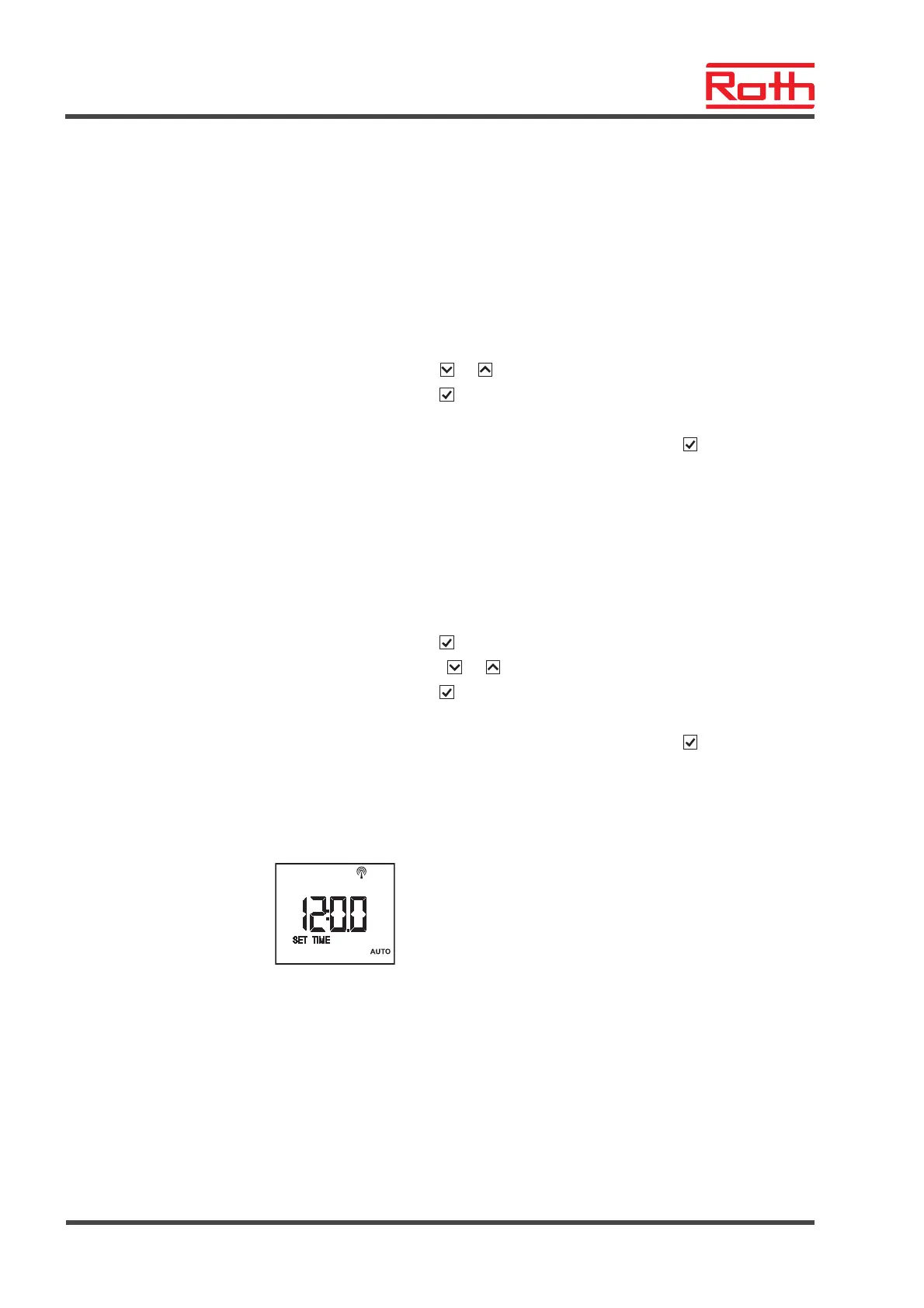
When the time setting is called and the time is received from the internet, the
display will show the symbol "AUTO".



 To Next Page