User Manual Roth EnergyLogic Touchline/Wireless
Cleaning and maintenance
P100011294 E 99
Parameter Description
P-67 (continued)
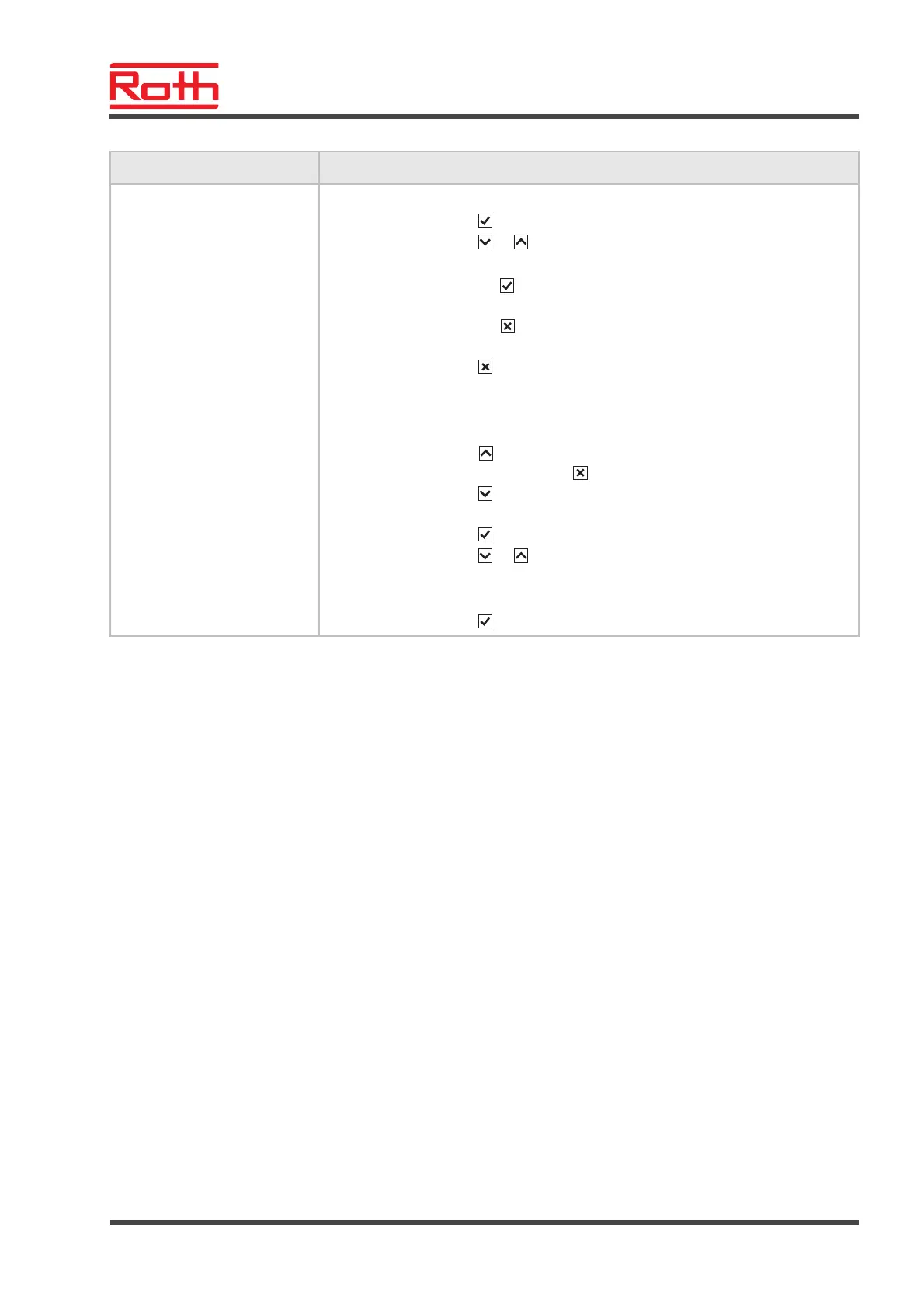
Operation
► Press sensor button . The display shows 0.
► Press sensor button
or , to select option 0 or 1.
► Select one of the following options:
– Press sensor button , to save the changed settings. The display shows the
next parameter P-61.
– Press sensor button , to interrupt the procedure. The display shows the se-
lected parameter.
► Press sensor button . The display shows P-60.
To stop the start-up-mode during execution or to deactivate before begin:
► Press any button on the wireless room thermostat for 2 seconds.
► The display changes into operation mode. The setpoint blinks..
► Press sensor button
. The display shows the remaining running time of the
start-up-mode. Press sensor button
, to change to the standard display.
► Press sensor button
, to reduce the remaining running time. The start-up-
mode is deactivated at 0 hours.
► Press sensor button
. The display shows no.
► Press sensor button
or , to select option no or yes.
– Select option no, to continue the start-up-mode.
– Select option yes, to confirm the interruption of the start-up-mode.
► Press sensor button . The display shows the standard display.
Table 20: Service menu – P-60 "Control parameters"
10 Cleaning and maintenance
Cleaning
Clean the wireless room thermostat with a lint-free, dry cloth. Do not use
abrasive or caustic cleaning agents.
Maintenance
The wireless connection module and the wireless room thermostat do not
require any maintenance.



 To Next Page