User Manual Roth EnergyLogic Touchline/Wireless
Plant examples and communication
132 P100011294 E
Factory settings parameters
We recommend that you enter your settings in the following tables, e.g. for
reset. After a reset of the radio connection module, all settings are reset to
factory settings.
User menu
Parameter Description Factory settings New
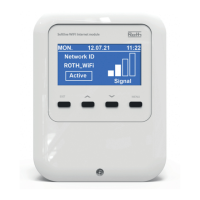
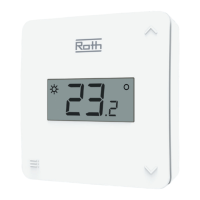
P-01 Set display in stand-by-mode: actual value or time. Room temperature
P-02 Set setpoint for the minimal floor temperature.
(only for versions with integrated IR-sensor)
15 °C
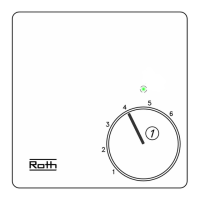
P-03 Set upper and lower limits for room temperature setpoint. 30 °C / 5 °C
P-04 Change time programs. –
P-05 Reset time programs to factory settings. –
P-06 Set display for stand-by-mode. (max. battery saving mode) On
P-07 Activate or deactivate sound of sensor button. On
P-08 Show ID-number of wireless room thermostat –
P-09 Show ID-number of wireless connection module –
P-10 Function for sensor button parameterisation. P-9H
Service menu
Parameter Description Factory settings New
P-SE Access only with service code, factory settings "1234" –
P-21 Show software-version of wireless room thermostat –
P-22 Show software-version of wireless connection module –
P-23 Show actual status of wireless connection module and I/O-
Box
–
P-24 Reset parameter to factory settings. –
Parameter Description Factory settings New
P-31 Set increment for room temperature setpoint adjustment. 0: 0.5 K
P-32 Set temperature for frost protection function. 8.0 °C
P-33 Set unit for temperature. 0: °C
P-34 Set dead-zone for change-over between heating and cool-
ing.
0: 2 K
P-35 Change service code for service menu. 1234
P-36 Change access code for public spaces. 1234
P-37 Activate or deactivate "summer-/wintertime". 0: activated
P-38 Deactivate or activate automatic time settings. 1: activated


 To Next Page