User Manual Roth EnergyLogic Touchline/Wireless
Design and function
P100011294 E 27
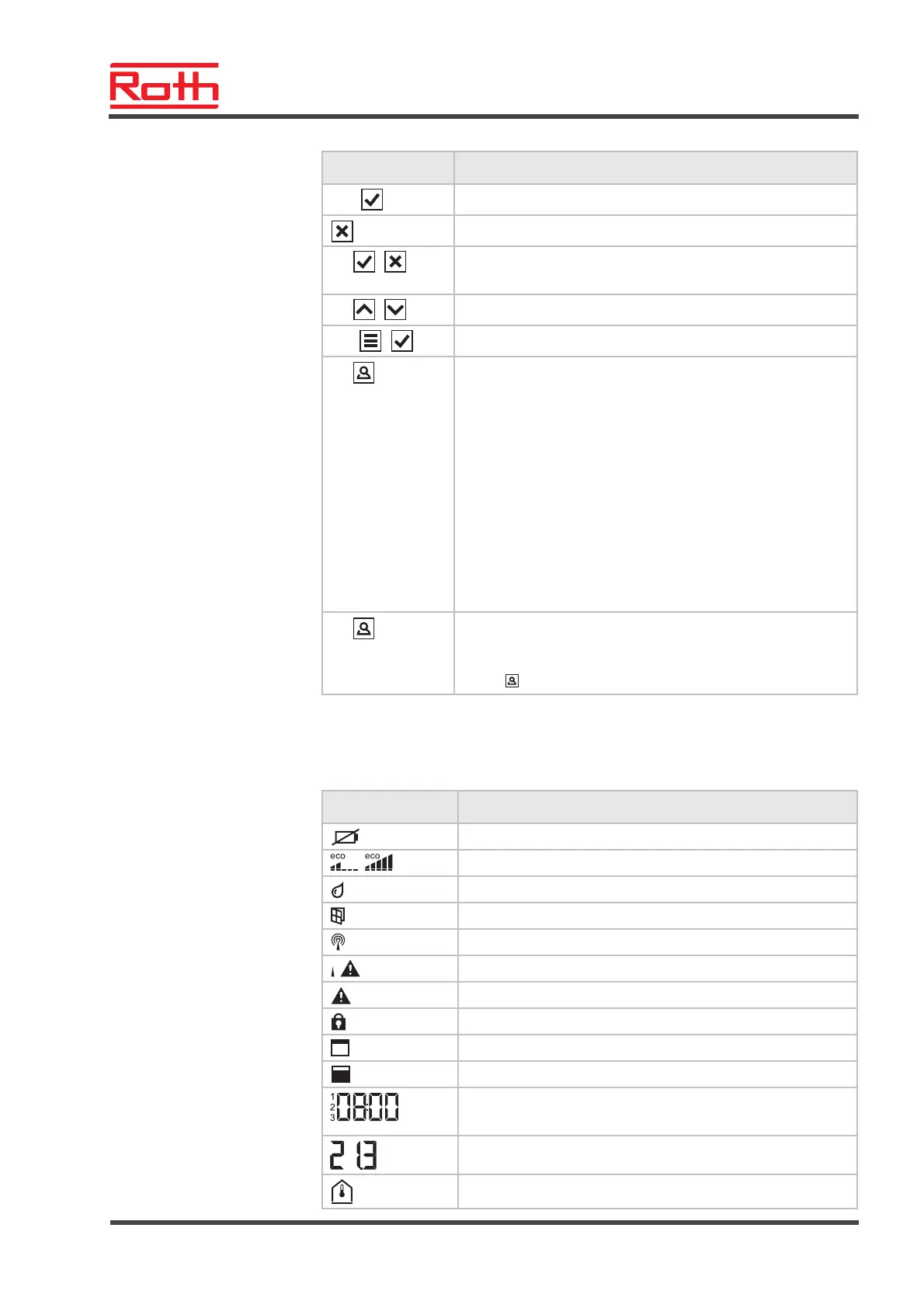
Sensor buttons Description
10 s:
Change time and date.
Cancel
5s:
+
● Addressing
● Test addressing.
5s:
+
Disable/enable operation (key-lock)
10 s:
+
Activate/deactivate sensor mode
2 s:
Specify duration for which this sensor button is occupied with
a specific function. This function is parameterised via the
parameter P-10.
You can choose between the following functions with the
parameters P-10:
● Option "P-9H": Time-bound priorities for the function
"Heating or cooling" for the set duration (h) (party func-
tion).
● Option "H-C": Direct switching between heating/cooling
and display of room temperature.
● Further option: Direct display of the floor temperature (for
wireless room thermostats with IR only)
5 s:
If a different function than the function "heating or cooling
priority" is set for the parameter P-10, you may still set the
function "heating or cooling priority" by pressing the sensor
button
for 5 seconds.
Table 6: Sensor buttons wireless room thermostat
Symbols
Symbols Description
Battery nearly empty
Relative energy consumption
Dew-point alarm (only when dew-point sensor is connected)
Window contact (only with accessory)
Wireless signal
Loss of wireless connection
General alarm
Operation disabled
Working days
Weekend
● Time and date
● Time program
°C
Actual temperature
Room temperature



 To Next Page