User Manual Roth EnergyLogic Touchline/Wireless
Installation
P100011294 E 33
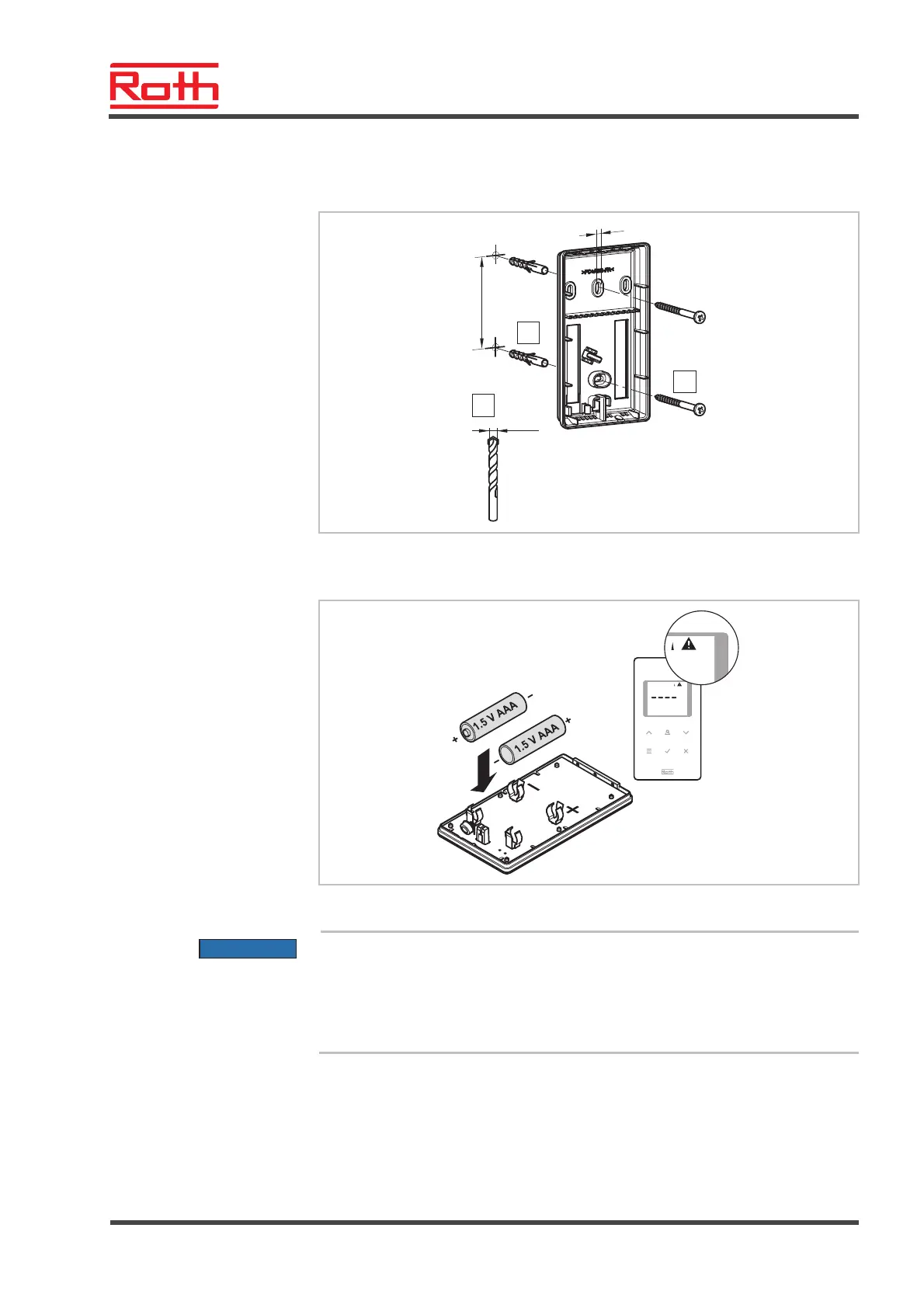
Install bottom part
► Install the bottom part of the wireless room thermostat with the 2 included
screws and plugs.
B12289
61
4
2
1
3
4mm
Fig. 15: Installation bottom part of wireless room thermostat
Insert batteries
B12290a
Fig. 16: Insert batteries
ATTENTION
Possible malfunction of the sensor buttons!
After inserting the batteries the sensor buttons are automatically calibrated
on the surface.
– Do not touch the sensor buttons when inserting the batteries.
– If a sensor button does not work, remove the battery and insert it again.



 To Next Page