User Manual Roth EnergyLogic Touchline/Wireless
Commissioning and operation
58 P100011294 E
Integrate wireless connec-
tion modules into the sys-
tem network
If there is a wireless connection module "Slave" out of reach, you can inte-
grate this wireless connection module into the system network via the internal
repeater.
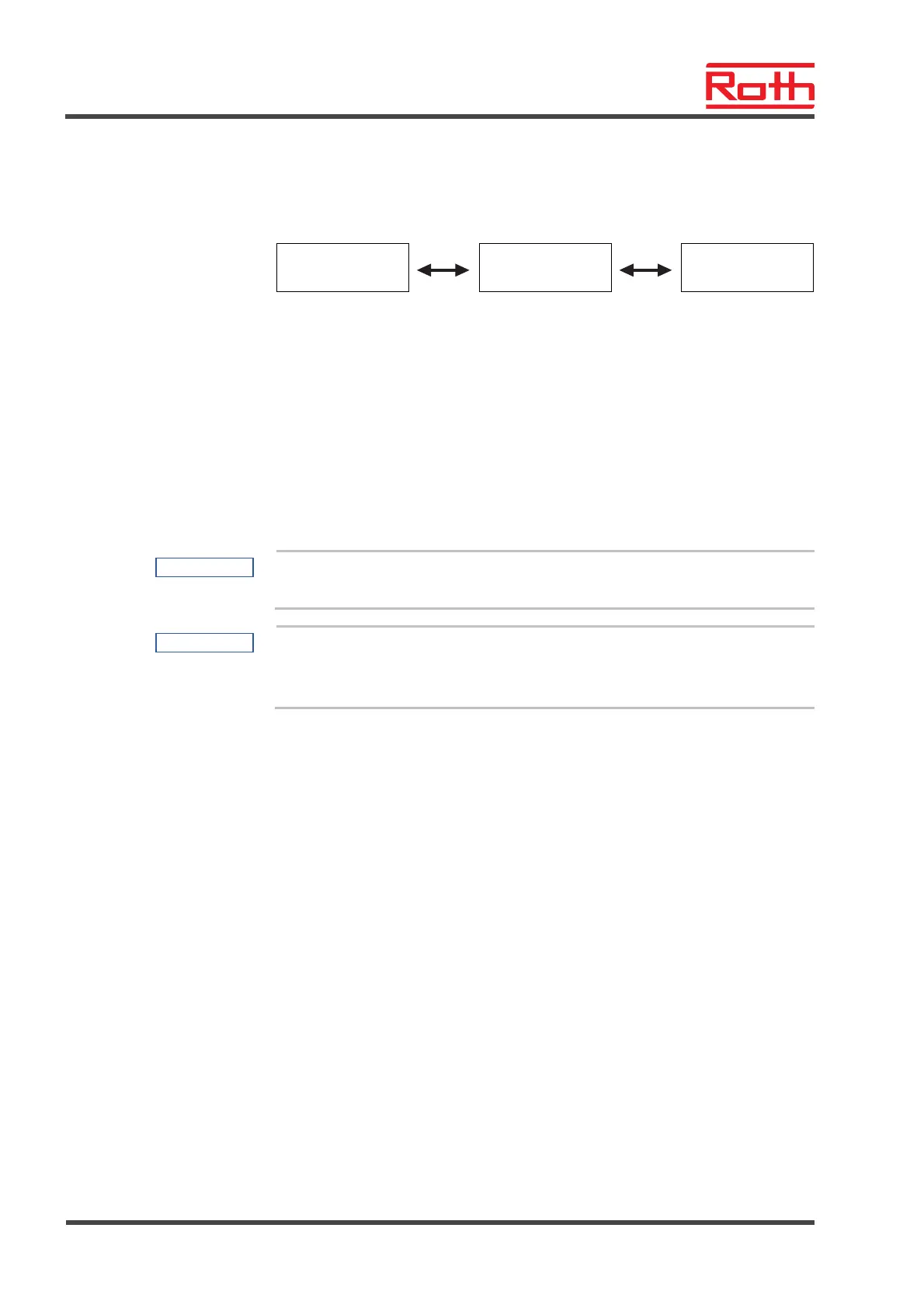
Master
1. Slave
Internal repeater
2. Slave
(out of reach)
► Press push button Zone at the wireless connection module "internal re-
peater" for 5 seconds.
► After a short time, the LED Master will blink quickly.
► After 5 seconds, the LED System blinks double.
► Press push button System of the wireless connection module "Master"
until the LED System blinks.
► Press push button System of the wireless connection module "Slave" until
the LED System lights up.
► Repeat the last two steps for the other wireless connection modules
"Slave" that are out of reach.
NOTE
To combine multiple wireless connection modules into one system, see
page 56, chapter 7.1.6.
NOTE
The internal system network repeater deactivates the support for the sys-
tem network combination after 10 minutes automatically in order to keep
from disturbing other system networks in reach.
After the wireless connection module has been integrated into the system
network successfully, you need to deactivate the pairing mode of the internal
repeater again.
► Press push button Zone at the wireless connection module with activated
repeater for 5 seconds.
► After a short time, the LED Master will blink quickly.
► After 5 seconds, the LED System lights up.



 To Next Page