154 • P-Mode Programming ER-5200M/5240M Electronic Cash Register
Programming Group Descriptors
1. Turn the control lock to the P position.
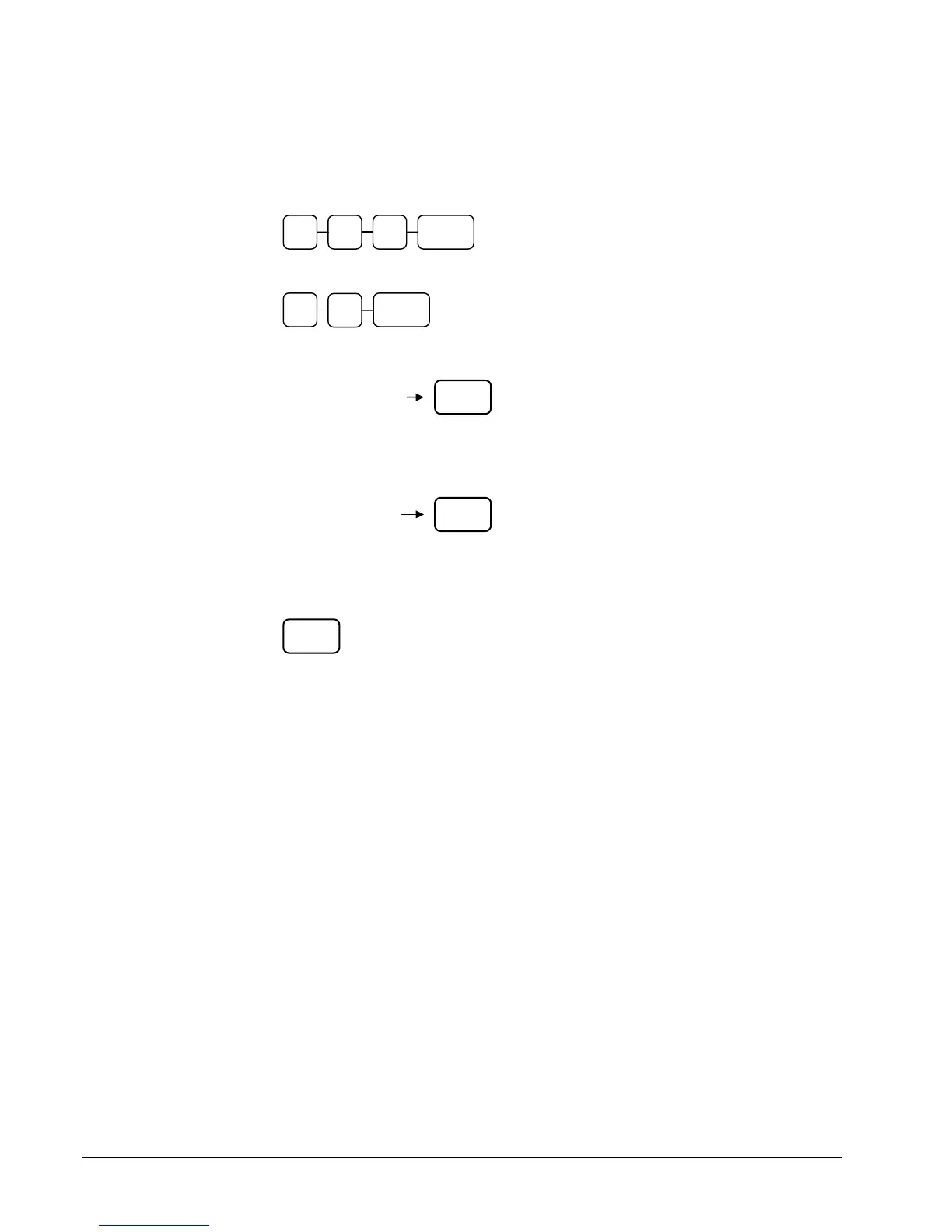
2. To begin the program, enter 9 1 0, press the SBTL key.
3. Enter the number (1-99) of the group you wish to program; press the X/TIME key.
4. If you are programming using an alpha keyboard overlay, type up to 18 descriptors on
the overlay and press the SBTL key.
If you are programming using descriptor codes, enter up to 18 three-character codes and
press the SBTL key.
5. To program additional groups, repeat from step 3, or press the CASH key to finalize the
program.
9 1 0 SBTL
X/TIME
CASH
Type up to 18
descriptor keys
SBTL
SBTL
Enter up to 18 three-
character codes



 To Next Page