6-2
TSL-710 Operation Manual
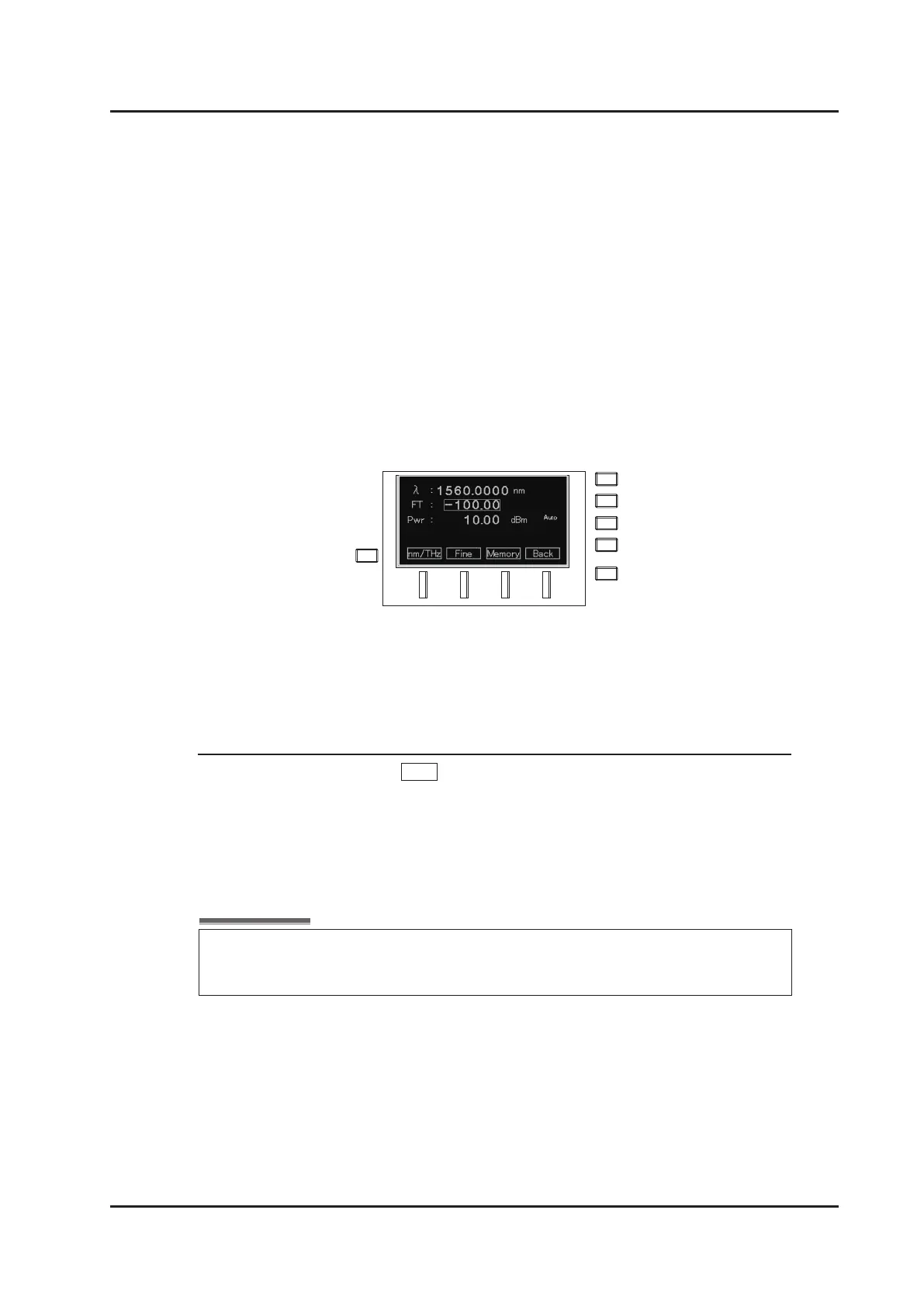
4. The input line of the FT value is displayed on the second line. Input a
value with the numeric keypad, the dial, or the △▽ keys. (Refer to “How
to input values” in “5-3. Setting the wavelength”.)
Range: –100.00 to +100.00
Unit: 0.01
5. Fine-tune the wavelength to the desired wavelength while monitoring the
output wavelength with an instrument such as a wavemeter.
■
How to cancel on the front panel
In ne-tuning mode, press Fine (F2 key) or set the wavelength to the reference
value to cancel ne-tuning mode.
Closed-loop wavelength control is stopped when Fine-tuning function is active.
To restart Closed-loop wavelength control, cancel Fine-tuning mode.



 To Next Page