Tunable Semiconductor Laser TSL- 710
6-13
A function used to set the oscillation wavelength to a wavelength stored in memory. A
total of 100 wavelength values can be stored.
■
6-8-1 Wavelength Readout
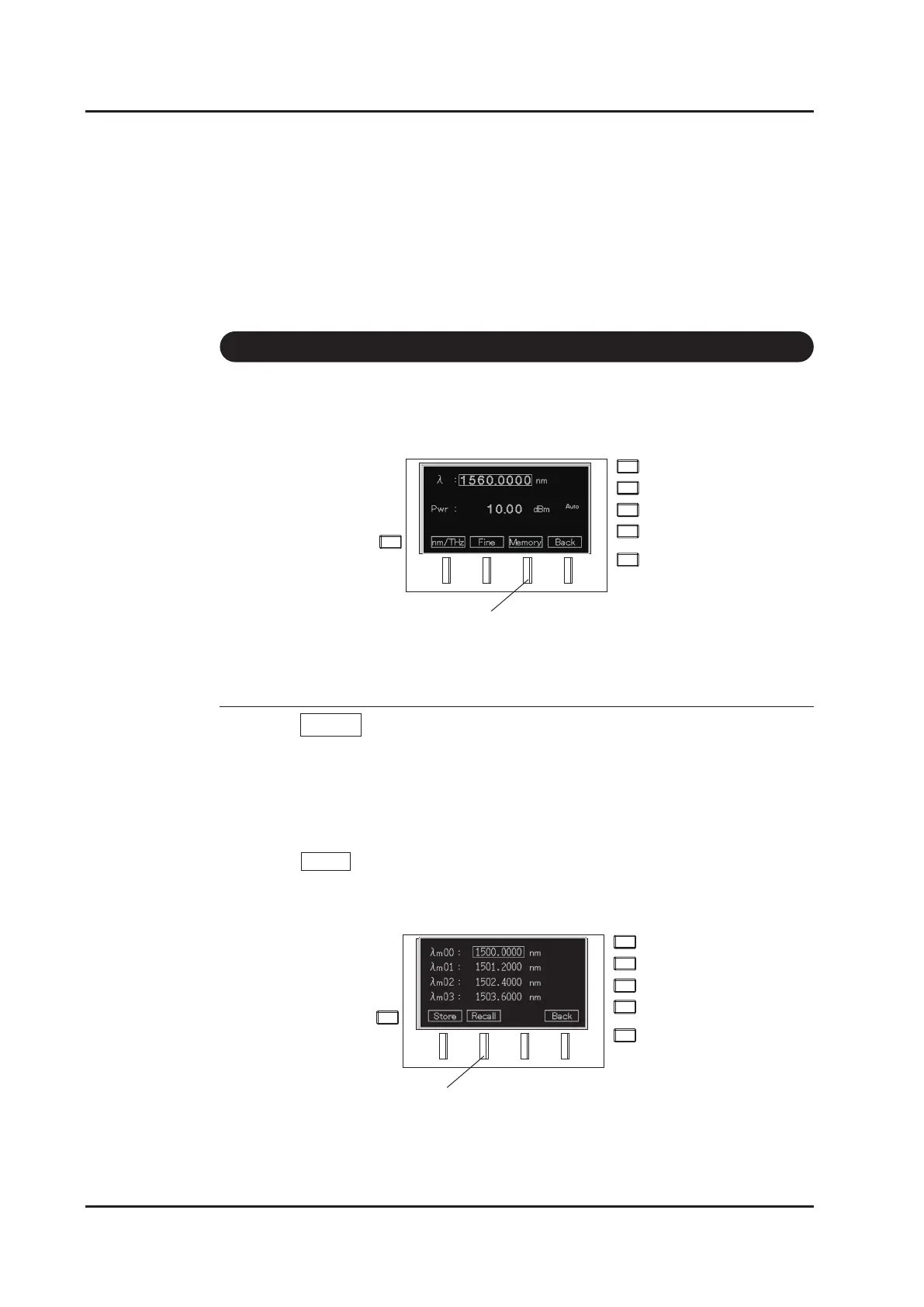
1. Press Memory (F3 key) on the wavelength setting screen.
2. The wavelength memory screen appears.
3. Move the cursor to the desired wavelength with the △▽ keys, or the dial. Scroll
with the △▽ keys, or the dial. The page can be changed with the keys.
(Each key press scrolls the page by 4 lines.)
4. Press Recall (F2 key) to accept the wavelength and go back to the main screen.
6-8 Wavelength Memory Function
F3 key
F2 key
△
△



 To Next Page