Tunable Semiconductor Laser TSL- 710
6-5
■
How to cancel manual control mode
1. Press Auto (F2 key) on the power setting screen.
2. The mode switches to auto control mode. The setting value of the
self-contained attenuator is not displayed and the status display changes
from “Manual” to “Auto”. The power indicator changes from the monitored
value of the output power to the setting value.
6-4 Setting the Trigger Output
■
6-4-1 Setting the Trigger Output
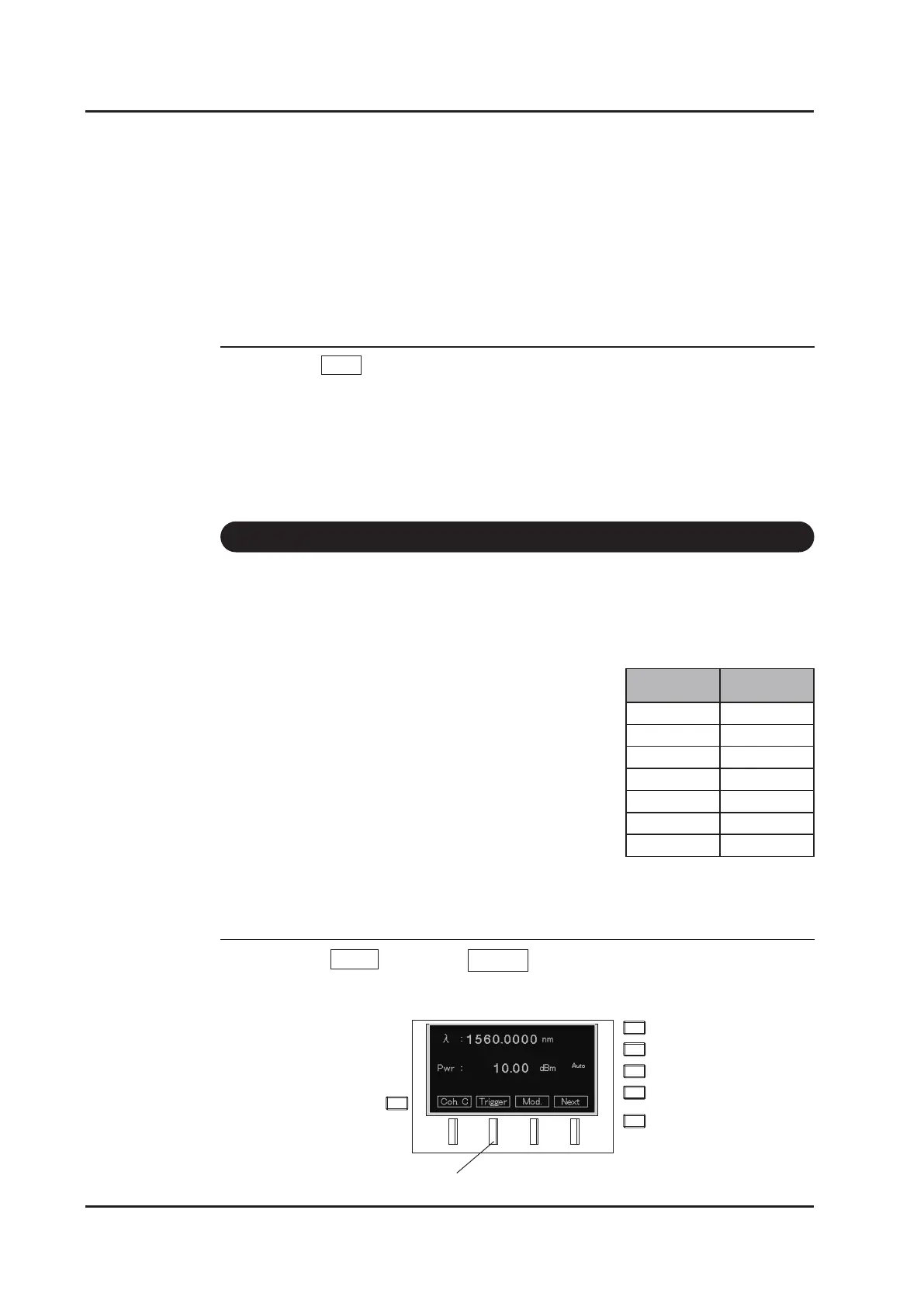
1. Press Menu (F4 key) → Trigger (F2 key) on the main screen.
F2 key
Sweep
speed
Minimum
trigger step
0.5nm/s 0.1pm
1nm/s 0.2pm
5nm/s 1pm
10nm/s 2pm
25nm/s 5pm
50nm/s 10pm
100nm/s 20pm
Trigger signals can be used for synchronizing with external instruments. Output
signals are at the TTL level.
Specications
Signal Voltage
:
3.3V
Signal width : 27+/-5μs
Signal gure does not depend on sweep speed.
The TTL signal is same at any time.
Sampling rate : 5kHz
Minimum trigger step : Dependence on sweep speed
See table below as reference.



 To Next Page