6-6
TSL-710 Operation Manual
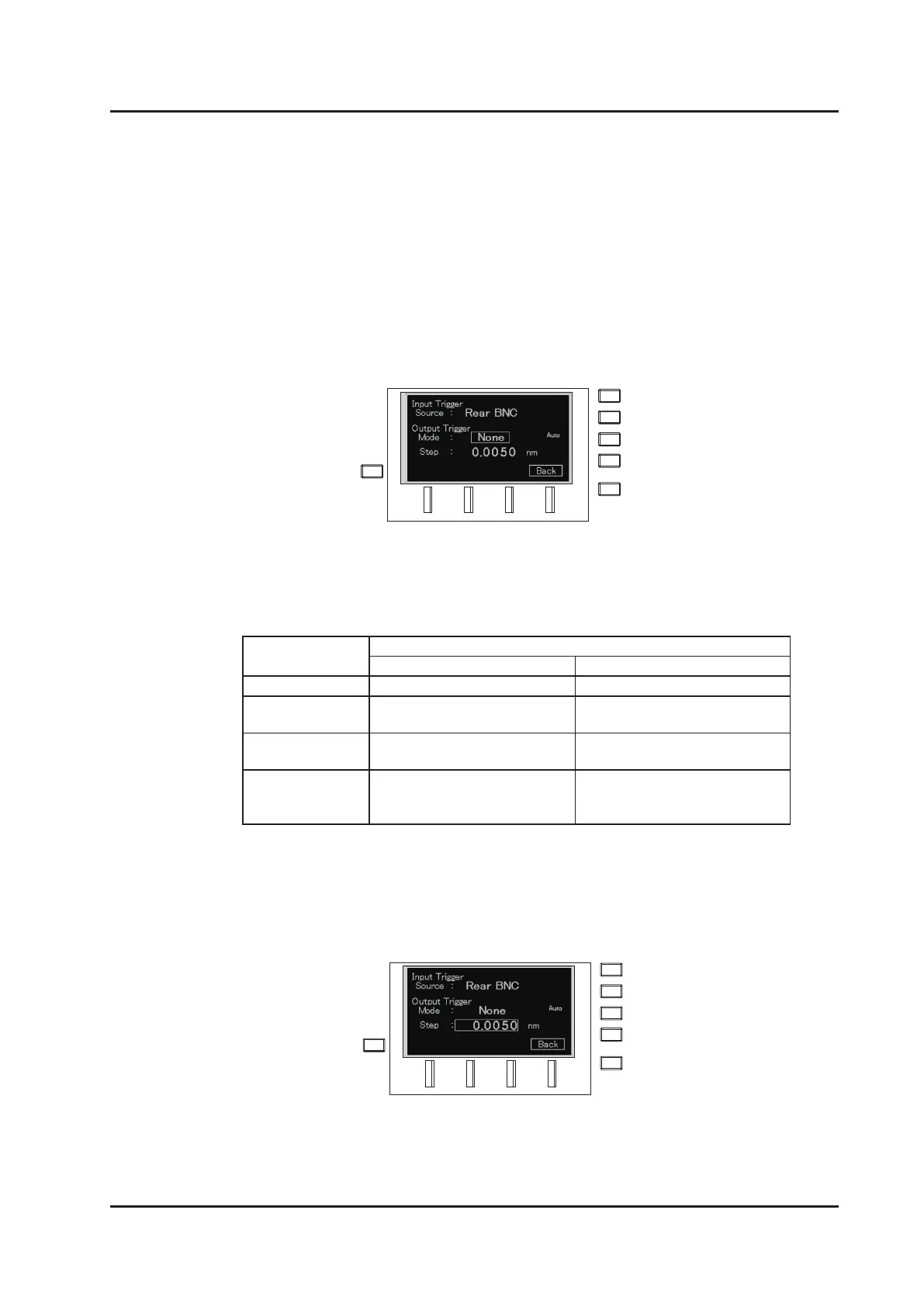
2. Move the cursor to “Output Trigger Mode” on the trigger signal setting screen
with the dial, or the △▽ keys.
3. Press the ENTER key or the dial to enter input mode.
Select the mode with the keys, or the dial.
Select the mode from the following 4 modes:
4. After selecting the mode, press the ENTER key to accept the mode.
When the mode is set to Step, set the wavelength interval to output the trigger
signal at the “Step” eld just below.
5. Move the cursor to “Step”.
6. Press the ENTER key to enter input mode.
Input the value with the △▽ keys, or the dial.
7. Press the ENTER key to exit input mode.
Trigger mode Sweep mode
Sweep Step
None Trigger signal is not output. Trigger signal is not output.
Stop Trigger signal is output at
sweep completion.
Trigger signal is output at
one-step completion.
Start Trigger signal is output when
sweep starts.
Trigger signal is output when
one-step starts.
Step Trigger signal is output at a
certain wavelength interval
during sweep.
Same as the Stop Trigger
mode.
△
△



 To Next Page