Tunable Semiconductor Laser TSL- 710
6-15
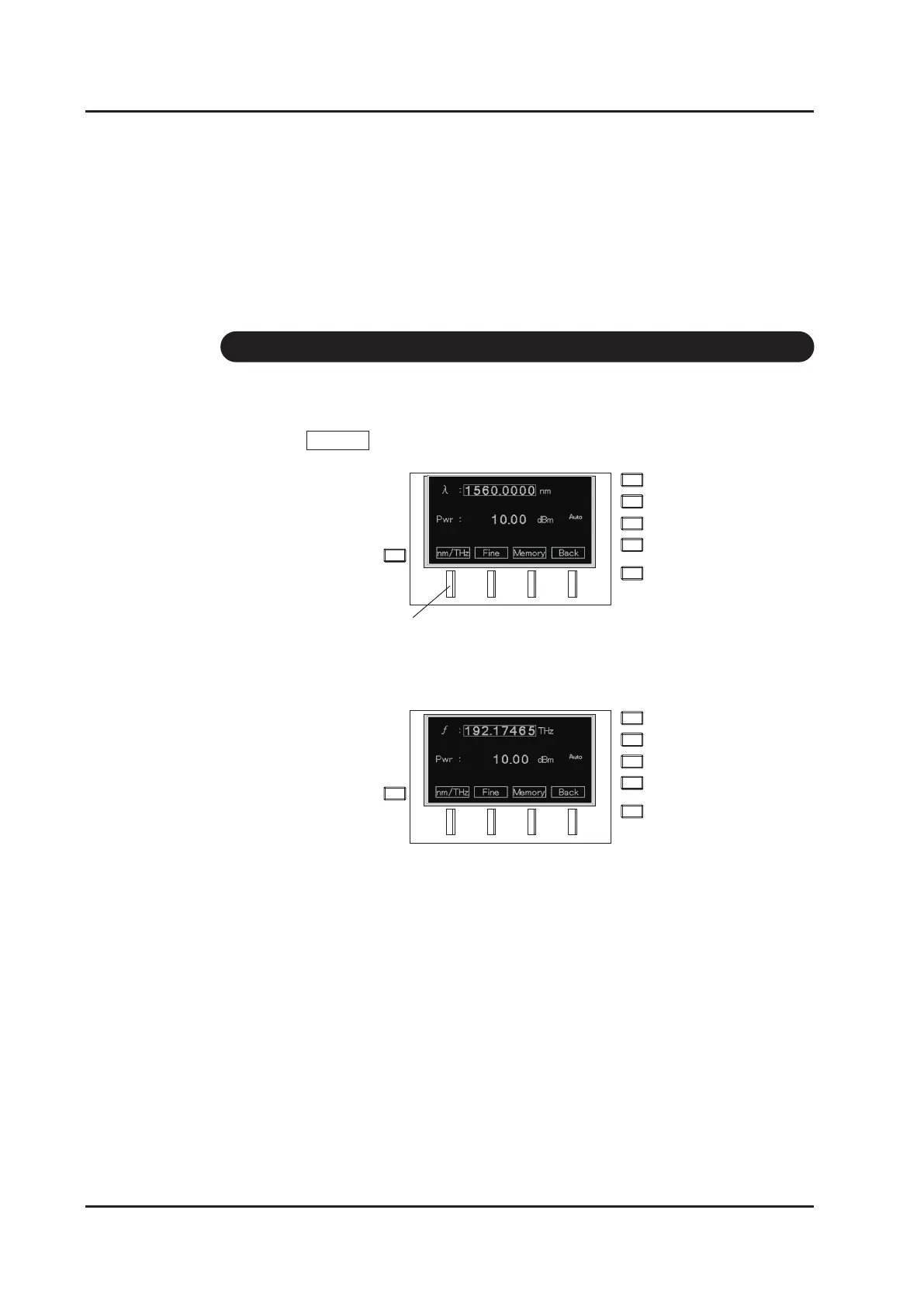
1. Change the screen to the wavelength setting screen. See ”5-3. Setting the
wavelength” on how to change.
2. Press nm/THz (F1 key).
3. The display/input unit is changed.
4. Do the same operation when switching back to the original setting.
If the unit is set to frequency, another setting is displayed for the frequency.
However, only the sweep speed remains to be indicated in wavelength [nm/s].
6-9 Changing the Unit of the Wavelength
F1 key



 To Next Page