Tunable Semiconductor Laser TSL- 710
6-7
■
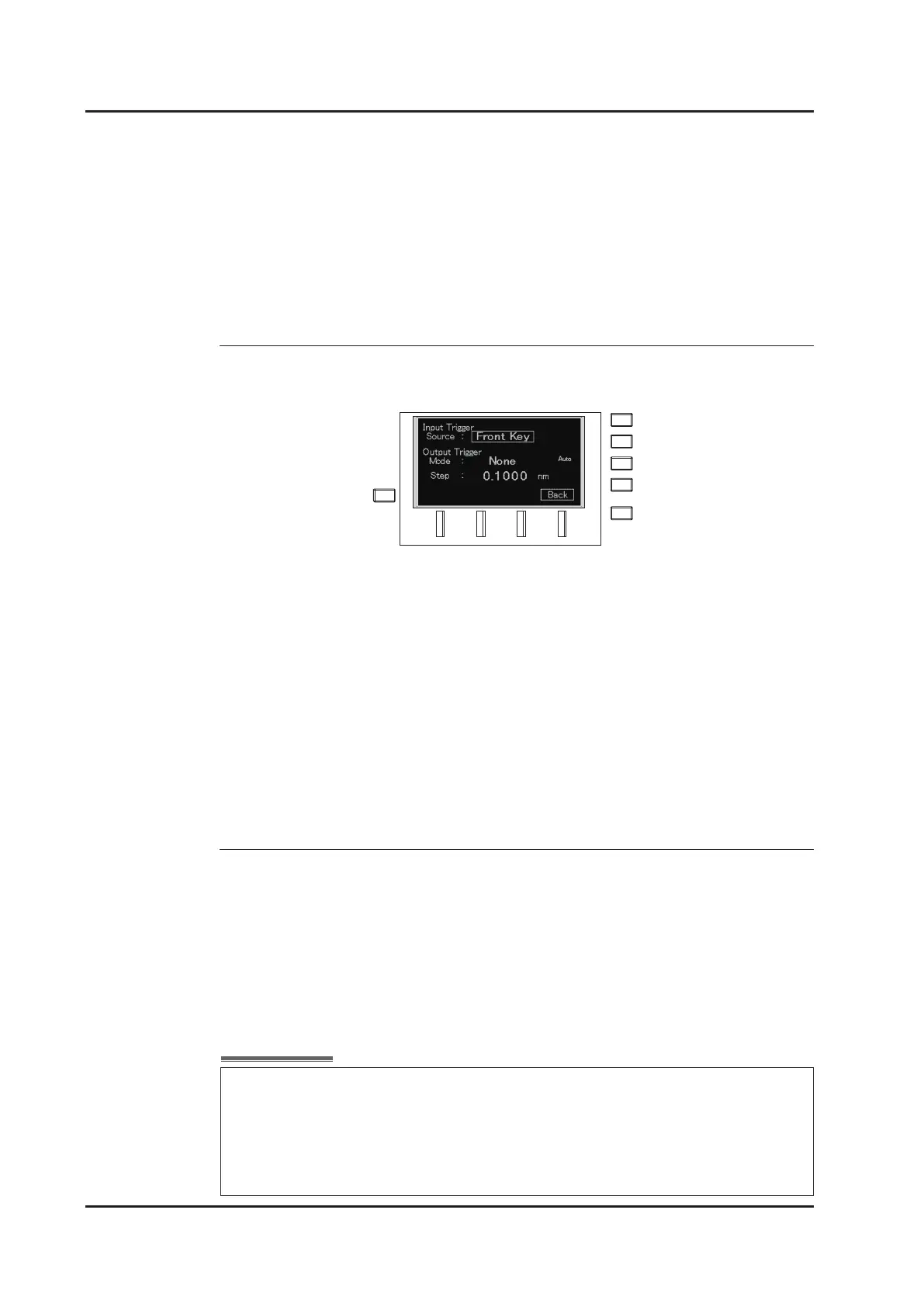
6-4-2 Setting the Trigger Input
1. Move the cursor to “Input Trigger Source” on the trigger input setting screen
with the dial, or the △▽ keys.
2. Press the ENTER key or the dial to enter input mode.
3. Select the source with the △▽ keys, or the dial.
4. Select one from the following two sources:
Front Key:
Rear BNC:
5. Press the ENTER key to exit input mode.
■
6-4-3 Wavelength Logging
Recording of the wavelength data to internal memory is synchronized with the
output trigger during wavelength sweep. When the sweep mode is set to “Sweep”
and the trigger mode is set to “Step”, the data is automatically recorded for each
sweep. The current data is overwritten when the next sweep is executed. The
recorded wavelength data can be read by communication commands. Refer to “7-4.
Command reference” for the commands.
The key, △ key, and turning the dial on the front panel
clockwise are recognized as a trigger signal.
The TTL signal input into Trigger Input on the rear panel is
recognized as a trigger signal. Timing is taken on the rising edge
of the signal.
△
The maximum recordable data is 65535 points.
Only the rst 65535 data points of the wavelength logging data are recorded, even
if in the sweep condition that outputs more than 65535 triggers.
When “Full Log” is displayed on the front display, the logging data is larger than
65535 points and all data is not recorded to the memory.



 To Next Page