Tunable Semiconductor Laser TSL-710
7-7
■
7-3-3. Installing a USB Driver Software
To enable USB communication, USB driver software must be installed.
Even though some pop-up messages will be displayed when USB cable is connected
the device and PC, please click cancel or close message.
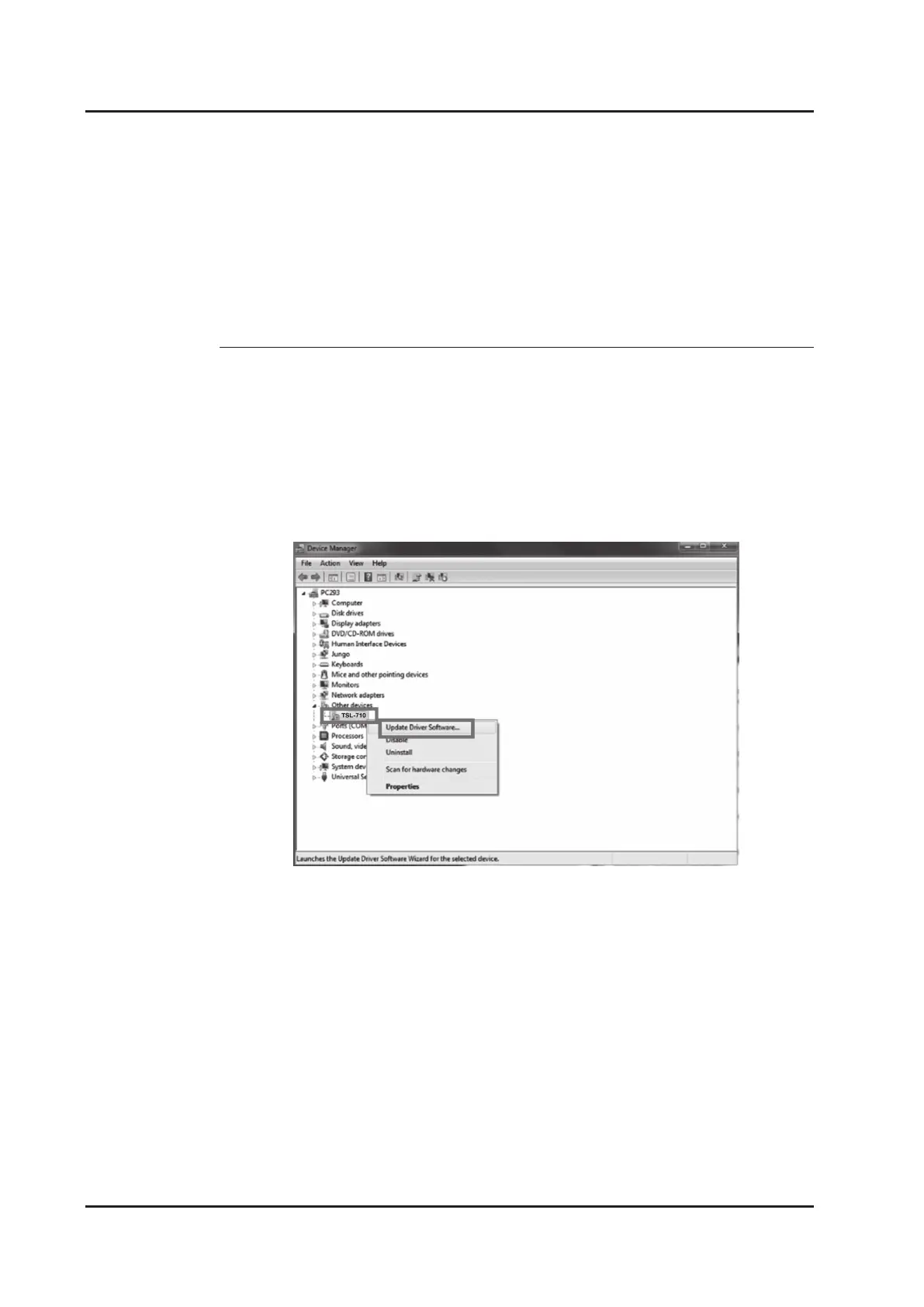
1. Open “Device Manager” (Figure 7-3-3-1) and open “TSL-710” under “Other
devices.” Right-click on “TSL-710” and click on “Update Driver Software...”.
Figure7-3-3-1. Device manager



 To Next Page