Tunable Semiconductor Laser TSL- 710
5-13
5-6 Executing the Wavelength Sweep
1.
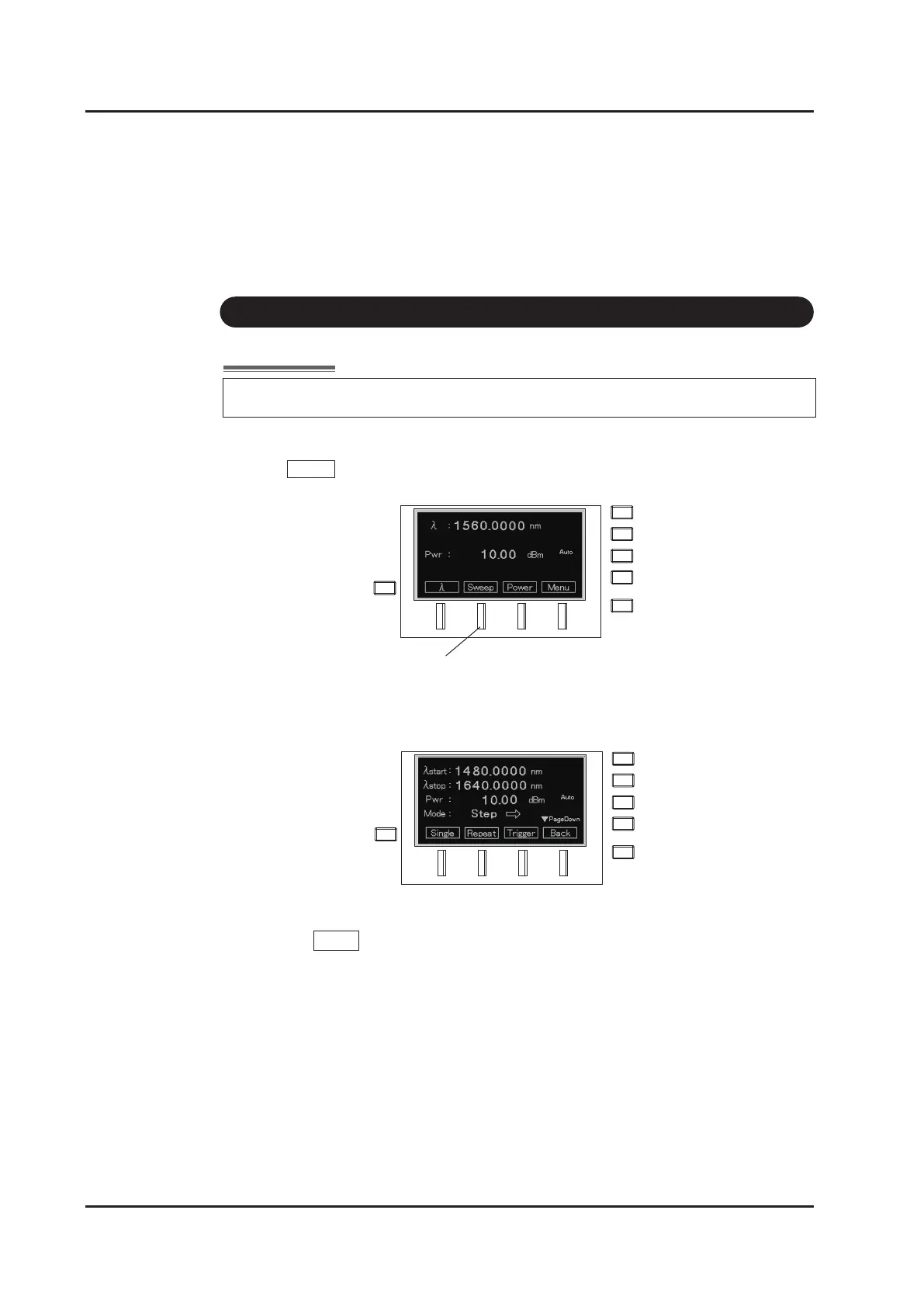
Press Sweep (F2 key) on the main screen.
2.
The Sweep setting screen appears. Perform operations according to the soft key
menu on the sweep setting screen
3. One-time sweep operation
Press Single (F1 key) to execute a series of operations.
(1) Sets to the start wavelength (
λ
start).
(2) Sweep operation
Sweep mode:
Changes the wavelength continuously following the set sweep speed
(Speed).
Step mode:
Sets the wavelength in sequence following the set wavelength
interval (Step) and wait time (Dwell).
(3) Stops the sweep at the end wavelength(
λ
stop).
F2 Key
Sweep cannot be executed when LD output is OFF.



 To Next Page