5-14
TSL-710 Operation Manual
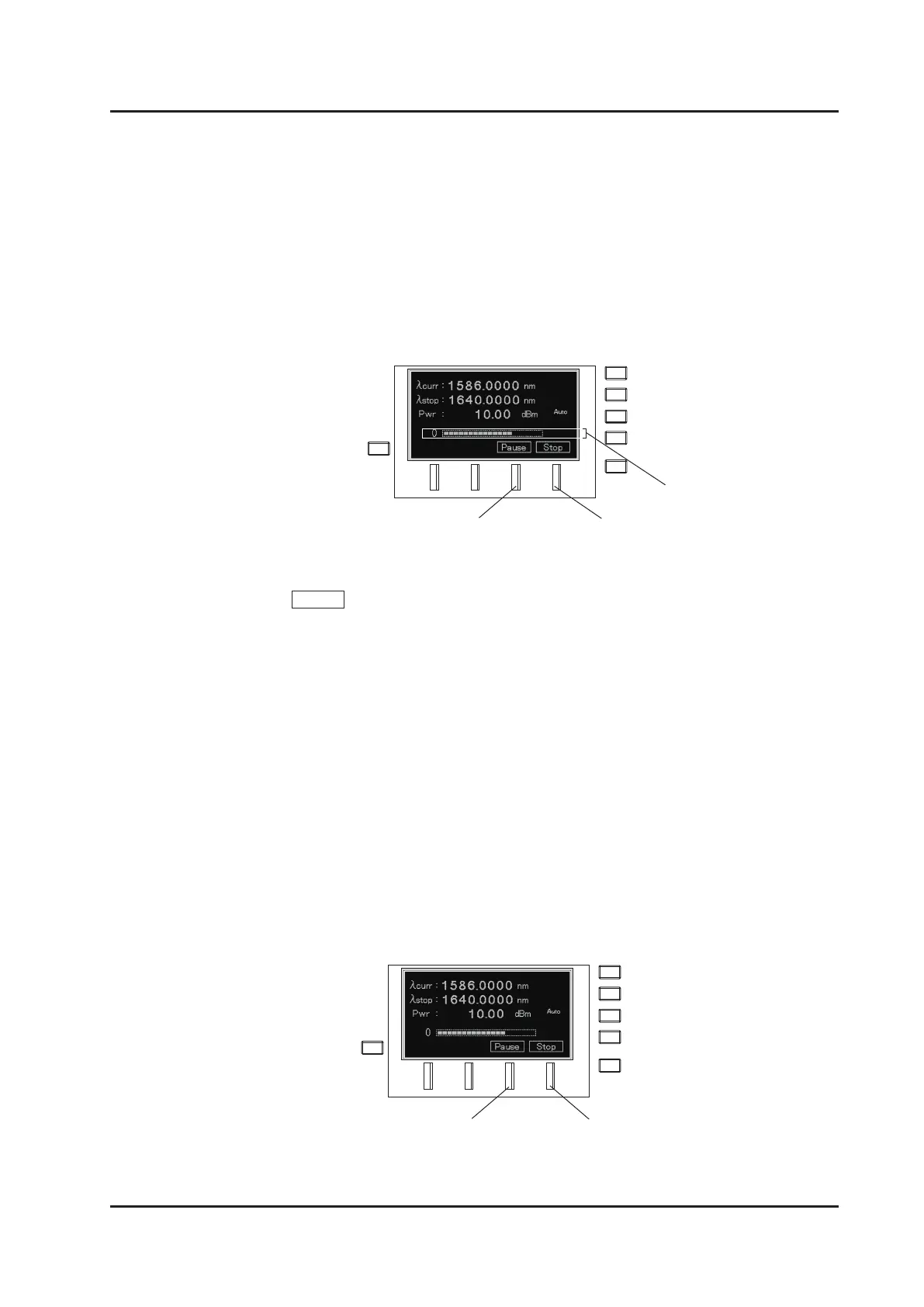
The current wavelength is displayed at
λ
curr in the rst line during sweep operation. An
indicator showing the sweep progress is displayed on the bottom line.
4.
Multiple sweep operations
Press Repeat (F2 key) to execute a series of the following operations:
(1) Sets to the start wavelength(
λ
start).
(2) Sweep operation
Sweep Mode
:
Changes the wavelength continuously following the set sweep speed
(Speed).
Step Mode:
Sets the wavelength in sequence following the set wavelength
interval (Step) and wait time (Dwell).
(3) After reaching the end wavelength(
λ
stop), returns to the start wavelength
and repeats the above-mentioned wavelength sweep for the number of times
selected.
(4) Stops sweep at the end wavelength.
F3 Key F4 key
Indicator
F3 Key F4 Key



 To Next Page