Tunable Semiconductor Laser TSL- 710
5-15
If the value is set to 0 (zero), the number of times is innite. Press Stop (F4 key) to stop.
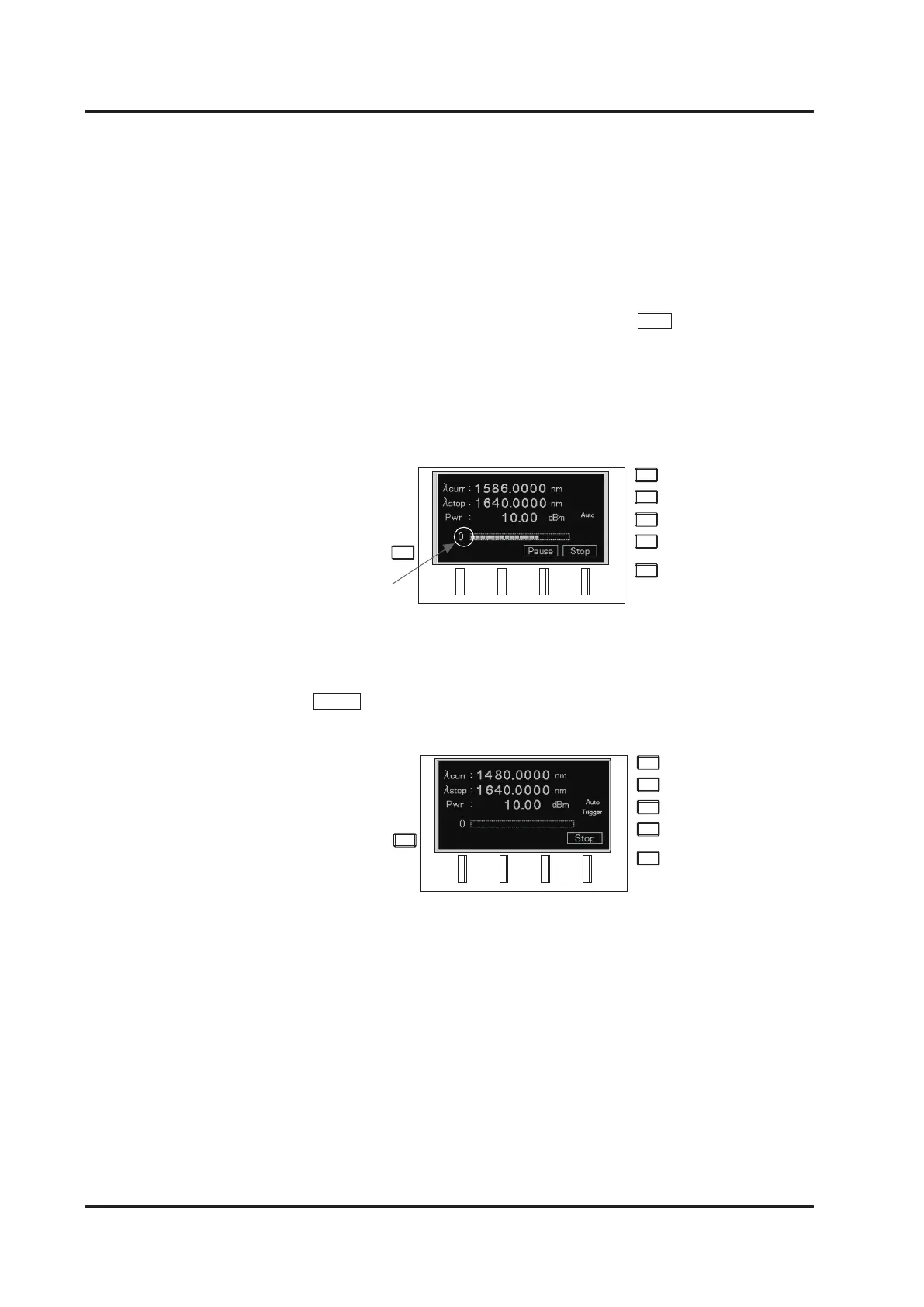
The current wavelength is displayed at
λ
curr in the first line during sweep operation.
Indicators showing the progress of the sweep and the completed number of sweeps are
displayed at the bottom. The display of the number of sweeps returns to 0 after 999.
5.
Executing a sweep at the timing of trigger input
Press Trigger (F3 key) to enter trigger standby mode. ”Trigger” lights up on the screen.
Execute the sweep by inputting any of the following triggers in trigger standby mode.
・
BNC input on the rear panel
・
Key operation on the front panel.
△
key, or
key.
・
Dial operation on the front panel. Turn clockwise.
・
Soft trigger using a communication command
Refer to “6-4-2. Setting the trigger input” on how to select or operate trigger input.
Operation by trigger signals depends on the sweep mode setting.
Sweep Mode: One sweep is executed at trigger input.
Step Mode: The wavelength moves to the next step at trigger input.
Completed cycles
△



 To Next Page