5-16
TSL-710 Operation Manual
6.
Stop and Pause a sweep
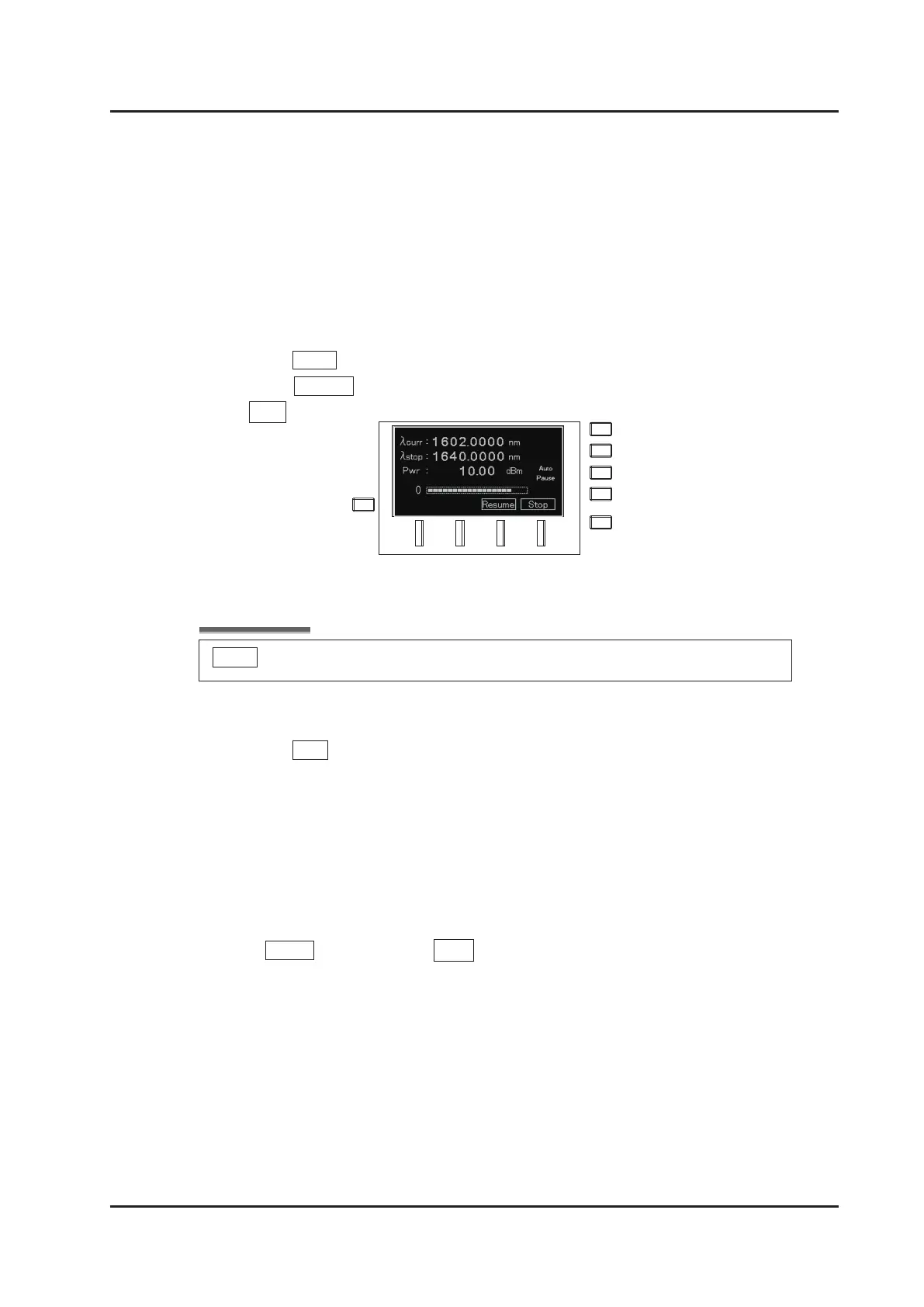
Press Pause (F3 key) to pause a sweep. “Pause” lights up on the screen.
Press Resume (F3 key) to resume a sweep. If you cancel a sweep, press
Stop (F4 key).
Press Stop (F4 key) to stop a sweep in progress. The motion is different
which mode is selected.
Sweep
mode:
The sweep is continued to the stop wavelength, and stop.
Step
mode:
The sweep is stopped immediately.
Press Pause (F3 key) and then Stop (F4 key) to stop a sweep before reaching the
end wavelength while in Sweep mode.
Pause is not displayed when a fast sweep speed is set. In this case, pause will not function.



 To Next Page