6-18
TSL-710 Operation Manual
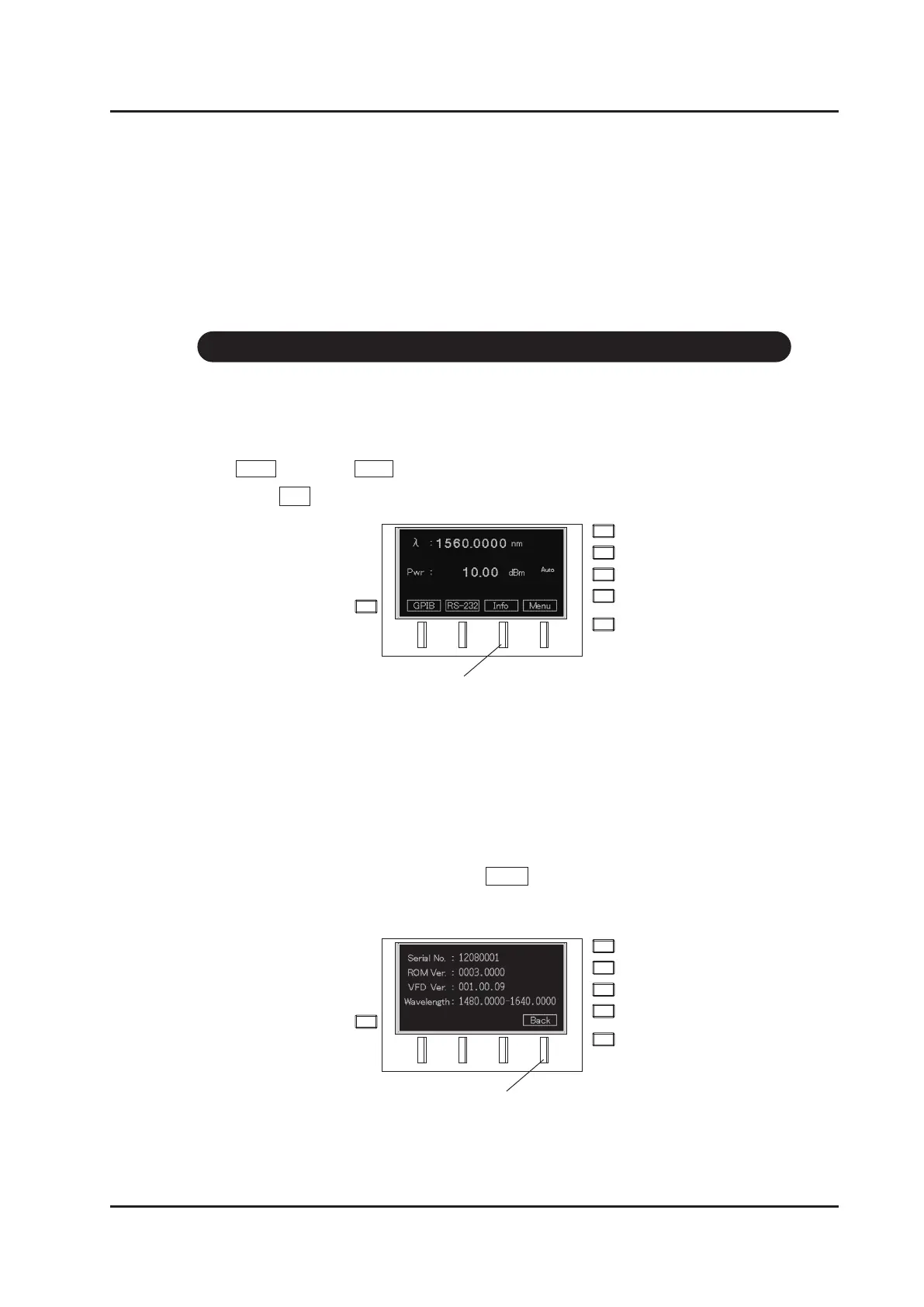
Display the various product information.
1. Move to the screen for various settings from the main screen using
Menu(F4 key) → Next (F4 key).
2. Press Info (F3 key).
3. The following information is displayed:
・Serial number of the device
・Revision number of the rmware
・Firmware version of the display
・Wavelength range
4. Go back to the previous screen with Back (F4 key).
6-12 Displaying the Product Information
F3 key
F4 key



 To Next Page