Tunable Semiconductor Laser TSL- 710
5-7
5-4 Setting the Optical Power
1.
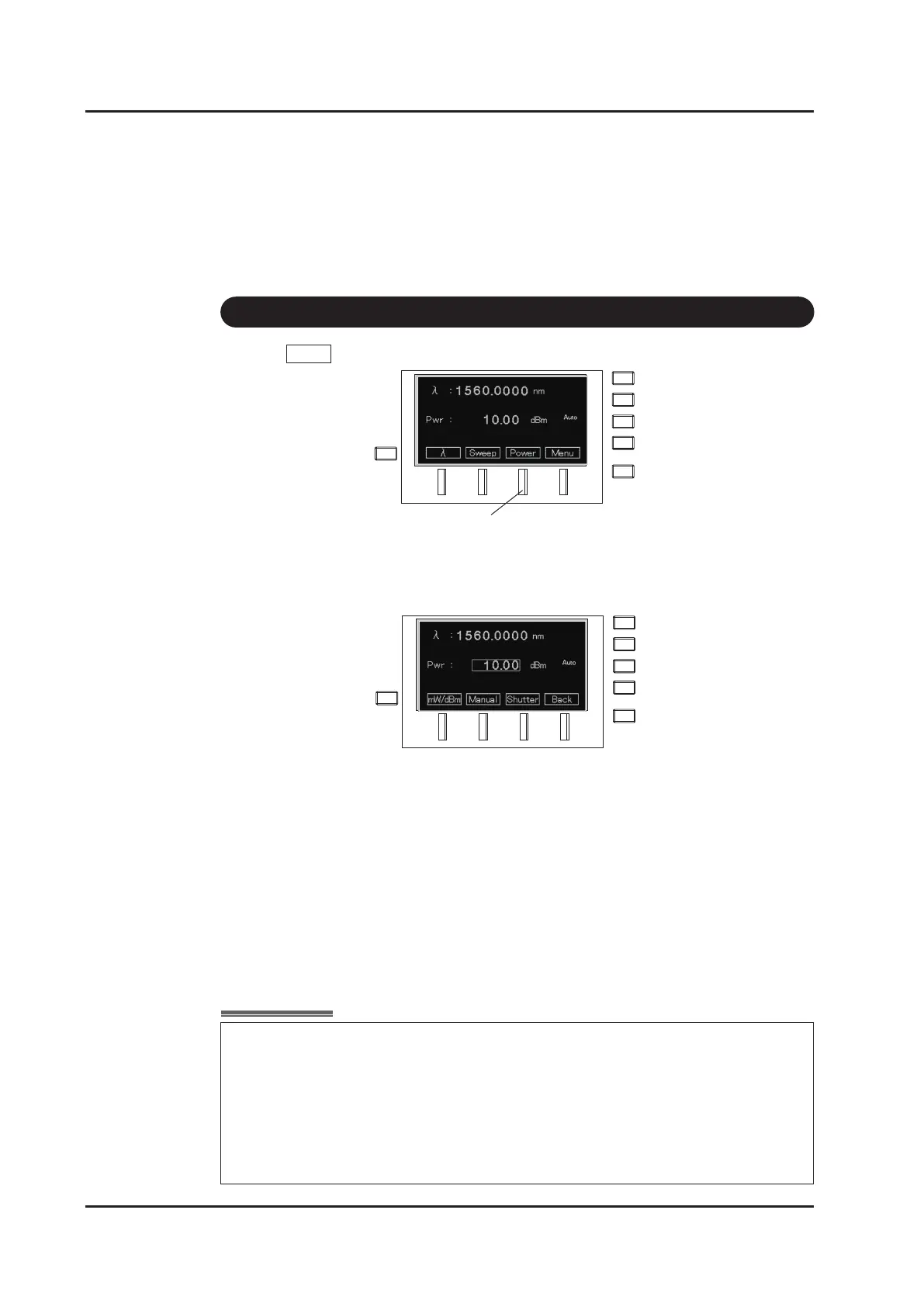
Press Power (F3 key) on the main screen.
2.
The power setting screen appears, and the cursor blinks in the power display area.
(Switch the optical power control mode to “Auto” when it is “Manual”. Refer to “6-3.
Switching the optical power control mode”.)
3. Input a value according to “How to input values”.
Range: 30dB up to peak power
Typical value
-20 ~ +10dBm (0.01 ~ 10mW)
The available range of output power depends on
the product characteristics.
Unit : 0.01dB (0.01mW)
F3 Key
It is possible to set a value greater than the maximum power determined by the
light source characteristics. However, power in excess of the maximum will not be
output. When a value is set that is greater than the maximum power, “OverLD” is
displayed to show that the set power is not the same as the output power. When
the set power value is low and out of the control range of the attenuator, “Low
Pwr” appears on the main screen. The wavelength and power accuracy are not
guaranteed while “Over LD” or “Low Pwr” is displayed.



 To Next Page