6-14
TSL-710 Operation Manual
■
6-8-2 Wavelength Registration
1. Set the desired wavelength following general wavelength setting steps. (Refer to
“5. Basic operation”.)
2. Press Memory (F3 key) on the wavelength setting screen.
3. The wavelength memory screen appears.
4. Move the cursor to the desired number with the △▽ keys, or the dial. Press
Store (F1 key) to change the wavelength at the cursor position to the desired
wavelength.
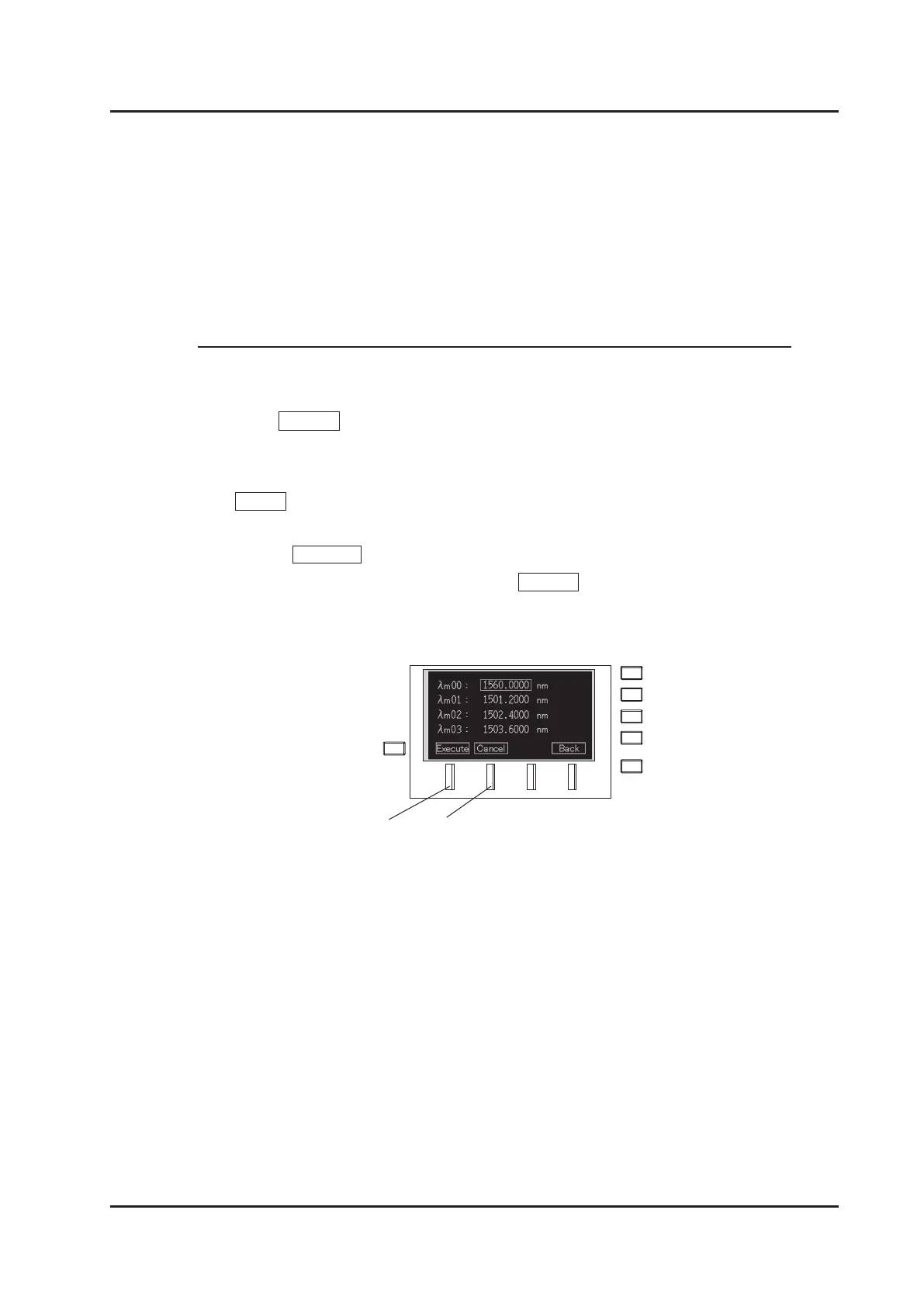
5. Press Execute (F1 key) to register the wavelength and go back to the
wavelength memory screen. Press Cancel (F2 key) to go back to the
wavelength memory screen without performing registration.
F1 key
F2 key



 To Next Page