7-12
TSL-710 Operation Manual
3. Disconnect USB cable from PC, and reconnect to PC.
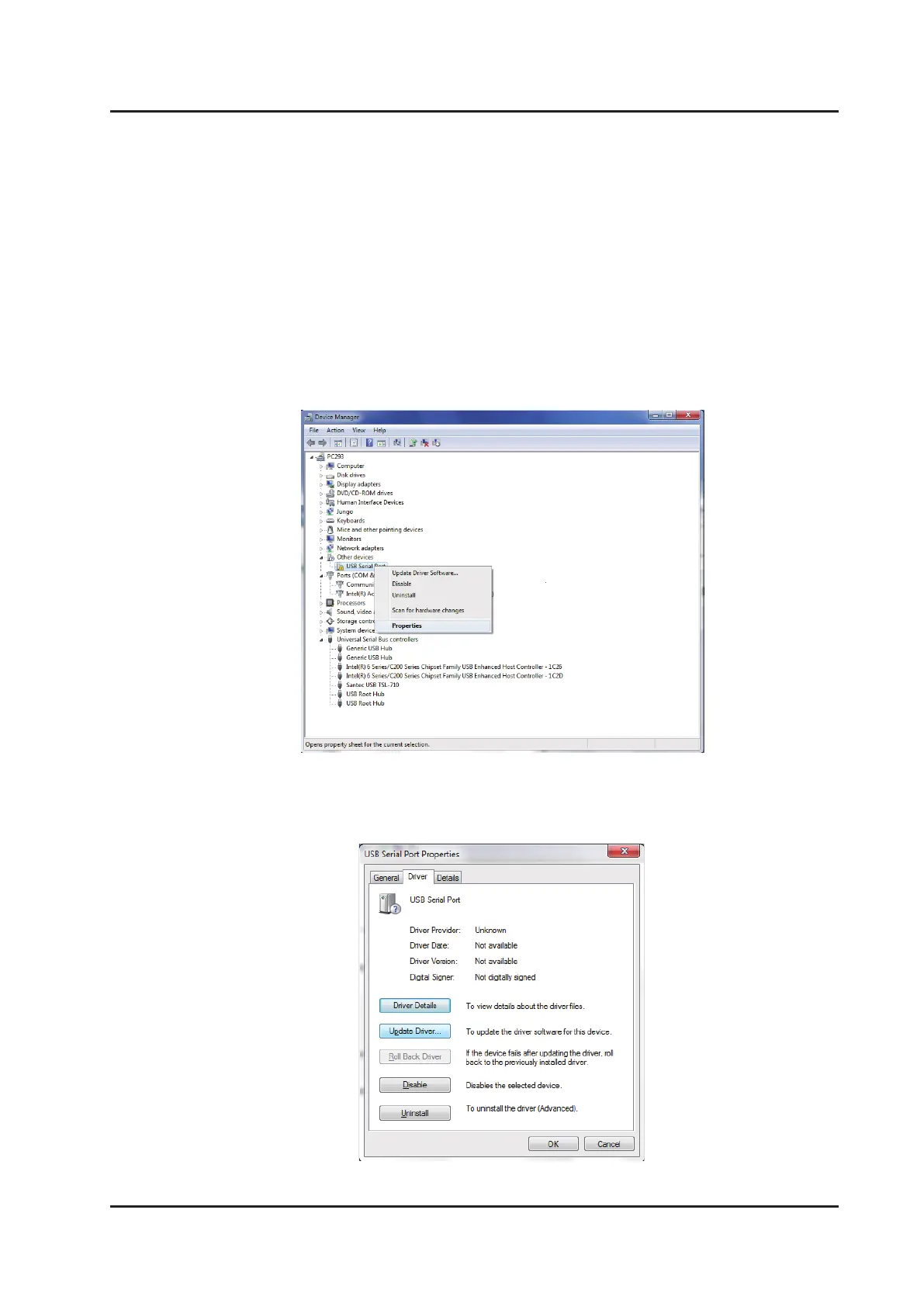
Open “Device Manager” (Figure 7-3-4-3) and open “USB Serial Port” under “Other
Devices”. Right-click on “USB Serial Port” and click on “Properties”.
4. Click “Update Driver…” in “Driver” tab.
Figure7-3-4-3 Device Manager
Figure7-3-4-4 USB Serial Port Properties



 To Next Page