15
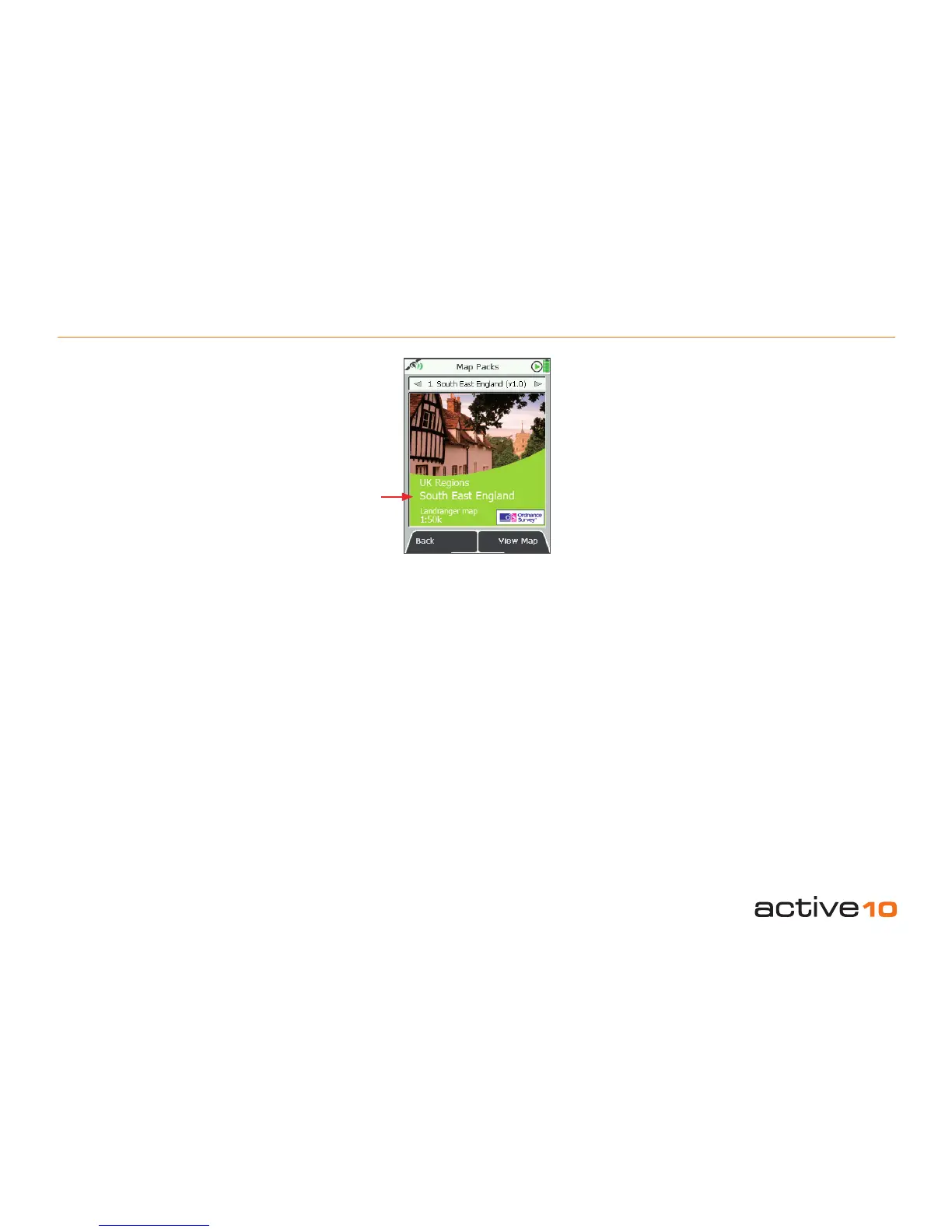
5.03 Map Packs Screen
(GPS MAP → POSITION INFO via center
press → Map Packs)
(Available once a map card is inserted).
Alternative access:
(PLANNING → POSITION INFO via center
press → Map Packs)
A map card may be inserted or removed
at any time. When a map card is inserted,
the unit beeps, and an on-screen message
shows, ‘SD Card Inserted’. After a short time,
(depending on the size of the map), the Map
Packs screen appears (map title screen).
After about ve seconds the screen will revert
to the previous screen.
If you have consolidated more than one map
on a card (map consolidation service offered
by Satmap), you can access the different
maps by moving the joystick left/right on the
Map Packs screen.
Buttons:
Back
Return to POSITION INFO (section 10.00)
View Map
Go to PLANNING screen (section 6.00)
Note: The screen shows a default location for
the loaded map.
5.03 GPS MAP Screen: Map Packs
Map
title
Figure 5.03



 To Next Page