27
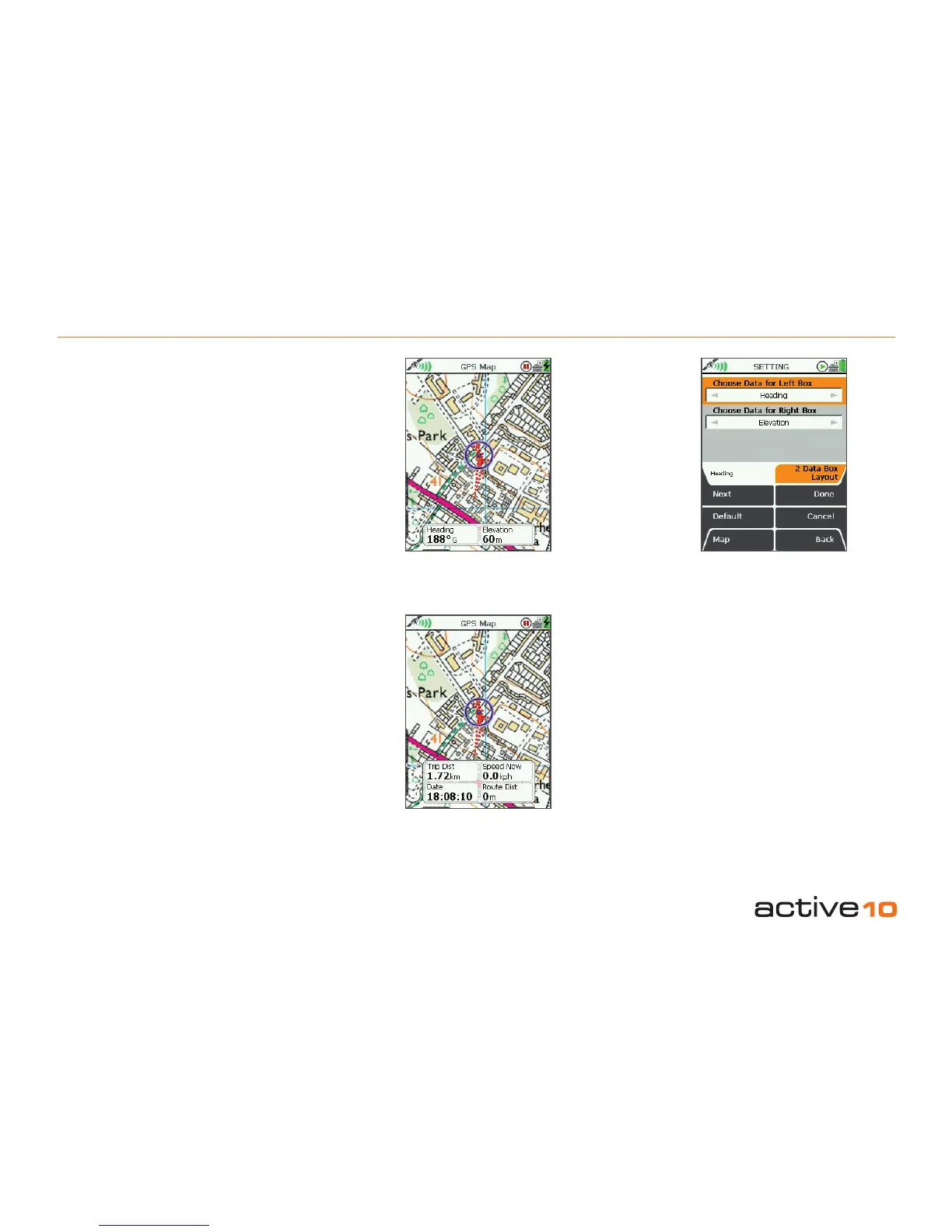
7.05 Settings: 2 Data Box Layout
Data Boxes
This is a white overlay that appears in the
lower half of the map screen. It allows you
to show customized information (data) about
your trip, environment and map objects.
Available as a 2 or 4 box layout.
7.05 2 Data Box Layout
(GPS MAP → MAIN MENU → Settings →
2 Data Box Layout)
For both the Left Box and the Right Box:
• Use the joystick, moving left/right to select
the desired option.
• Press Done or center press the joystick to
return to SETTINGS MENU.
The data options are listed in section 7.08 and
are the same for both 2 data box and 4 data
box layouts.
Pressing the Default button restores the
following settings:
Choose Data for Left Box
Heading
Choose Data for Right Box
Elevation
2 Data Box Layout
4 Data Box Layout
Figure 7.04



 To Next Page