39
7.19 Settings: Languages & About
7.19 Languages
(GPS MAP → MAIN MENU → Settings →
Languages)
Languages
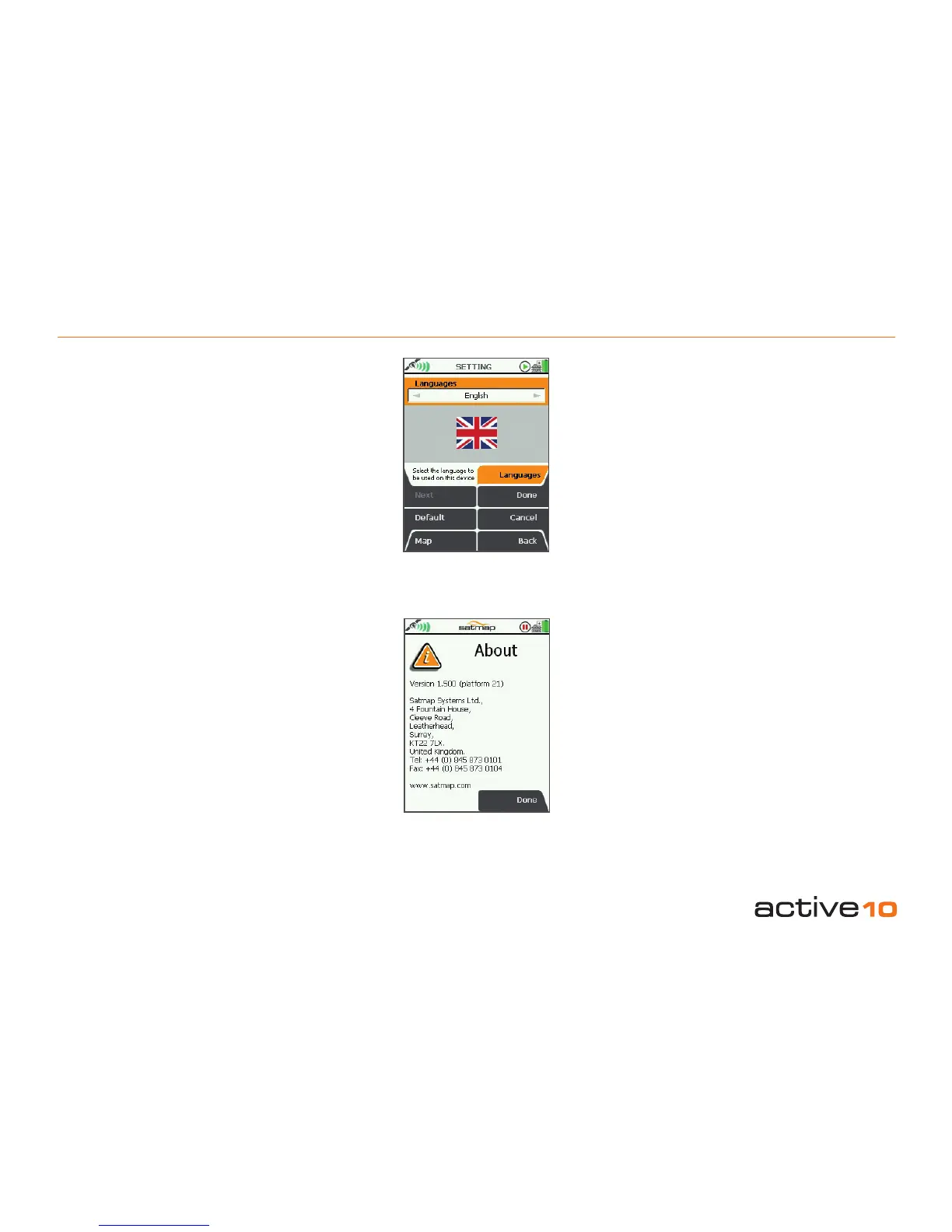
Select your preferred language:
• Use the joystick, moving left/right to select
the operating language from English
to English (US), Nederlands (Dutch),
Norsk (Norwegian), Svenska (Swedish),
Français (French), Deutsch (German),
Italiano (Italian), Español (Spanish), Català
(Catalan).
• Press Done or center press the joystick to
return to SETTINGS MENU.
7.20 About
(GPS MAP → MAIN MENU → Settings →
About)
This screen gives details of the software
version installed on your unit and Satmap
contact details.
Press Done to return to the SETTINGS
MENU.
Note: If your unit has platform 21 or higher,
it includes hibernate mode, plus the ability to
manipulate folders using SatSYNC. To nd
out how to get a platform upgrade, please visit
our website for more information.
Figure 7.19
Figure 7.20



 To Next Page