78
18.04a OOI Menu: Edit IOIs (Items of Interest)
18.04a Rename IOI
(GPS MAP → MAIN MENU → OOI Menu →
OOI Folders → Select IOI → Edit → Rename)
When an IOI is created it is called 'IOI 1' by
default (or similar, depending on the number
of existing IOIs).To rename it, highlight the
IOI in the OOI Folders, press Edit, then
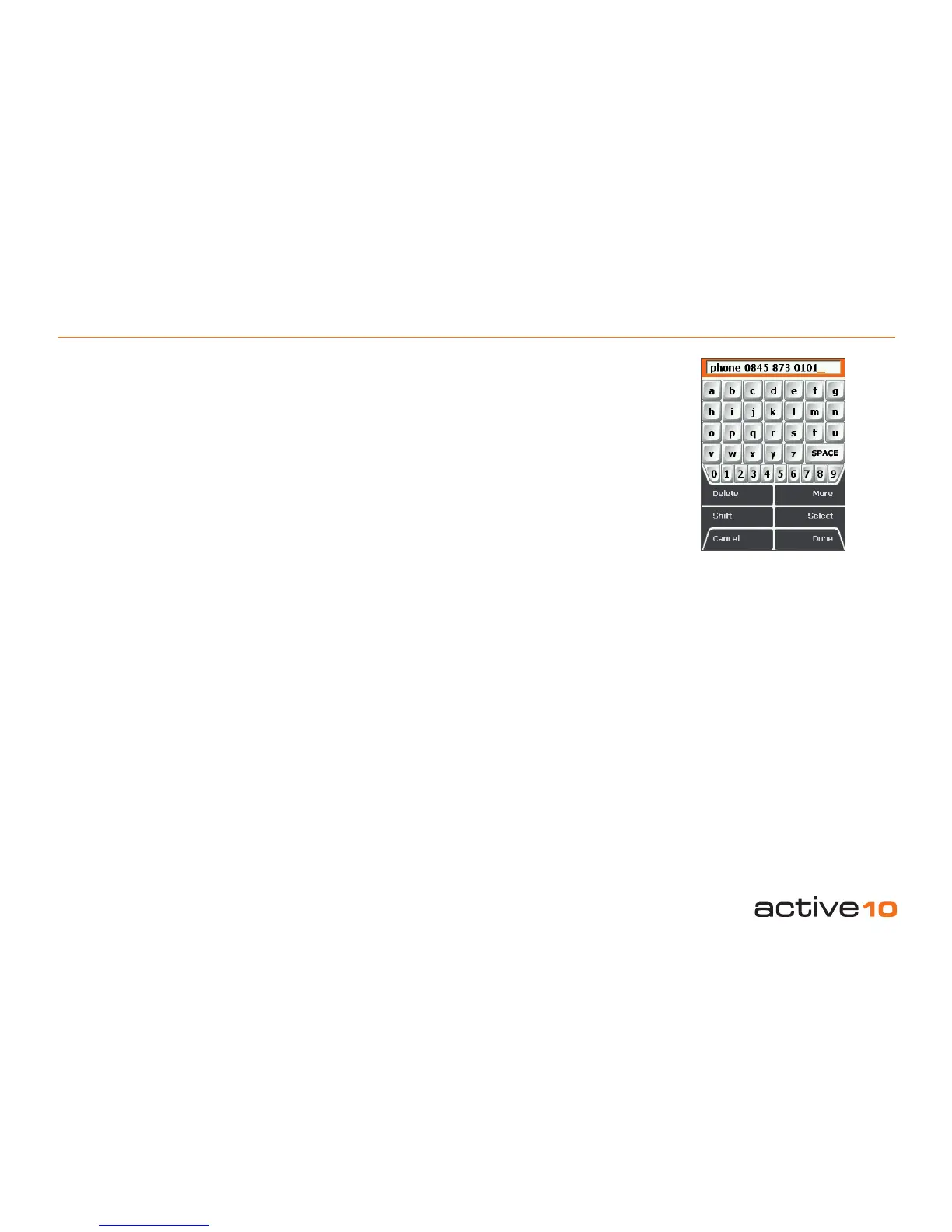
Rename. The keypad appears. Use the
joystick to rename the IOI (section 9.00).
18.04b Edit Description
(GPS MAP → MAIN MENU → OOI Menu
→ OOI Folders → Select IOI → Edit → Edit
Description)
Highlight Edit Description, then either press
the Edit button or center press the joystick to
access the keypad (section 9.00).
Operate the keypad to input comments
describing the IOI and press Done when
nished. The screen will return to the EDIT
IOI menu.
18.04c Delete
(GPS MAP → MAIN MENU → OOI Menu →
OOI Folders → Select IOI → Edit → Delete)
Highlight Delete, then press Delete or center
press the joystick to access a screen showing
the option to delete the IOI. Pressing Delete
will delete the IOI and take you back to the
OOI Folders. Pressing Cancel will take you
back to the EDIT IOI menu.
Figure 18.04b
18.04d Move to SD Card
(GPS MAP → MAIN MENU → OOI Menu →
OOI Folders → Select IOI → Edit → Move to
SD Card)
(Only available if an SD card has been
inserted). Move the IOI from the SD card
to the Internal Storage. Highlight Move to
SD Card and either press Move or center
press the joystick. (Subsequently this option
becomes Move from SD Card). The screen
will go to the OOI Folders and the IOI will
appear in the SD Card folder. To move the IOI
from the SD card you will need to select Move
from SD Card from the edit menu.
18.04e Copy to SD Card
(GPS MAP → MAIN MENU → OOI Menu →
OOI Folders → Select IOI → Edit → Copy to
SD Card)
(Only available if an SD card has been
inserted). Make a copy of the IOI onto the SD
card. Highlight Copy to SD Card and either
press Copy or center press the joystick.
(Subsequently this option becomes Copy
from SD Card). The screen will go to the OOI
Folders and a copy of the IOI will appear in
the SD Card folder.



 To Next Page