To change the settings you can proceed as follow:
• Tap on one of the screen buttons ( / ) to change the audio
settings.
• Move the slider via touch screen.
• Move the slider by rotating the right rotary encoder .
Bass:
Use this setting to modify the low frequencies of your audio source.
Mid:
Use this setting to modify the middle frequencies of the audio source.
Treble:
Use this setting to modify the high frequencies of the audio source.
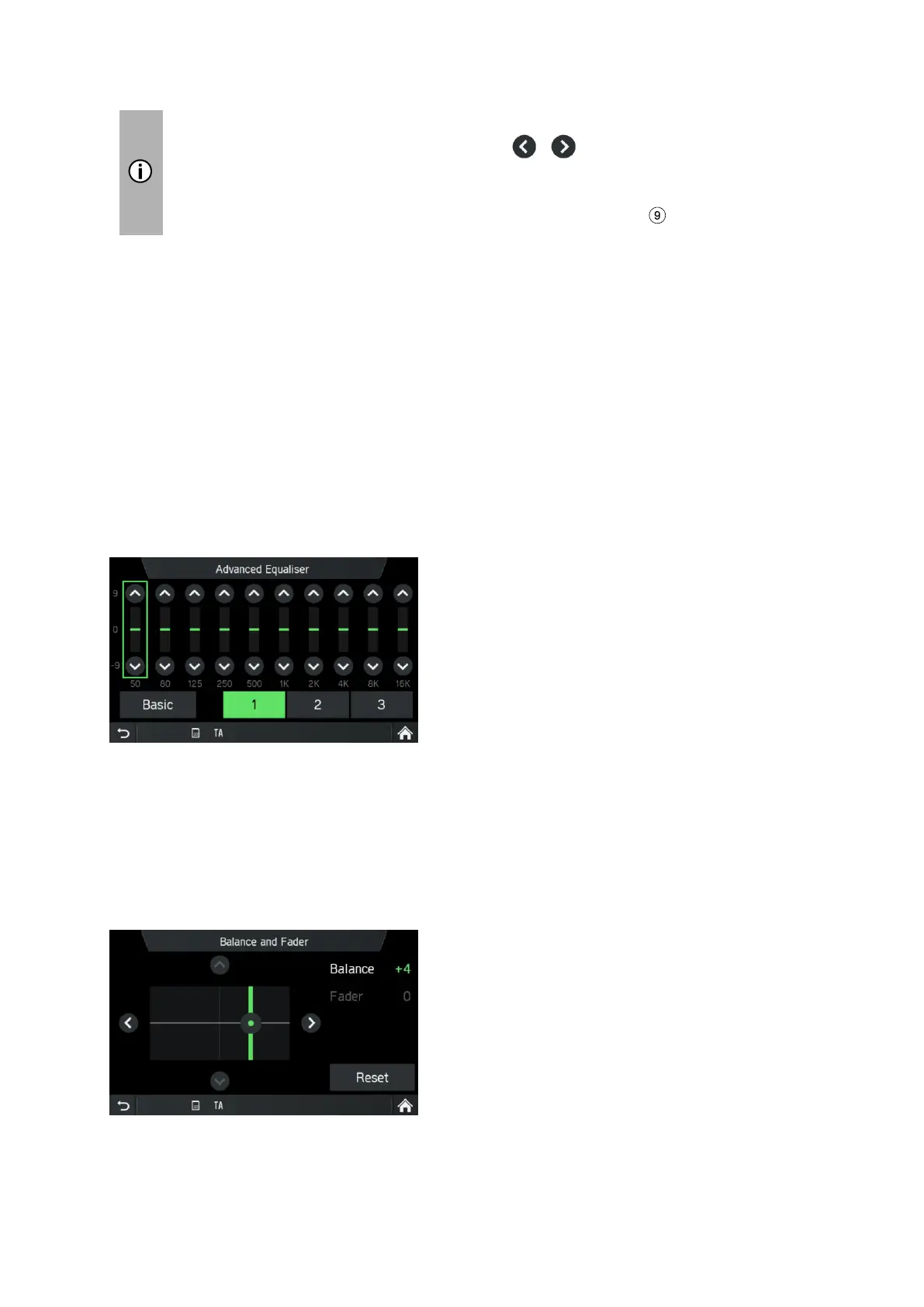
• Tap on Advanced to open the Advanced Equalizer.
Advanced Equalizer:
The Advanced Equalizer includes ten sliders (-9 to 9) to edit audio frequency ranges.
Customized settings can be stored in three different presets.
Balance:
Use this setting to adjust the volume balance between the left and right speakers of
the vehicle.
Fader (optional):
Use this setting to adjust the volume balance between the front and rear speakers of



 To Next Page