17
SYSTEM SETTINGS
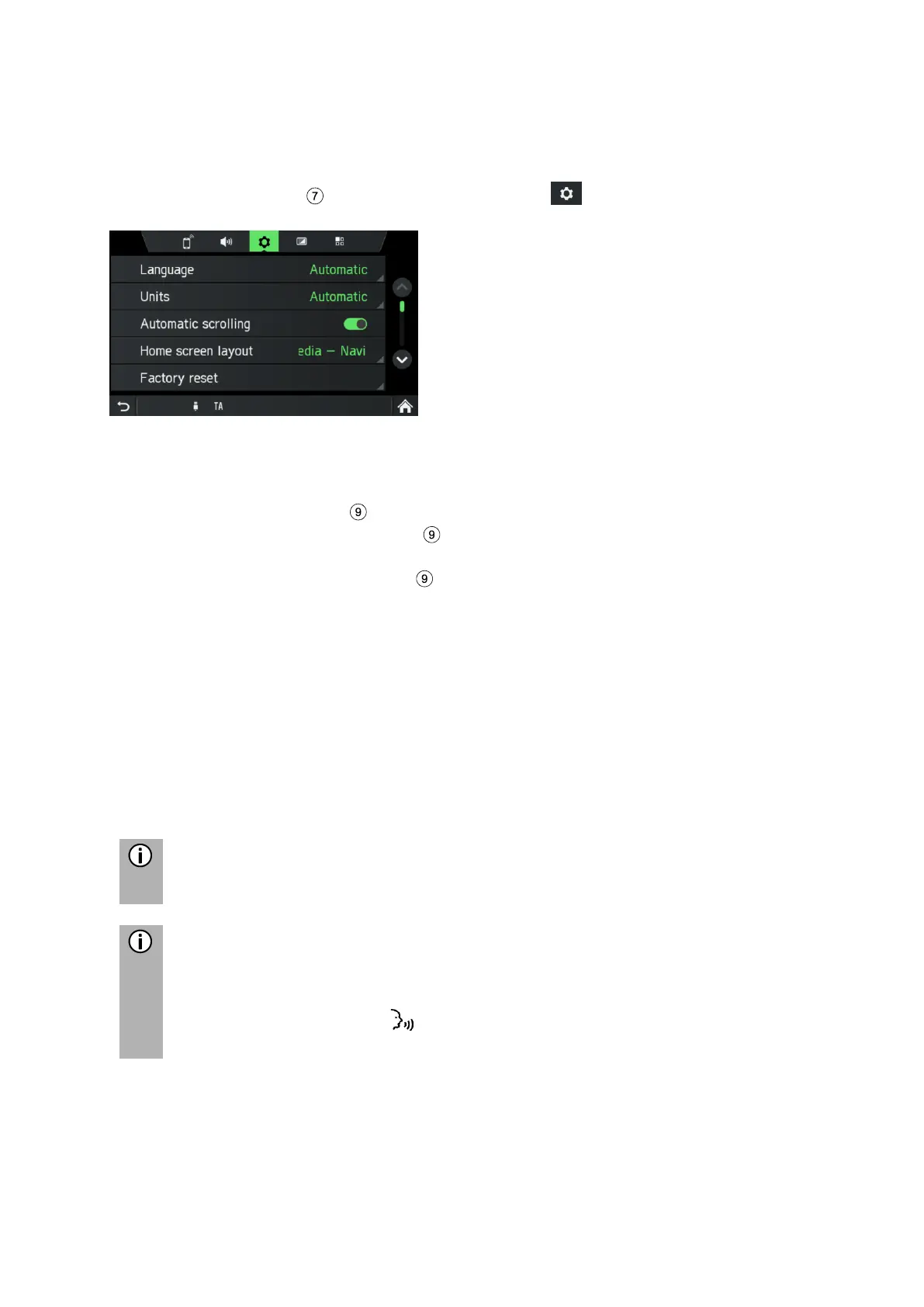
The default settings for the infotainment system can be changed via the menu
SYSTEM SETTINGS.
• Press the
SETUP
button and tap on the icon .
With the touch screen:
• Tap on a menu item to change the setting.
With the right rotary encoder :
• Rotate the right rotary encoder clockwise or counter-clockwise to select a
menu item.
• Press the right rotary encoder to change the setting.
Select the language
Different languages can be selected for the menu display. Voice output (optional)
also occurs in this language.
• Select the menu item Language.
A list of the languages is displayed.
• Select the desired language.
You have successfully performed the language setting.
Voice recognition is not available for each language and every region. To
activate voice recognition feature, see chapter “Steering wheel remote
control*” sub item „Button “ on page 92.



 To Next Page