80
Manoeuvre list
• In Navigation Screen press the
NAVI
button.
• Tap on the icon .
The ROUTE OPTIONS menu is displayed.
• Tap on Manoeuvre list.
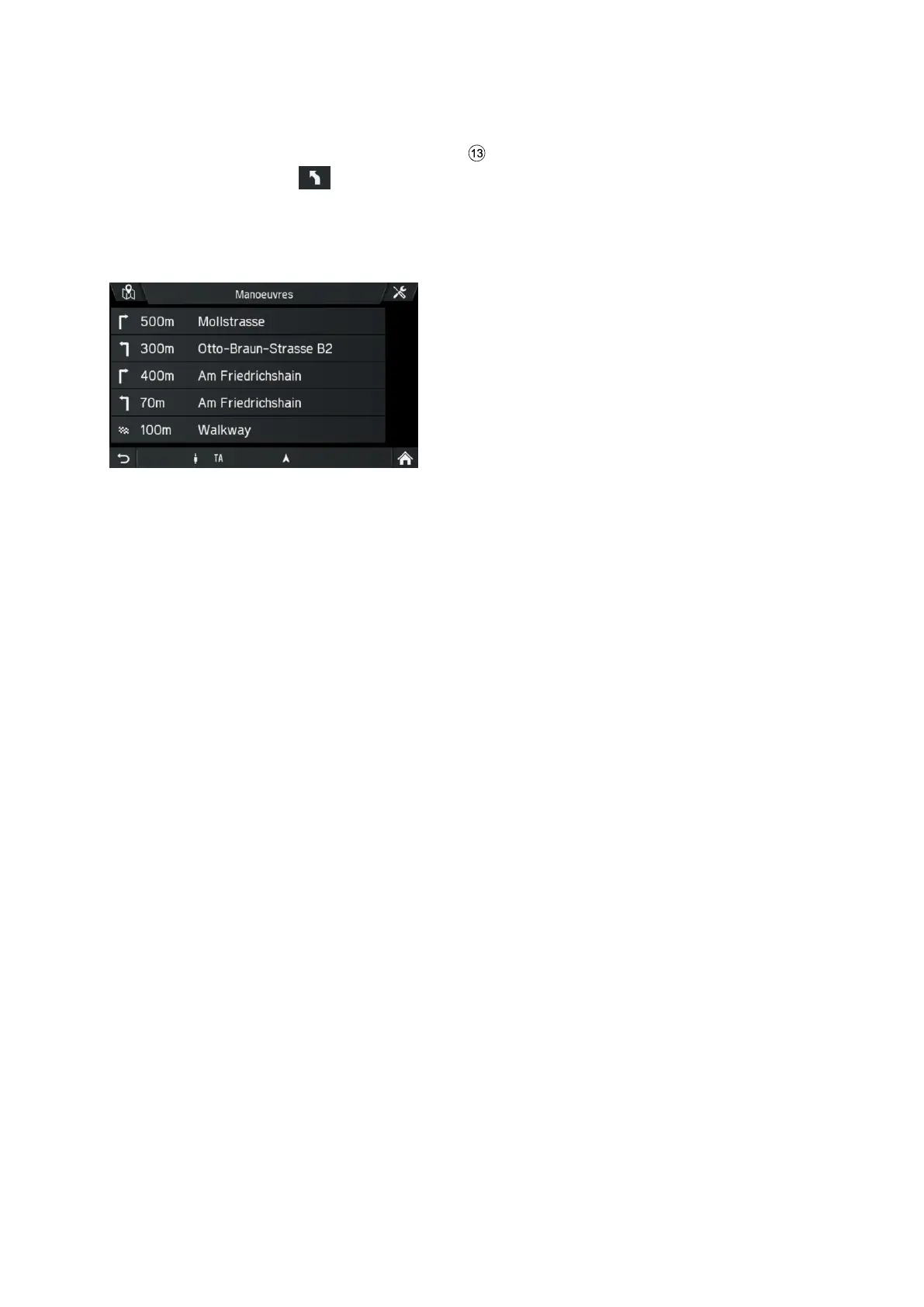
The Manoeuvre list is displayed.
The Manoeuvre list displays all manoeuvres in the calculated route, starting from the
current location.
The following information can be displayed in the list:
- Name of street, motorway or slip road
- Directional arrow or motorway symbol
- Border crossings
- Distance to next manoeuvre on the route
Show in map or avoid manoeuvre
• Tap on the list entry in the Manoeuvre List which you want to see in the map
or avoid.
• Select the desired option in the popup.
• Tap on Avoid street.
The route will be recalculated avoiding the selected street.
• Tap on Show in Map.
The selected list entry will be displayed in the navigation map.



 To Next Page