40
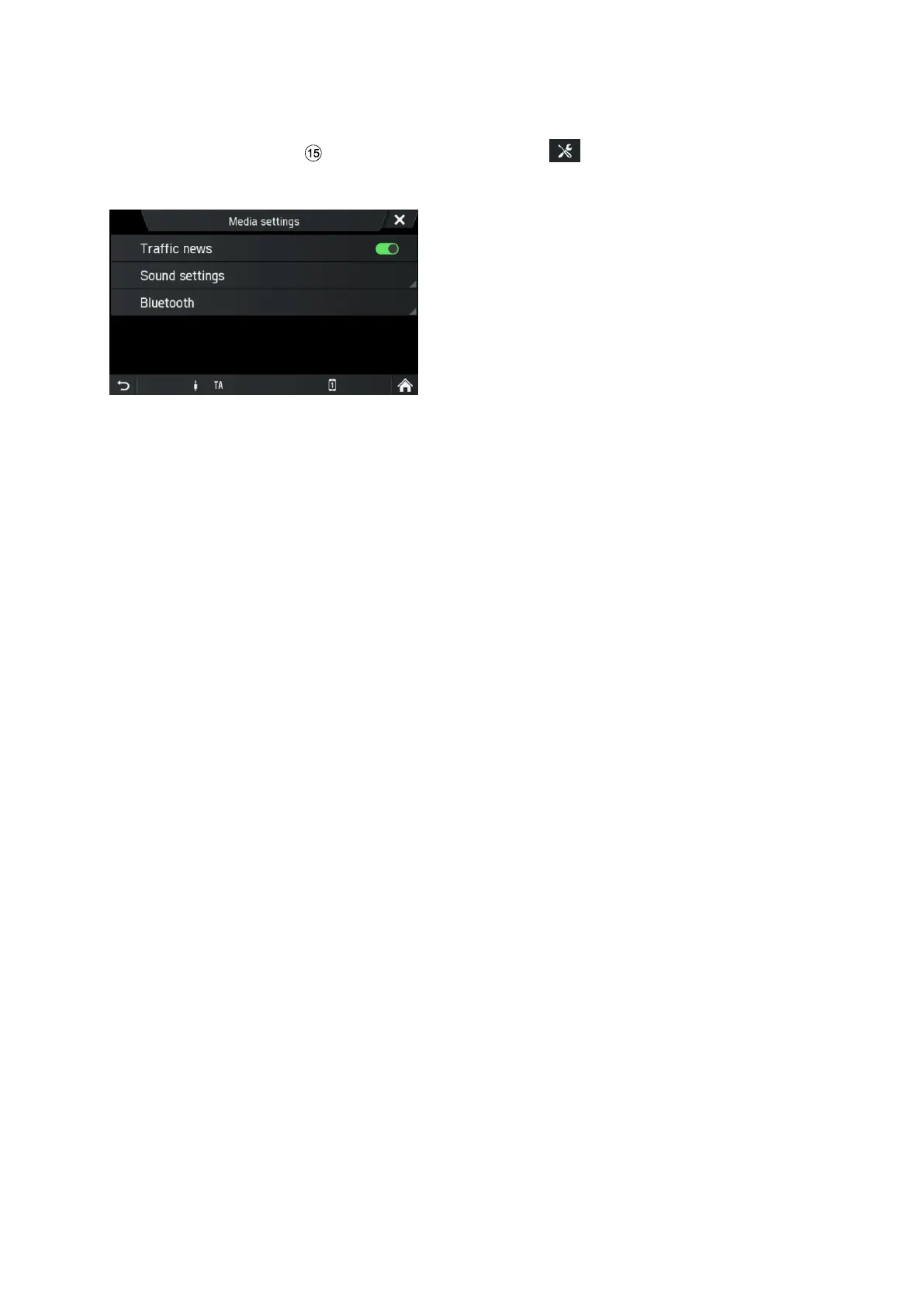
MEDIA SETTINGS
• Press the
MEDIA
button and tap on the icon .
The Media settings menu is displayed.
Following menu items are available:
- Traffic news
Enables or disables traffic announcements.
- Sound settings
SOUND SETTINGS Menu opens. For more details see chapter "Introduction", sub-
chapter "Sound settings" on page 12.
- Bluetooth
BLUETOOTH Menu opens. For more details see chapter "Telephone*", sub-chapter
"Bluetooth connection" on page 42.



 To Next Page