34
Media Player
Picture Viewer
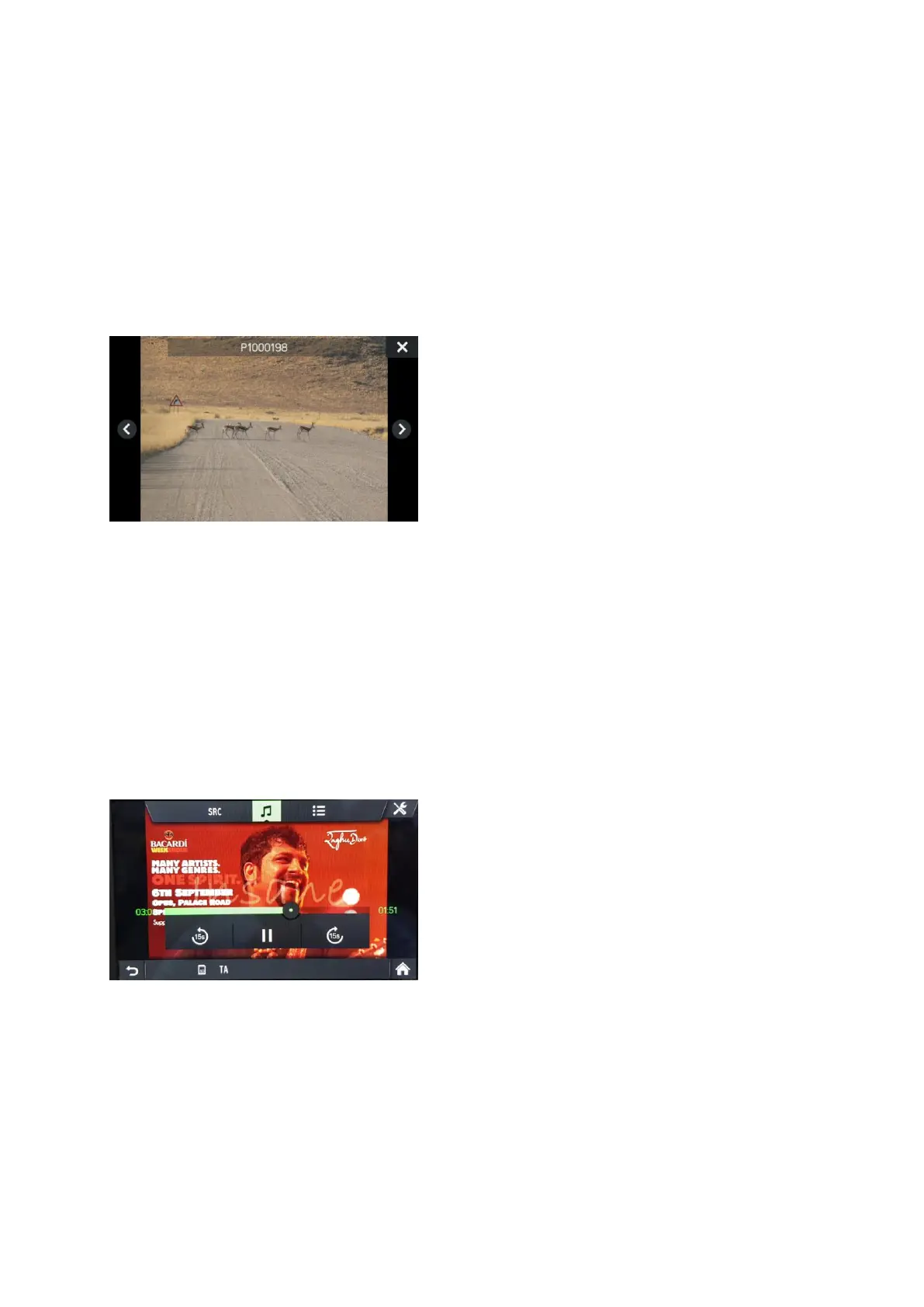
Each picture is shown on the source medium regarding its orientation. There is no
possibility for the user to rotate pictures. The maximum supported image size that
can be shown is 5163 x 3098 pixel. The user can select an image from within the
USB browse menu, and then the picture viewer will be shown. Buttons are shown on
the picture viewer to switch to the previous and next picture and to close the picture
viewer. The file name of the picture (without file name extension) is also shown on
the screen.
- Pressing anywhere on the screen causes the buttons and file name to re-appear.
- Switching between pictures is possible with the next picture/previous picture buttons
or by swiping left/right.
- Turning the right encoder clockwise or counter-clockwise switches to the next or
previous picture.
- Selecting the close button shows the USB browse menu again.
Video Player
The USB browse menu for videos is showing the name of the video file, the total play
time, a play icon, and a progress bar or if available showing the streaming position
where video was left.
If you select a video file without resume information, the video player is shown
directly and video starts playing from beginning. Subtitles (Captions) and Chapter
Browsing are not supported.



 To Next Page