If "No phone" continually appears, check whether Bluetooth is activated and
the telephone is connected to the infotainment system. No phone will appear
in favourites tab if only music service is active.
Tap in list of paired devices to find out which service is active/passive.
The mobile telephone is now connected to the infotainment system via
Bluetooth and the hands-free function is activated.
It might take a while before the Phone book and Call options are activated.
This is because the data for the phone book and call lists are transmitted
from the mobile telephone to the system.
Using the phone book
The contacts in the phone book are stored with multiple telephone numbers (more
than 5), address, notes and images.
To make a call using the phone book:
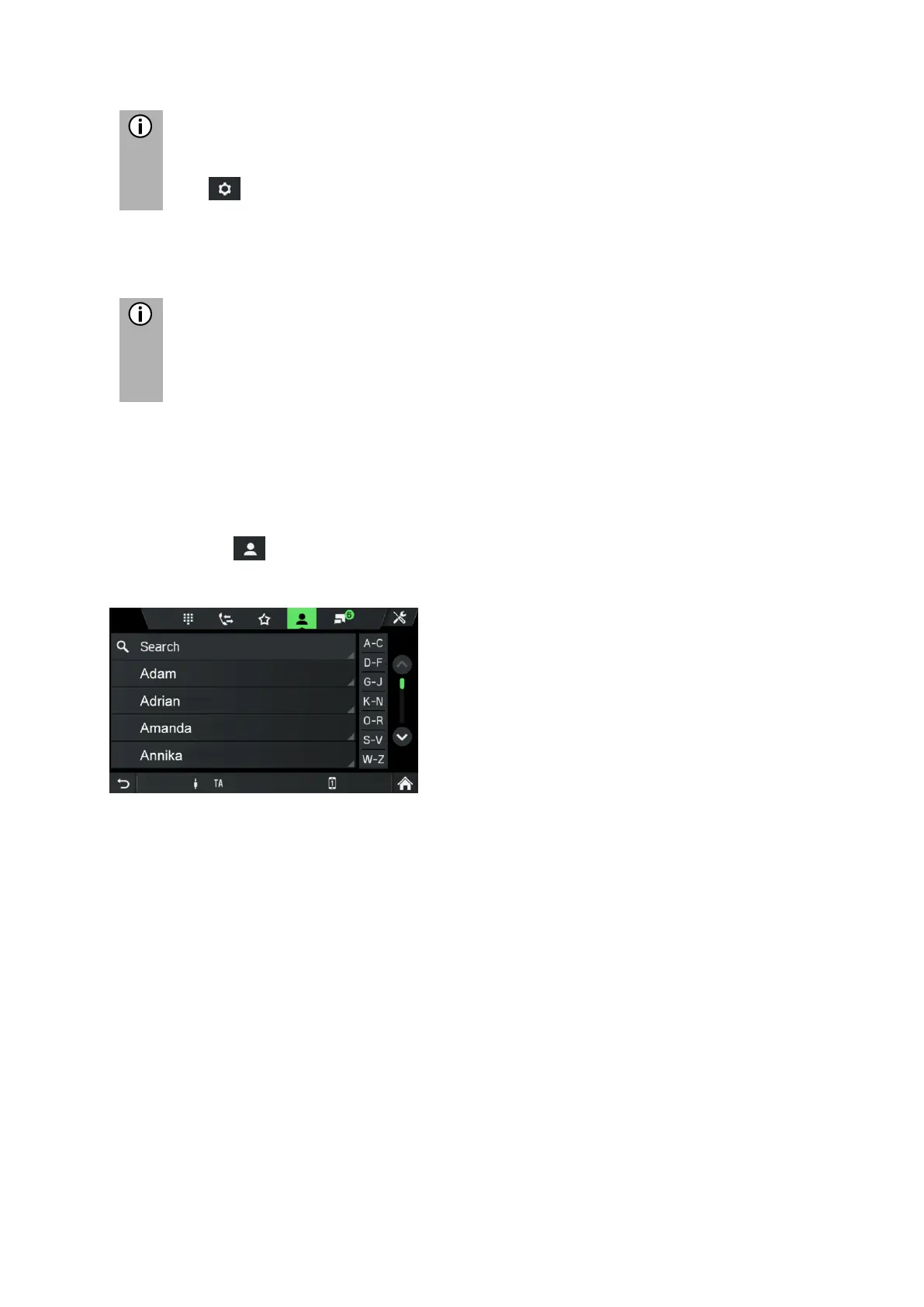
• Tap the symbol in the telephone menu.
The PHONE BOOK menu is displayed.
• Go through the list of phone book entries, and select the desired contact.
The telephone number/s of the selected contact is/are displayed.
• To initiate a call, select the desired telephone number.
Search for a telephone number
If the phone book contains many entries, you can search for the desired contact
using the search option.
• Tap on Search in the PHONE BOOK menu.
The SEARCH menu is displayed.



 To Next Page