Once CarPlay® has been activated, by pressing the
TELEPHONE
button
the telephone function of the CarPlay menu will be called up. This will also
switch automatically to CarPlay when there are incoming calls.
CarPlay® is interrupted when there are system messages (e.g. traffic
information). CarPlay® is reactivated after the system message has
finished.
In order to quit CarPlay®, you have to select Scania.
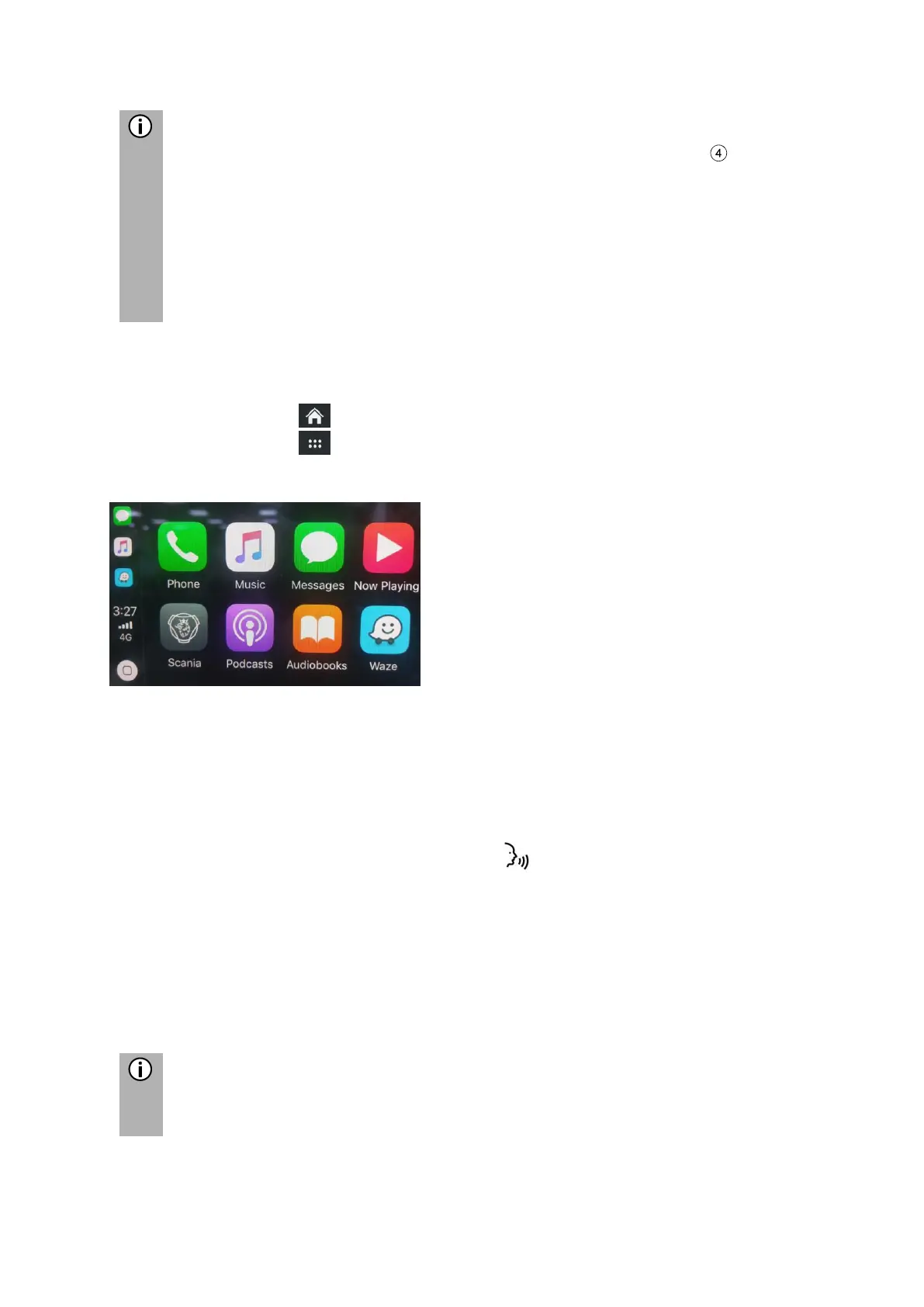
LAUNCH CARPLAY APPS
• Tap on the icon to open the HOME menu.
• Tap on the icon in order to display the APPS menu.
• Tap on the CarPlay button.
The CarPlay® function starts.
• Tap on the desired application e.g. Telephone.
The selected application is launched.
LAUNCH VOICE RECOGNITION (SIRI)
• In order to activate Siri, press the Button on the steering wheel for a longer
time.
Eyes Free Function (Siri)
The Eyes Free Function is an expanded functionality of Siri, which enables voice
activated usage of an iOS mobile device that is connected to the system. The Siri
Eyes Free Function enables you to use natural voice commands to control the mobile
device.
If the Siri functionality is unavailable, e.g. if the network is down, this is not
caused by the infotainment system.



 To Next Page