71
RECENT DESTINATIONS
Use this option to display a list of destinations that you have previously used for
navigation. You can select an entry from the list and set it as a new destination.
Selecting a previous destination
• In Navigation Screen press the
NAVI
button.
• Tap on the icon .
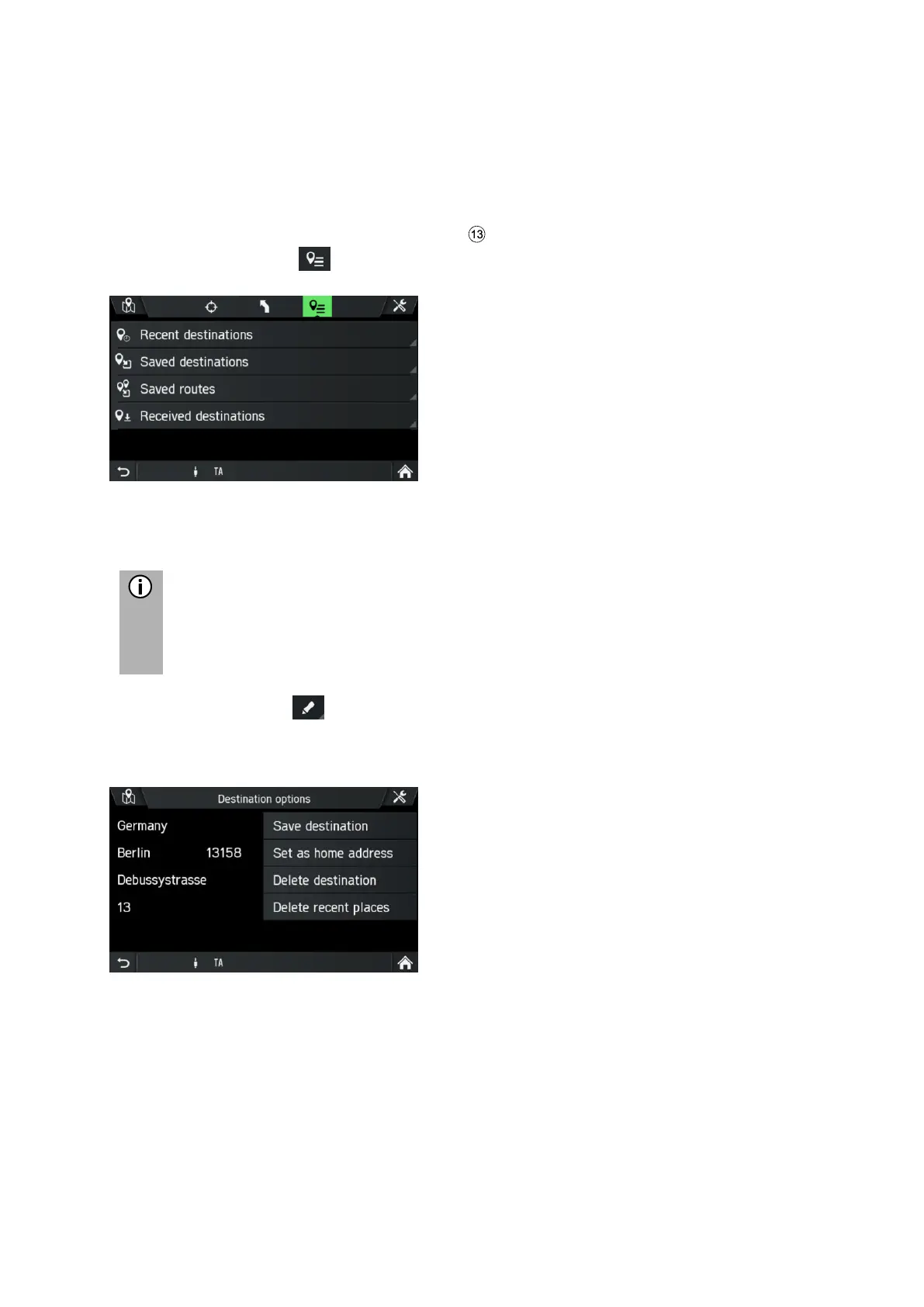
• Tap on Recent destinations (route).
The list of previous navigation destinations is displayed.
Up to 20 recent destinations are stored automatically. If more than 20
destinations are stored, the oldest will be deleted from the list and the
newest is added automatically.
• Select the icon from behind a previous destination.
The following menu options are available:
- Save destination
Tap this option to save the displayed destination data in the address book.
- Set as home address
Tap this option to save the displayed destination as home address.
- Delete destination
Tap on this option to delete the displayed destination from the list of previous
destinations.
- Delete recent places
Tap this option to delete the entire list of previous destinations.



 To Next Page