30
Manual station tuning (AM/FM)
Using the right rotary encoder :
• In the radio menu, turn the rotary encoder clockwise or counter-clockwise to
change the reception frequency.
Using the frequency display:
• Tap on the icon .
A frequency scale is displayed.
Perform one of the following to set the desired station manually.
• Tap the frequency scale.
• Tap on or .
• Turn the right rotary encoder clockwise or counter-clockwise.
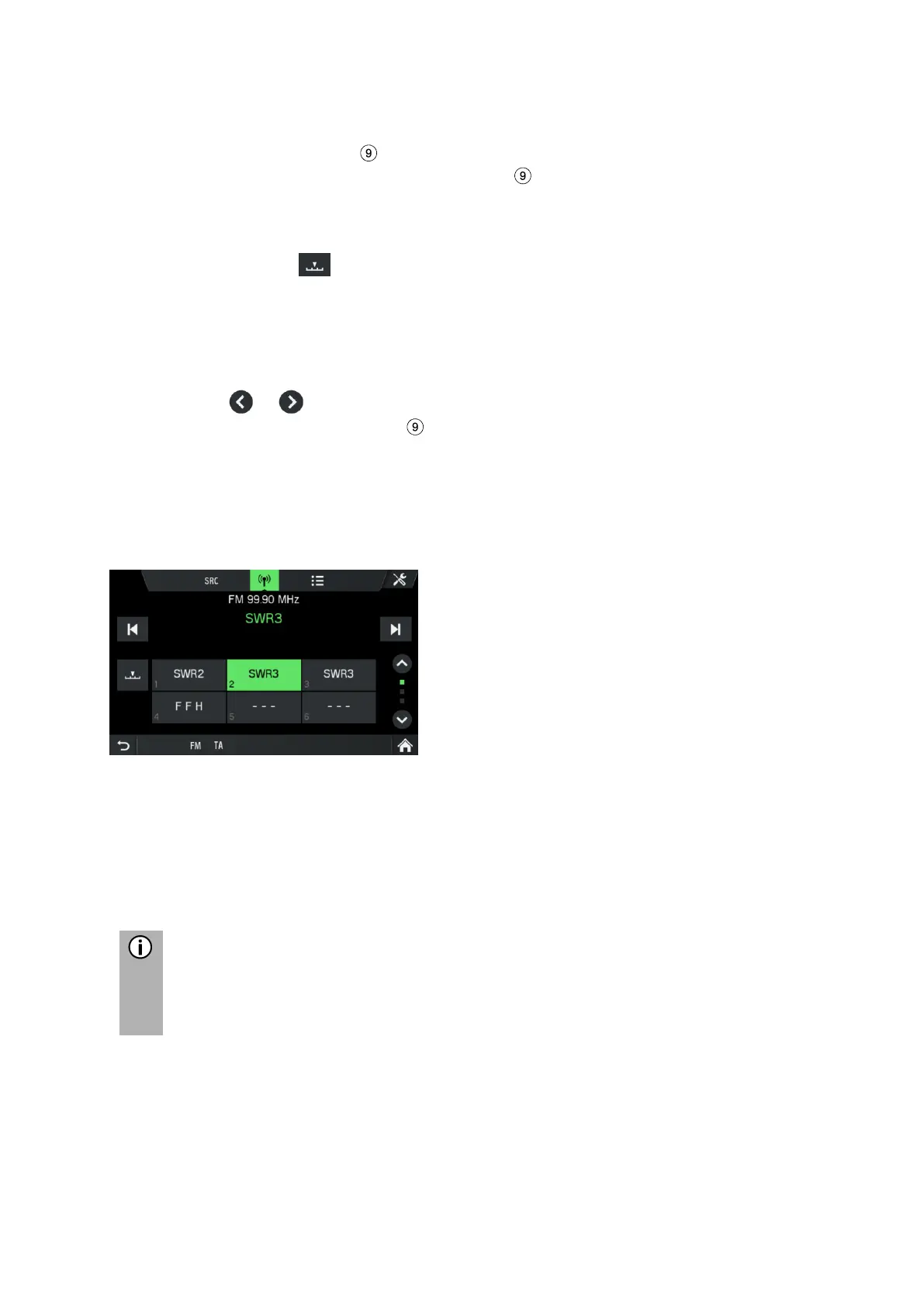
STORE RADIO STATIONS
Radio stations can be stored on each waveband (AM, FM and DAB) using the station
buttons.
• Select the desired waveband.
• Set the desired station.
• Press and hold one of the station buttons until you hear a beep (if sound
settings for beep is set to ON).
Pressing the corresponding station button retrieves the station from the station
memory.
If you do not hear a beep when saving the radio station, it may be that the
system sounds are deactivated. To activate the system sounds, see the
chapter "Introduction", sub-chapter "Customise settings" on page 12.
RETRIEVING RADIO STATIONS
• Select the desired waveband.
• Press a station button.
The corresponding radio station is played.



 To Next Page