12
CUSTOMISE SETTINGS
The following examples describe a method to change the settings available in the
different menus using the menu options on the screen or the right rotary encoder .
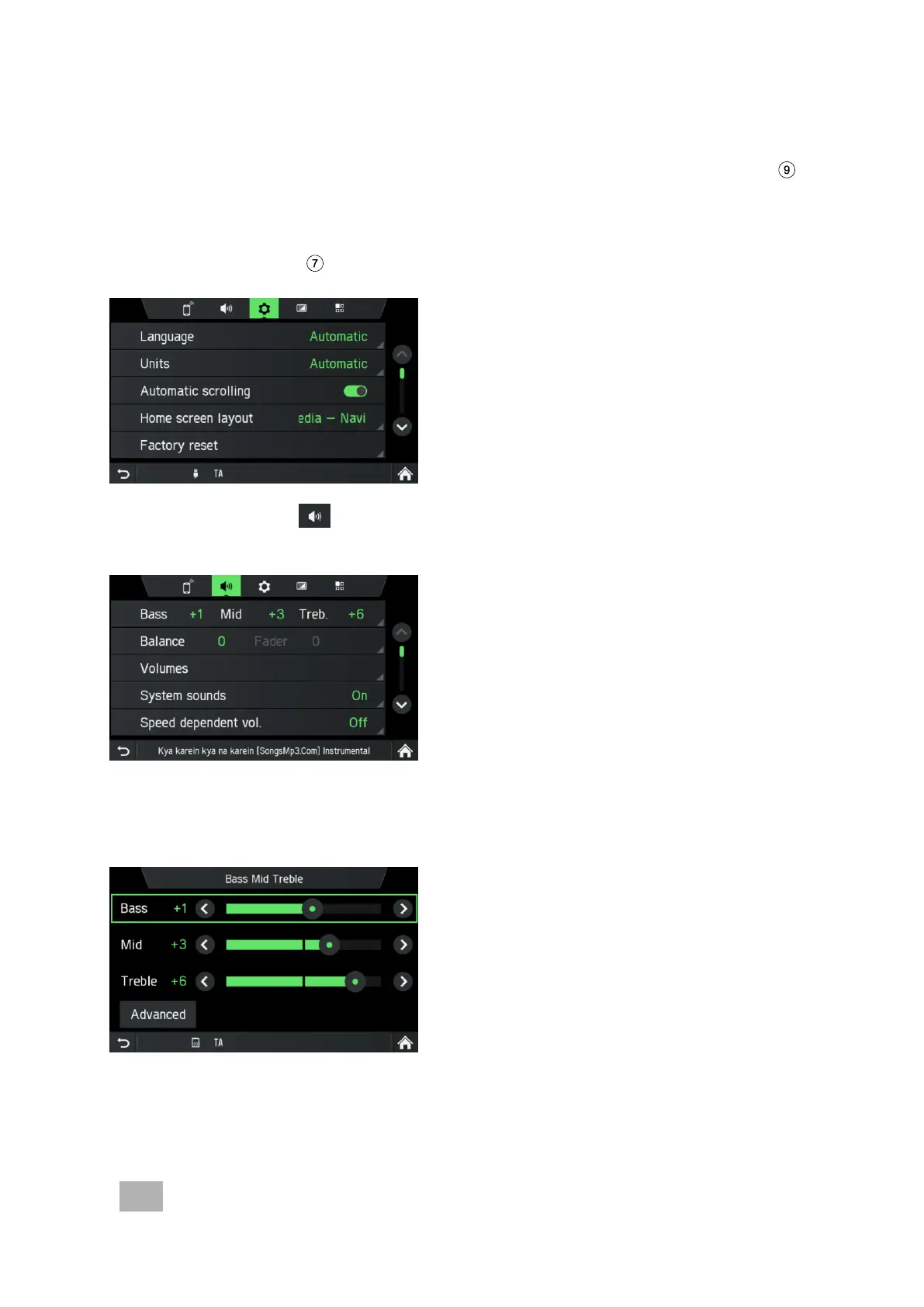
Sound settings
• Press the
SETUP
button.
• Tap on the icon .
The AUDIO SETTINGS menu is displayed.
Two options are possible:
- Simple Equalizer for Bass/ Mid/ Treble settings (standard)
- Advanced Equalizer for advanced sound settings



 To Next Page