60
NAVI BUTTON AND MENU NAVIGATION
• Press on the
NAVI
button to open the Navigation Screen.
The Navigation Screen provides access to all navigation system functions for
destination entry and navigation.
Destination entry
• Tap on the icon .
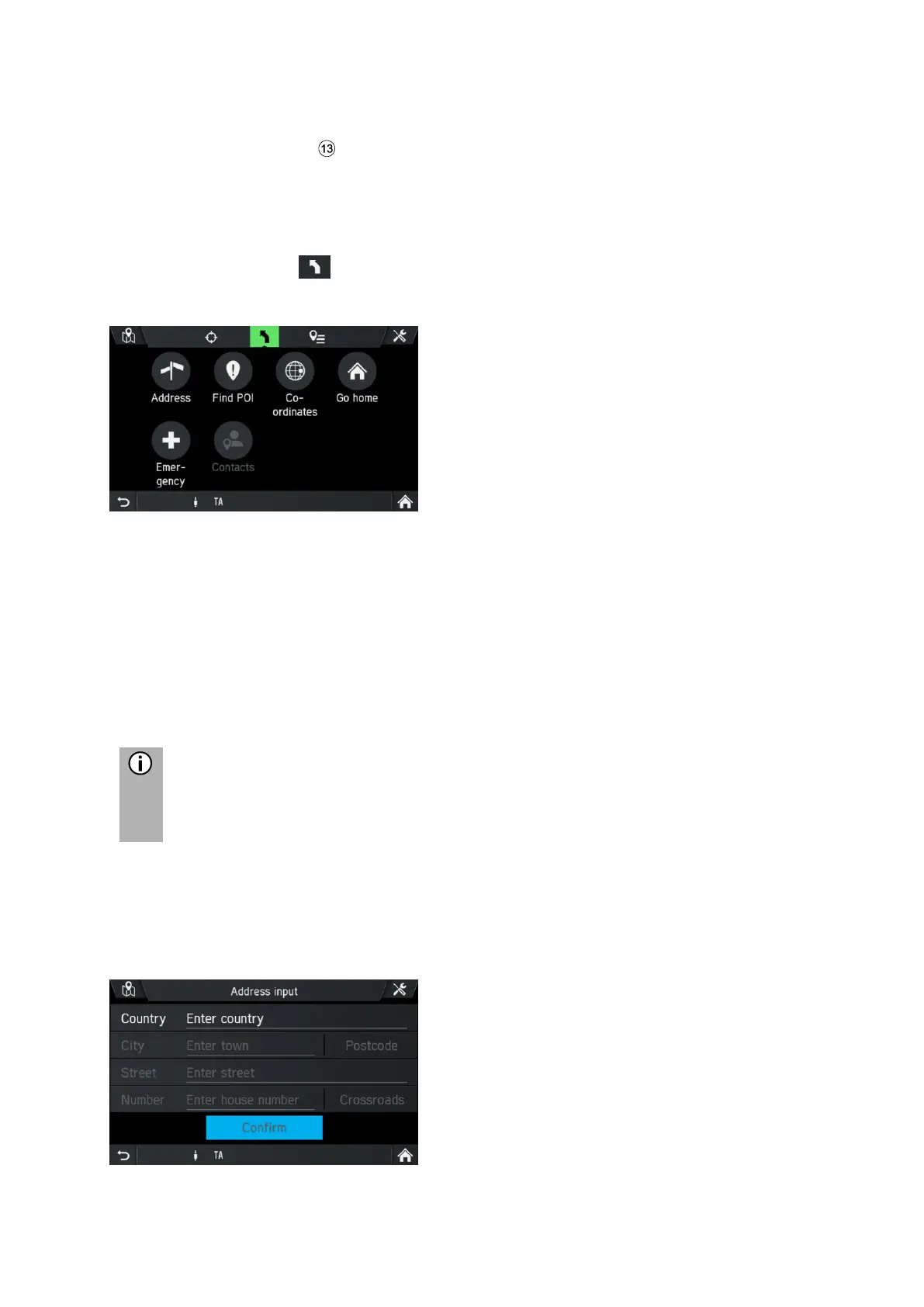
The following screen is displayed:
The following menu options are available:
- Address
- Find POI (e.g. petrol stations, car parks etc.)
- Coordinates
- Go home
- Emergency
- Contacts (if mobile telephone with valid contacts is connected to the infotainment
system)
Note
If navigation to a destination is already active, you can add up to 9 additional
stopovers, replace the destination or change the order of the
destination/stopovers.



 To Next Page