75
Vehicle profiles
The navigation system is adapted to heavy vehicles. The vehicle profiles can be
changed all the time, even during active route guidance.
You can store the characteristics of different vehicle combinations in up to 4 different
profiles (e.g. with and without a trailer or with specific hazardous load).
Based upon these characteristics the navigation system will calculate the best
possible route.
Even if navigation system tries to avoid using roads which mismatch the
characteristics, it cannot be guaranteed that these routes are not taken into
the route. The driver is responsible to obey local traffic regulations.
• Press the
SETUP
button and tap on the icon .
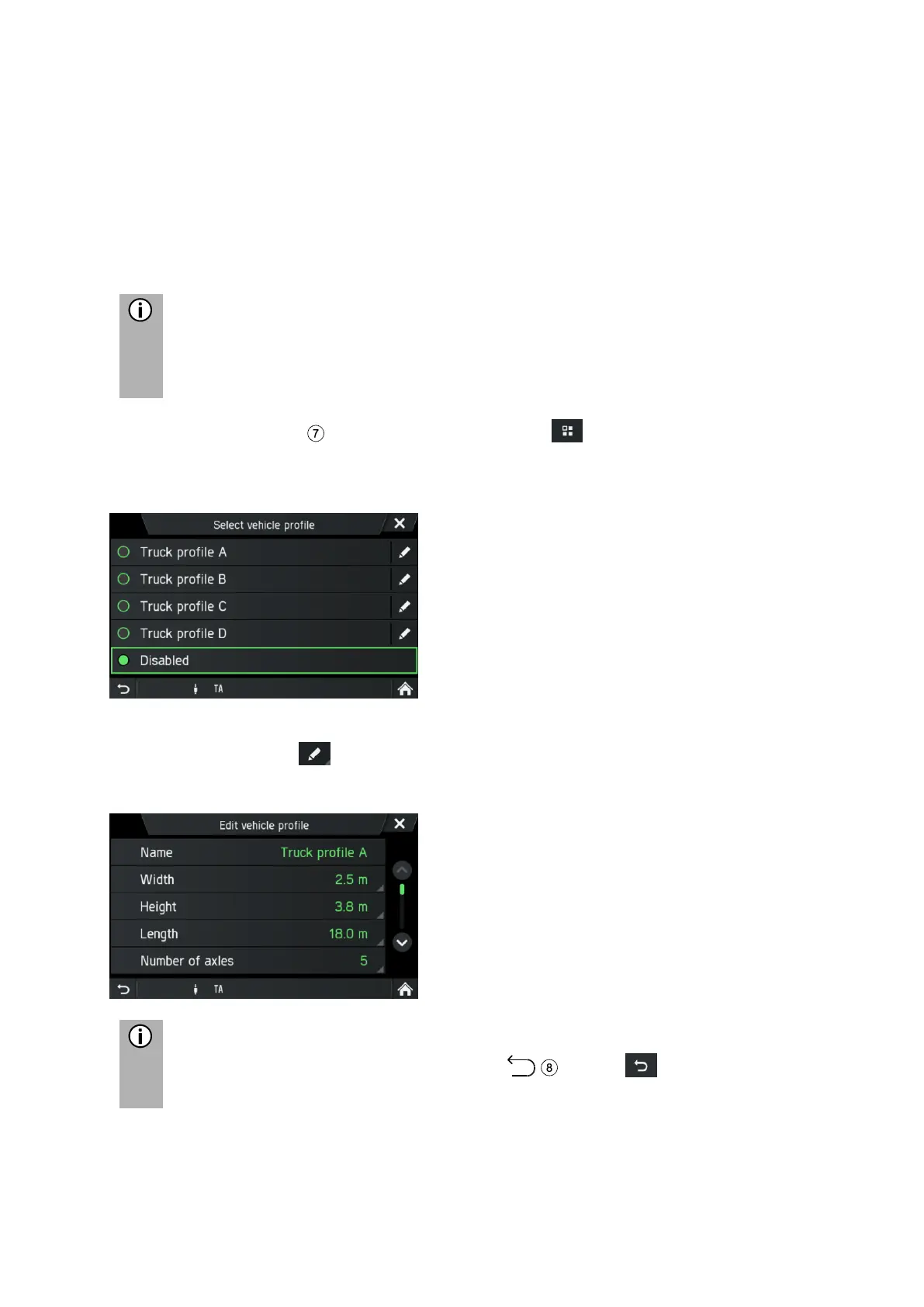
• Tap on Navigation and traffic.
• Tap on Vehicle profiles.
• Select a profile.
• Tap on the icon to edit it.
The vehicle profile to be edited is opened.
Settings have to be confirmed by Button or icon - otherwise they
will not be stored.



 To Next Page