20
DISPLAY SETTINGS
Customising the display
• Press the
SETUP
button and tap the icon .
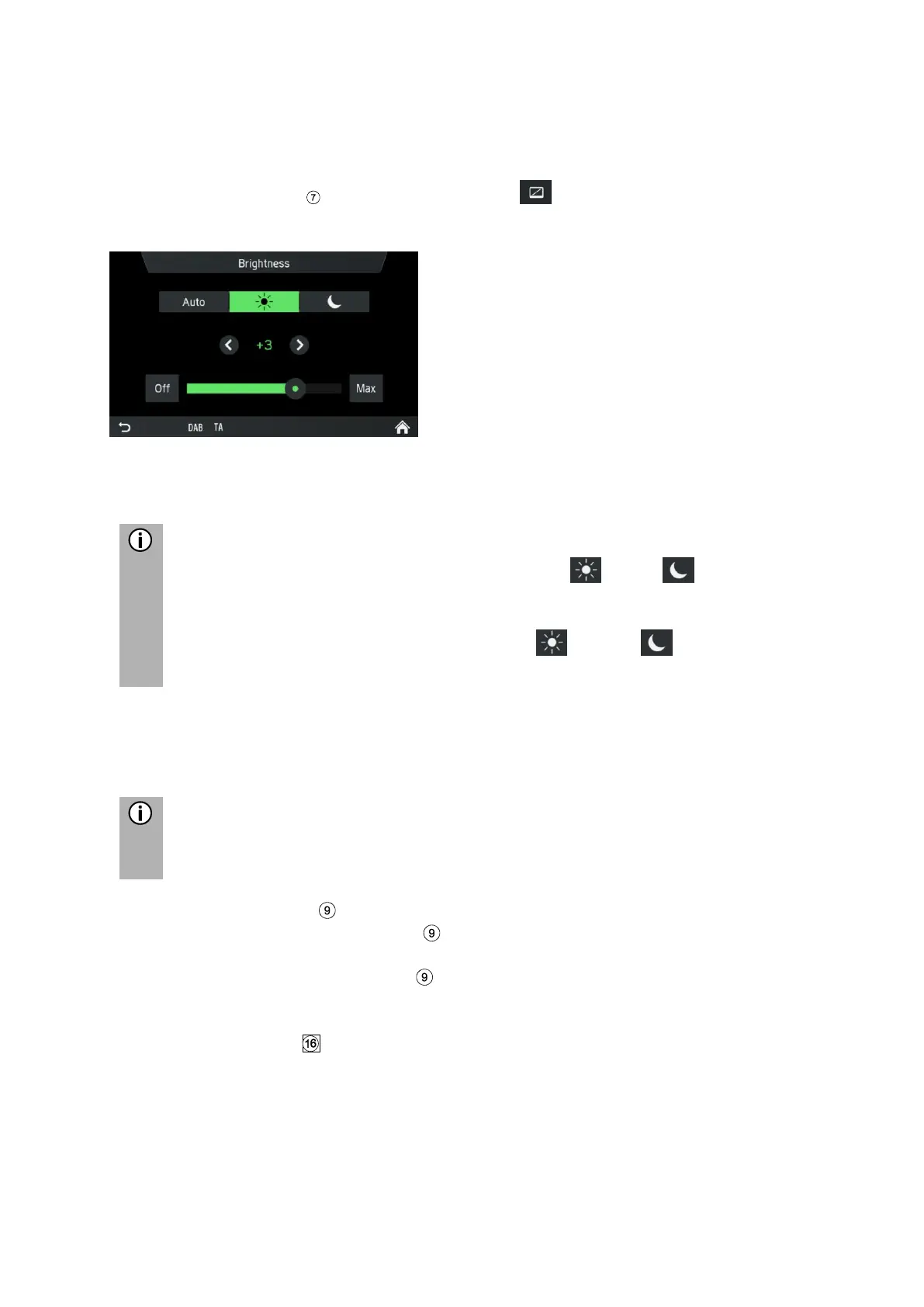
• Tap on Brightness.
• Select the appropriate option to adjust the Brightness of the screen and to
adjust the display to match the light conditions of your surroundings.
There is one automatic and two manual modes ( day or night) in
system.
If you select Auto, the infotainment system will follow the brightness level for
the complete instrument panel. If you select (day) or (night) you can
set your own brightness level.
• Select the appropriate option to activate/deactivate a Screen saver.
• Select the appropriate option to activate/deactivate the Approach sensor
feature.
The points under a setting indicate that additional options are still available.
Press on the dots to see the other options.
With right rotary encoder
• Rotate the right rotary encoder clockwise or counter-clockwise to select a
menu item.
• Press the right rotary encoder to change the setting.
Approach Sensor Feature
If the approach sensor feature has been enabled. When a screensaver or Display
off is currently shown, approaching the screen turns the display temporarily on. When
the approach sensor is not detecting something anymore, the display will be turned
off again after an assigned time.



 To Next Page