94
MIRRORLINK
MirrorLink provides the integration of mobile devices into the vehicle, so that the
screen and common applications of mobile devices are shown on the display.
MirrorLink appears only when an MirrorLink supported mobile device is
connected to the infotainment system via USB.
Long press on
TELEPHONE
button activates MirrorLink. The icon is shown
in the APPS menu.
TURN ON MIRRORLINK
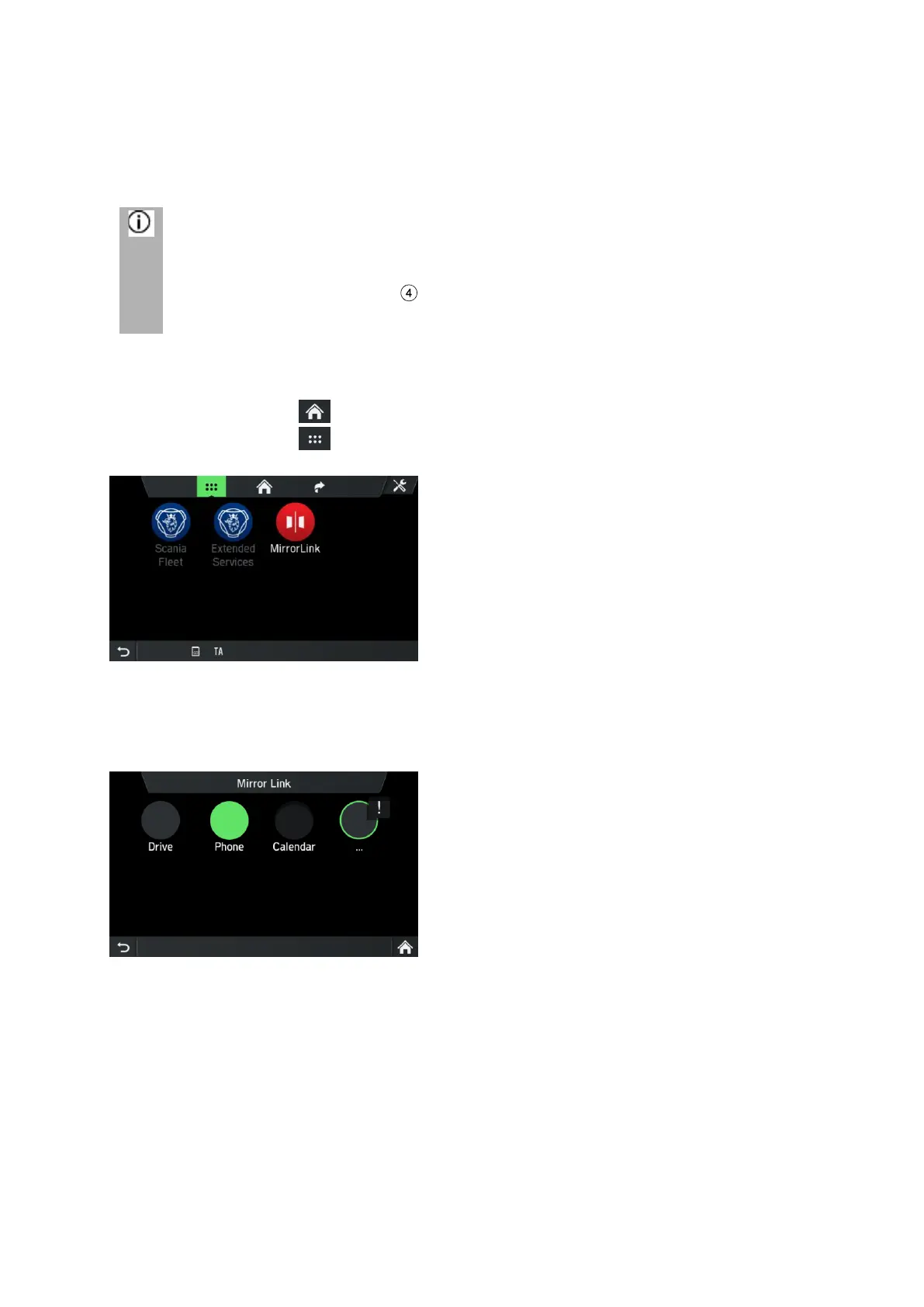
• Tap on the icon to open the HOME menu.
• Tap on the icon in order to display the APPS menu.
• Tap on the MirrorLink button.
The MirrorLink function starts.
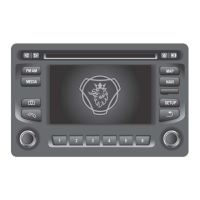
The following screen appears.
Upon successful connection, the supported MirrorLink applications (telephone,
music, maps, news) can be controlled using the touch surface.


 To Next Page