74
Stop guidance
Use this option to stop current navigation.
If an additional stopover is currently set for navigation, you might receive the
following message:
- Should navigation be cancelled to the stopover and to the final destination, or
- only to the stopover.
If you only want to cancel navigation to a stopover, the navigation system re-
calculates the route automatically to get you to your final destination.
Add stopover
• Press the
NAVI
button during a running route.
• Tap on the icon .
The ROUTE OPTIONS menu is displayed.
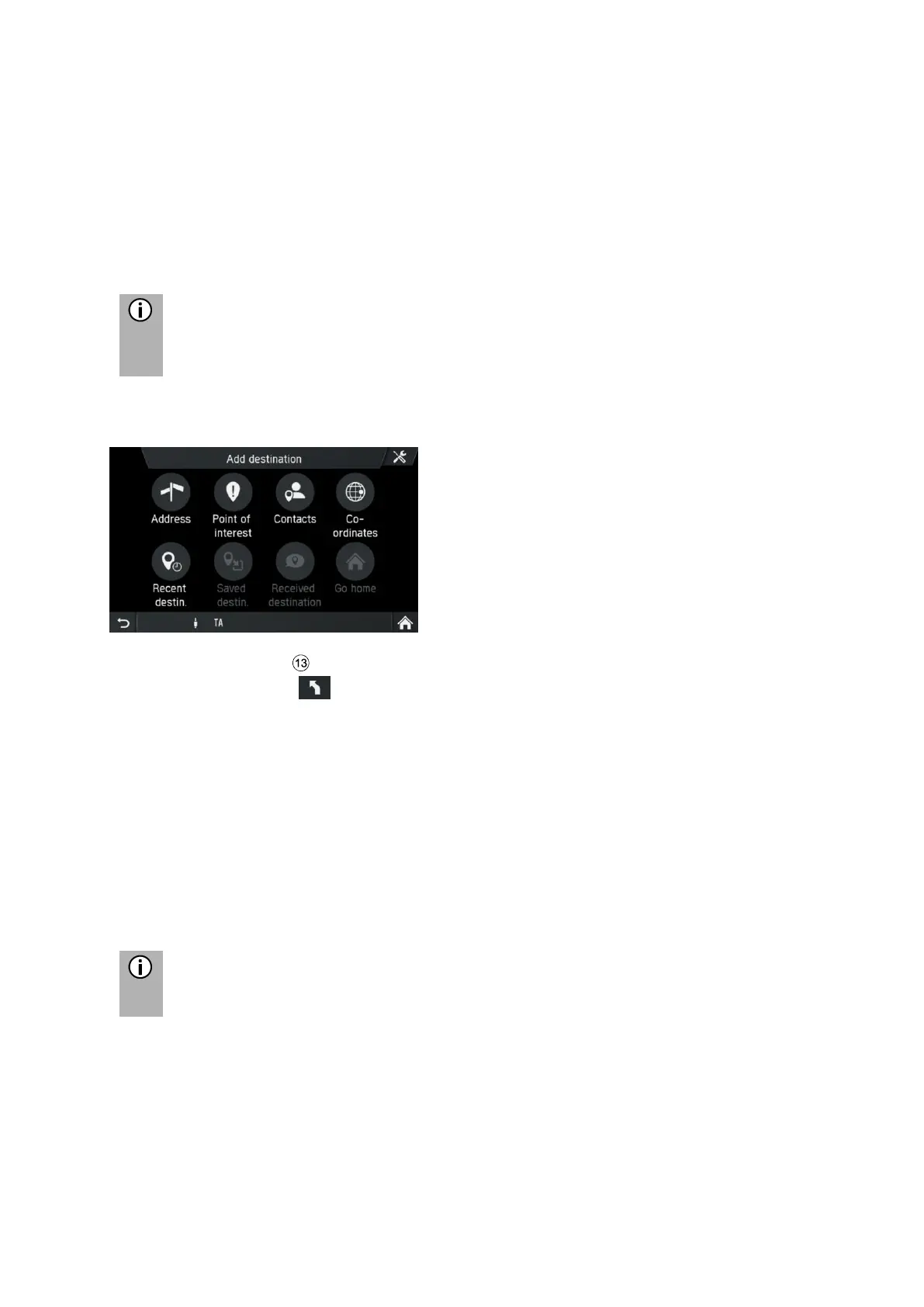
• Tap on Add stopover
• Enter a stopover by address or select other option to add a stopover.
Menu ADD STOPOVER IS SHOWN.
• Choose if the new destination shall be added as first destination, as final
destination or replace the current route.
The route is calculated.
Menu CONFIRM ROUTE is shown.
A yellow flag indicates stopovers.
• Tap on Confirm route to start the route guidance



 To Next Page