23
Other regions (out of Europe):
Following commands are supported by the on board voice recognition system:
Dialog session
A dialog session starts with a short press of the Push to Talk button and
terminates in a system action or cancellation based on system state. During an active
dialog session, there could be multiple speech interactions between the user and the
head unit.
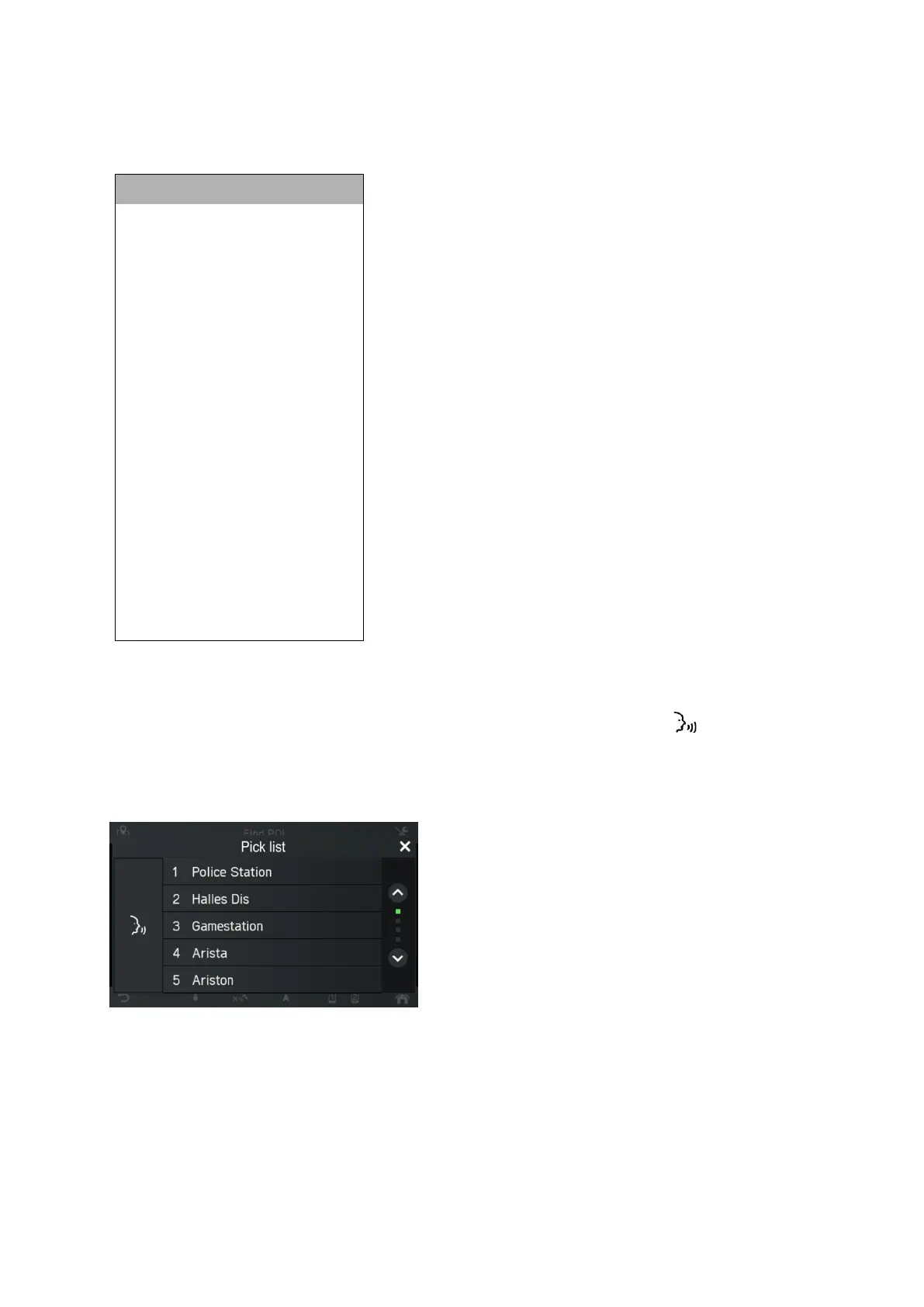
In order to assist the user, some information is displayed on the screen. This is
particularly useful when there is a need for disambiguation of user utterance.



 To Next Page