91
Select camera
You can use this option to select one of the two cameras.
• Press the
CAMERA
button and tap on the icon .
The Camera settings menu is displayed.
• Select a camera by tapping on camera preview.
• Tap the icon to change the view into Full mode.
The selected camera is displayed in Full mode.
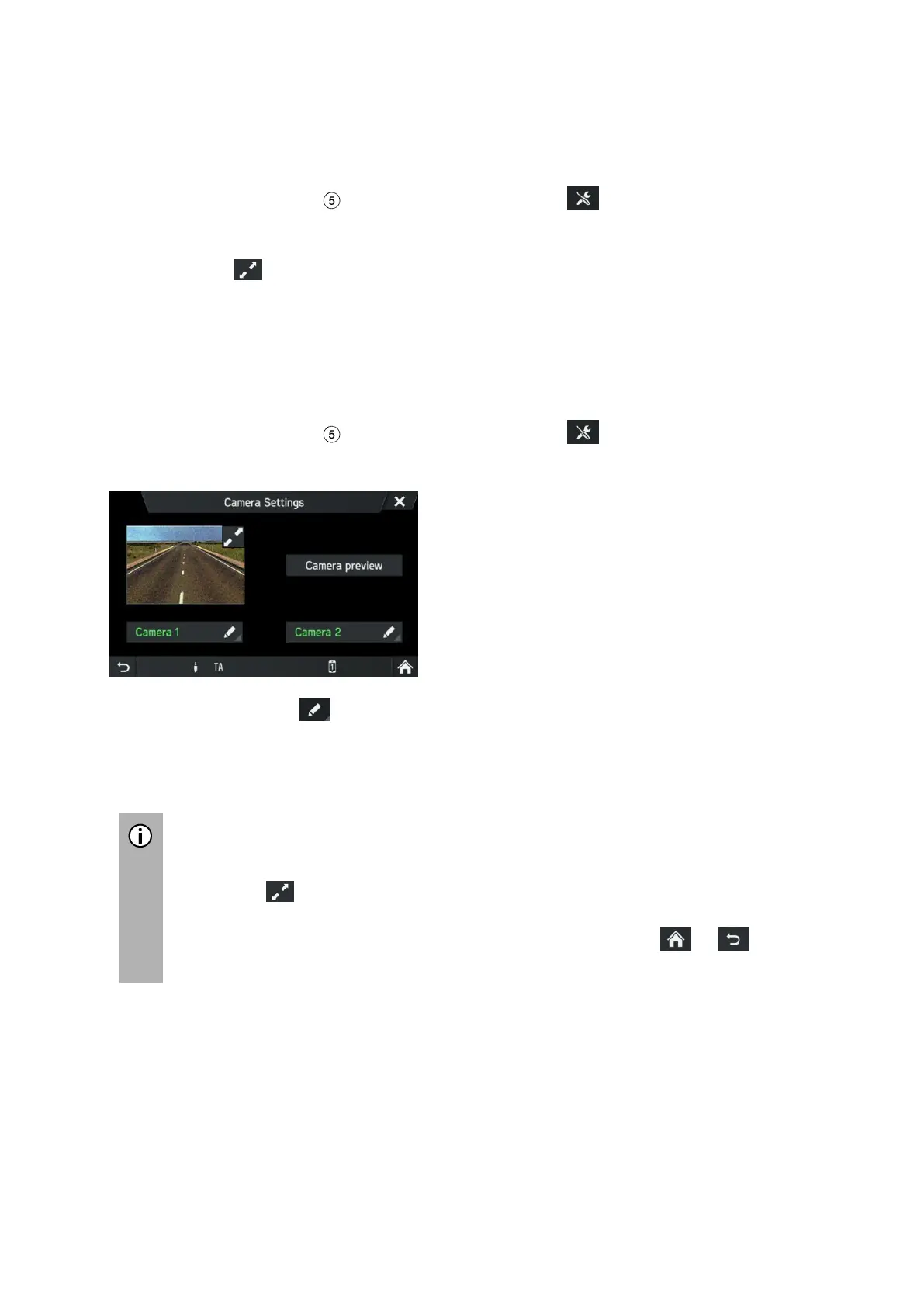
Camera settings
You can use this option to select a camera, to change the names of the cameras,
and to display a preview of the two cameras.
• Press the
CAMERA
button and tap on the icon .
The Camera settings menu is displayed.
• Tap on the icon behind the camera that you would like to rename.
• Enter a descriptive name using the onscreen keyboard and confirm your entry
with OK.
The Home page is displayed.
Switch between two cameras via button Camera preview.
Tap on the icon to get into full screen mode.
The top bar displays the name of the currently used camera.
To leave full screen mode tap any hard key or use the icon or in the
bottom bar.



 To Next Page